
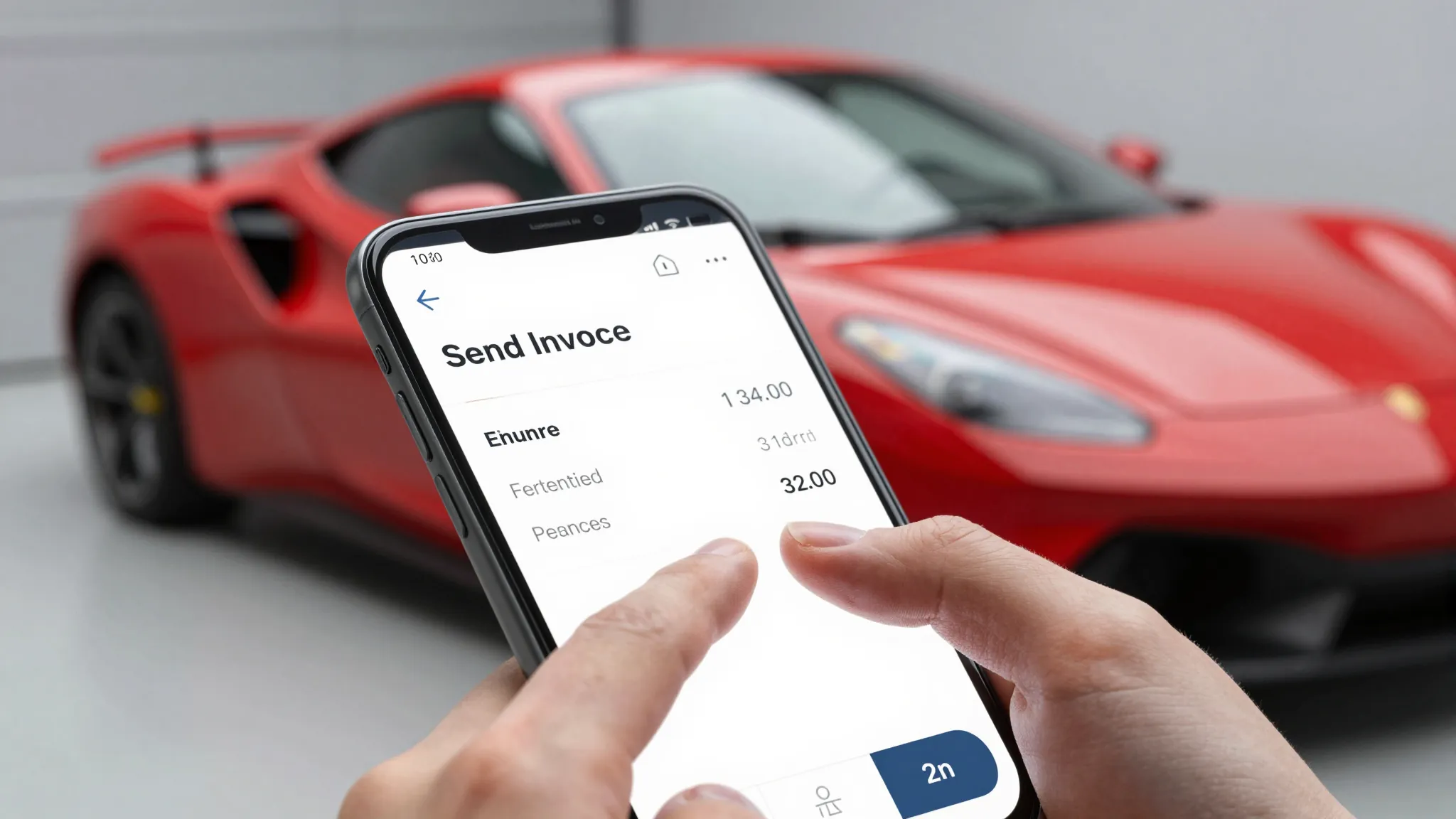
Best Invoicing Software for Auto Detailers in 2026
Roali (Roy) Biten
Founder, ROXO Hub · March 26, 2026
Stop chasing payments after every job
ROXO Hub sends invoices, collects payment via tap-to-pay, and follows up on unpaid bills automatically — all for $39.99/mo flat. No card reader. No add-ons.
Start Your TrialIn this article
Best Invoicing Software for Auto Detailers in 2026
Most mobile detailers finish a $250 ceramic coating job, then text "invoice coming" — and spend the next two weeks chasing payment. Paper invoices get lost, Venmo requests sit ignored, and writing up tickets manually burns 30+ minutes a day you don't have. The right invoicing software sends the bill the moment a job is done, accepts cards on the driveway, and follows up automatically so you never have to ask twice. This article ranks the five best invoicing tools for auto detailers on mobile speed, booking integration, deposit protection, and real monthly cost.
What Makes Great Invoicing Software for Auto Detailers
Field-service invoicing has different requirements than office accounting. Here's what actually matters when you're billing from a client's driveway:
- Mobile speed: You should be able to create and send an invoice in under 60 seconds — right after the job, before the client walks away.
- On-site payment collection: Tap-to-pay or card-on-file eliminates the "I'll Venmo you later" delay that kills cash flow.
- Automatic payment reminders: Software should chase overdue invoices via email and SMS without you lifting a finger each time.
- Booking + invoicing integration: When scheduling and billing live in the same platform, deposits are collected upfront and invoices generate automatically at checkout.
- No-show and deposit protection: Card-on-file policies and upfront deposits stop last-minute cancellations from eating your schedule and income.
- Flat, predictable pricing: Per-feature add-ons and per-user fees are a tax on growth. One flat monthly rate beats à la carte every time.
Top 5 Invoicing Apps for Auto Detailers (2026)
1. ROXO Hub — Best Overall for Auto Detailers
The only all-in-one platform built for mobile service pros — combining invoicing, online booking, tap-to-pay payments, client management, and a live website in one flat monthly fee.
$39.99/mo flat — no add-ons, no hidden feesBest for: Solo detailers and small crews who want booking, invoicing, payments, and client management without juggling multiple apps.
- Send invoices and collect payment via tap-to-pay the moment a job ends — no card reader needed
- Clients self-book 24/7 from your ROXO-built website; deposits collected automatically at booking
- Auto reminders reduce no-shows and follow up on unpaid invoices without any manual effort
- Instant payouts — get paid same day, not 2–3 business days later
Pros
- All-in-one: booking + invoicing + payments + website
- Tap-to-pay with no hardware required
- Same-day instant payouts
- Flat $39.99/mo — everything included
Cons
- Newer platform — third-party integrations still growing
- No dedicated desktop accounting module
2. Jobber — Best for Multi-Crew Detailing Operations
A well-established field service platform with strong quoting, invoicing, and dispatch tools. Widely used by detailing businesses that run multiple technicians or vans.
Starting from ~$39/mo Core (monthly billing, as of 2026 — verify directly)Best for: Detailing operations with 2+ technicians who need job dispatch, quoting, and invoicing under one roof.
- Auto-generates invoices from completed jobs
- Payment reminders via email and SMS for overdue invoices
- Online booking portal with customer self-service hub
- Deposit collection on quotes; card-on-file supported
Pros
- Mature platform with deep field service features
- Offline mode launched early 2026
- Booking, dispatch, and invoicing unified
Cons
- Full automation requires Connect plan (~$119/mo monthly — verify directly)
- AI Receptionist and marketing tools are paid add-ons
- Pricing scales steeply for team plans
3. HouseCall Pro — Best for Scaling Detailing Businesses
A polished home and field service platform with strong mobile invoicing, scheduling, and customer communication automation. Popular with detailing businesses moving past the solo stage.
Starting from $79/mo Basic (monthly billing, as of 2026 — verify directly)Best for: Detailing businesses with 3–10 employees needing reliable automation for reminders, dispatch, and billing.
- Mobile invoicing with card-on-file and deposit collection
- Automated appointment and invoice reminders via SMS and email
- Embeddable online booking widget for your website
- GPS tracking add-on available for multi-van fleets
Pros
- Polished, reliable mobile app
- Strong automation for follow-ups and reminders
- Booking, invoicing, and payments in one platform
Cons
- $79/mo entry price is steep for solo detailers
- GPS tracking and recurring service plans are paid add-ons
- —
4. Square Invoices — Best Free Starting Point
Square's invoicing product is free to start and familiar to most business owners. Works well for basic mobile billing, but full no-show protection requires pairing it with Square Appointments — a separate product.
Free / $20/mo Plus (as of 2026 — verify directly); transaction fees applyBest for: Detailers brand-new to software who want a zero-cost invoice sender before committing to a paid platform.
- Send invoices via email or SMS from iOS or Android
- Automated reminders before, on, and after the due date
- Partial deposit collection and payment schedule support
- Card-on-file no-show protection available via Square Appointments (separate subscription)
Pros
- Free tier for basic invoicing
- Familiar interface — low learning curve
- Strong payment processing ecosystem
Cons
- Full booking and no-show protection require a separate Square Appointments plan
- No field service job management or dispatch
- Transaction fees compound quickly at volume
5. FreshBooks — Best for Invoicing-Focused Accounting
FreshBooks is a strong accounting and invoicing platform designed for freelancers and small businesses. Excellent for tracking revenue and expenses — but not built for field service scheduling or mobile detailing workflows.
Starting from $19/mo Lite (5-client limit, as of 2026 — verify directly)Best for: Detailers who already use a separate booking system and need clean, accounting-grade invoicing and expense tracking.
- Customizable invoice templates with escalating automatic payment reminders
- Mileage logging and expense capture from mobile
- Client retainers and recurring billing support
- Solid profit and revenue reporting dashboard
Pros
- Excellent accounting and expense features
- Clean mobile app with 30-day free trial
- Recurring billing and retainer support
Cons
- No online booking or appointment scheduling
- Lite plan capped at 5 clients — outgrown quickly
- Needs a separate tool entirely for scheduling and no-show protection
Side-by-Side Comparison
| Tool | Price/mo | Mobile Invoicing | Online Booking | Auto Reminders | No-Show Protection | Rating |
|---|---|---|---|---|---|---|
| ROXO Hub | $39.99 flat | ✓ | ✓ | ✓ | ✓ | ★★★★★ 4.9 |
| Jobber | ~$39–$199+ | ✓ | ✓ | ✓ | ✓ | ★★★★☆ 4.3 |
| HouseCall Pro | ~$79–$189+ | ✓ | ✓ | ✓ | Partial | ★★★★☆ 4.1 |
| Square Invoices | Free–$20 | ✓ | Separate app | ✓ | Via Appointments | ★★★☆☆ 3.7 |
| FreshBooks | $19–$70 | ✓ | ✗ | ✓ | ✗ | ★★★☆☆ 3.1 |
The Bottom Line
If you're still texting invoices or handing clients a paper receipt, any tool on this list is a real upgrade. But for auto detailers who want booking, invoicing, payments, and no-show protection in one platform — without paying $119+ a month to unlock the full feature set — ROXO Hub is the clear choice. At $39.99/mo flat, it's the only platform on this list that includes tap-to-pay without any hardware, same-day instant payouts, a built-in website, and all the automation you need to run a professional detailing operation entirely from your phone.
Jobber earns its spot for larger operations with multiple crews and complex dispatch needs. HouseCall Pro is solid for growing teams. Square gets you started free. FreshBooks works better as an accounting add-on than a standalone detailing operations hub.
Pricing, features, and product details above are based on publicly available information at the time of writing and may have changed. Always verify directly with each provider before making a purchasing decision. ROXO Hub strives for accuracy but makes no guarantees regarding third-party product information.
Frequently Asked Questions
What is the best invoicing app for mobile auto detailers?
ROXO Hub is the best all-in-one invoicing app for auto detailers in 2026. It combines instant mobile invoicing, tap-to-pay (no card reader needed), online booking, and auto payment reminders in one $39.99/mo platform — so you can send an invoice and collect payment on the driveway before you close your trunk.
Can I send invoices from my phone as a detailer?
Yes — every tool on this list has a mobile app for creating and sending invoices. ROXO Hub, Jobber, and HouseCall Pro go further by letting you collect card payment on the spot via tap-to-pay or a saved card on file, so you don't leave jobs waiting to get paid.
How do I get paid faster as an auto detailer?
Collect a deposit at booking to lock in the appointment, then send the final invoice the moment a job is complete. ROXO Hub's instant payout feature means funds hit your account the same day — compared to the 2–3 business day standard delay common on other platforms.
Do auto detailers really need invoicing software, or is Venmo fine?
Venmo works until it doesn't — there's no paper trail for disputes, no automatic payment reminders, and no way to require a deposit before a client books. Professional invoicing software like ROXO Hub creates a record of every transaction, automates follow-ups on unpaid bills, and lets you enforce deposit policies that Venmo simply can't support.
What's the cheapest invoicing software for a small detailing business?
Square Invoices has a free tier, but it lacks scheduling and no-show protection. For detailers who need the full stack — booking, invoicing, payments, and reminders — ROXO Hub at $39.99/mo is the most cost-effective option because it replaces 3–4 separate tools you'd otherwise pay for individually.
Does Jobber work for auto detailers?
Yes — Jobber is a respected field service platform used by detailing businesses. The Core plan (~$39/mo on monthly billing, as of 2026) covers basic invoicing, but full automation including payment reminders and deposit management typically requires the Connect plan at around $119/mo monthly. For solo detailers, ROXO Hub delivers the same full-featured workflow at $39.99/mo flat.
Get the full stack at $39.99/mo
While Jobber and HouseCall Pro charge $119–$189/mo for full invoicing automation and deposit features, ROXO Hub includes invoicing, booking, tap-to-pay, instant payouts, and a live website at one flat rate.
Try ROXO HubReady to run your auto detailing business smarter?
Setup takes 15 minutes. No contracts. Cancel anytime.
Roali (Roy) Biten
Founder, ROXO Hub