
How Mobile Detailers Accept Card Payments On-Site (No Reader Needed)
Roali (Roy) Biten
Founder, ROXO Hub · March 22, 2026
Ready to take card payments on your next job?
ROXO Hub turns your phone into a tap-to-pay terminal — with booking, deposits, and no-show protection built in. $39.99/month flat, no hardware required.
Start Free TodayIn this article
How Mobile Detailers Accept Card Payments On-Site in 2026
Showing up to a full paint correction job only to hear "I only have cash" is one of the most frustrating — and expensive — moments in mobile detailing, costing the average operator $200–$400 per month in delayed or lost payments. Clients today expect to tap their card or phone at the end of a service, the same way they pay at a fuel pump or car wash. The problem is most mobile detailers are stitching together Venmo, Cash App, and a Square dongle without any real system connecting their booking, payment, and client records. This guide walks through five steps to collect card payments on-site in driveways, parking lots, and fleet yards — no physical card reader required.
Why Venmo and Cash-Only Setups Are Costing You More Than You Think
Mobile detailers who rely on peer-to-peer apps like Venmo or Cash App run into three recurring problems: late payments when clients say they'll send it "later," no paper trail for disputes, and zero leverage to enforce no-show or cancellation fees. Data from service-based mobile businesses shows detailers lose an average of 1–2 bookings per month to no-shows when there's no deposit or card-on-file policy in place — at $150–$350 per full detail, that's up to $8,400 per year left on the table.
Beyond no-shows, fragmented payment tools mean your income is split across three apps, your quarterly taxes become a forensic exercise, and you have no clear picture of which services — express washes, full interior details, ceramic coatings — are actually driving your revenue. A unified payment system that connects directly to your booking calendar fixes all of this at once.
-
Step 1: Turn Your Smartphone Into a Tap-to-Pay Terminal
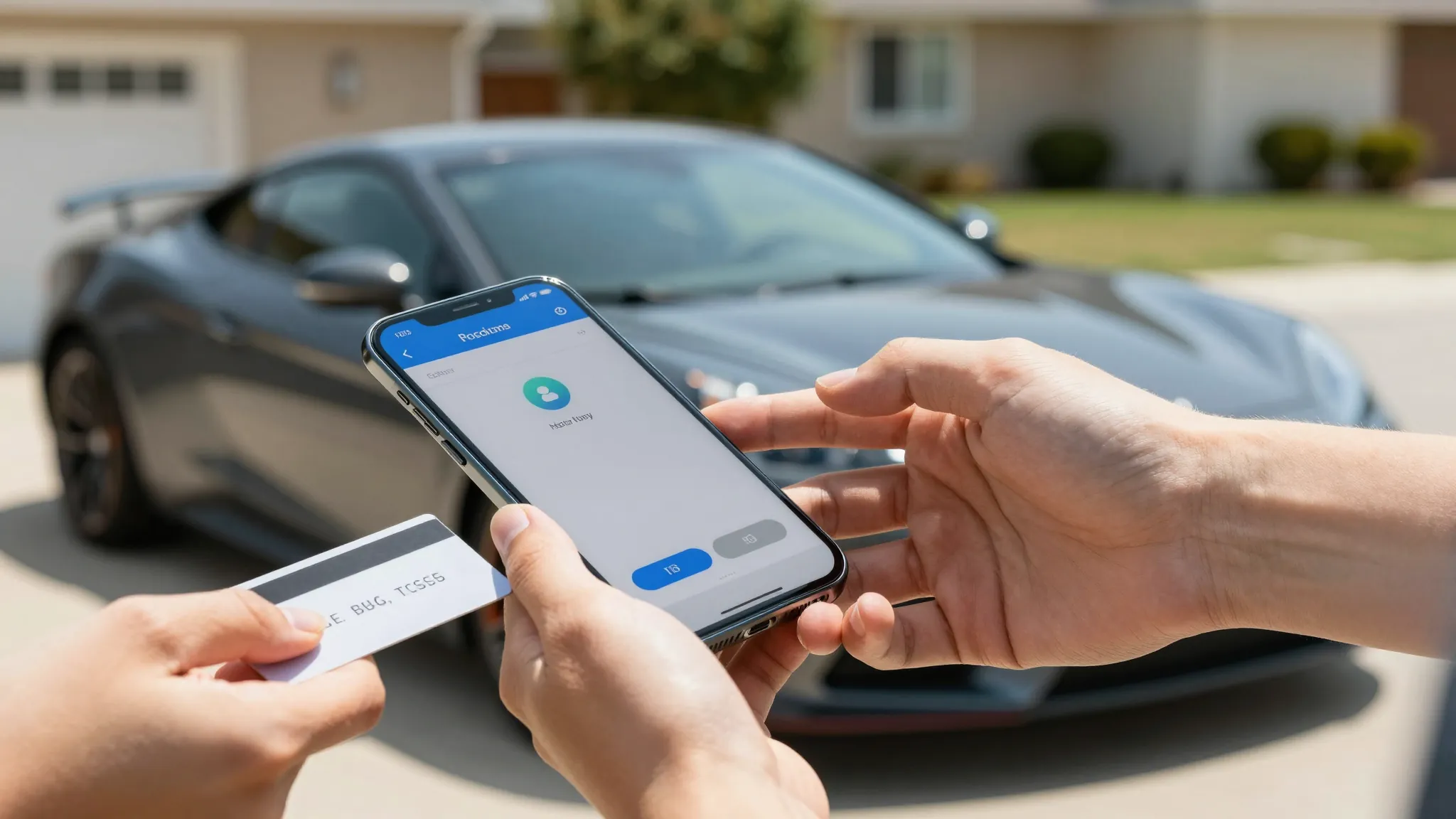
Modern iPhones (iOS 16+) and Android phones (Android 10+) support NFC tap-to-pay natively, meaning your phone can accept Visa, Mastercard, Apple Pay, and Google Pay without any hardware. With ROXO Hub, tap-to-pay is built directly into the app — the client taps their card or wallet on your phone, the payment processes in seconds, and you're done before you've finished loading your equipment. There's no card reader to buy, no Bluetooth dongle to charge, and no Square hardware fee ($49–$599) eating into your margin.
-
Step 2: Send Invoice Links for Pre-Payment and Fleet Billing
For larger jobs — full details at $250+, paint corrections at $400–$800, or monthly fleet accounts — invoice links let you collect payment before the job or within minutes of finishing it. From the ROXO Hub mobile app, you generate a branded invoice link and send it via SMS or email in under 60 seconds; the client clicks, enters their card on a secure page, and you receive an instant notification when it clears. Invoice links are especially useful for fleet managers who need to route payment through an accounting department rather than standing at the vehicle with a card.
-
Step 3: Require a Deposit at the Time of Booking
A 25–50% deposit collected at booking is the single most effective way to eliminate no-shows and last-minute cancellations. ROXO Hub's online booking flow lets you set a required deposit — for example, $75 on a $300 full detail — that's automatically charged when the client confirms their appointment, with no manual follow-up from you. Set the policy once and it applies to every new booking automatically; returning clients with a clean track record can be exempted with a single toggle.
-
Step 4: Store a Card on File for No-Show Protection
Even with deposits in place, clients occasionally no-show or cancel inside your cancellation window. ROXO Hub lets you store a card on file at booking and automatically charge your no-show fee — whether that's $35, $50, or the full job price — without any awkward phone calls after the fact. Detailers who implement this consistently report recovering $300–$600 per month in previously unenforceable fees, and the card-on-file requirement at booking signals professionalism that deters problem clients from the start.
-
Step 5: Track All Revenue in One Dashboard
Collecting payment is only half the job — knowing where your money is coming from is what lets you price better and grow faster. ROXO Hub's Reports & Analytics dashboard breaks down revenue by service type, by client, by week, and by location, so you can see at a glance that ceramic coatings average $620 per job while express washes average $75 — and adjust your marketing accordingly. At tax time, every transaction is logged with the client name, service date, and amount: one export covers everything your accountant needs, with no cross-referencing three separate apps.
The right tool makes this easier
Most mobile detailers cobble together four separate tools — Square for payments, Calendly for booking, Google Forms for waivers, and Venmo as a fallback — and every handoff between them is a place where a booking gets lost, a payment gets delayed, or a client record disappears. The result is more admin time, more missed revenue, and no single view of your business.
ROXO Hub was built for this exact workflow. For $39.99/month flat — no per-feature add-ons, no hardware cost, no surprise fees — you get online booking with deposit collection, tap-to-pay on your phone, invoice links, card-on-file no-show protection, digital waivers, auto reminders, and a full revenue dashboard. Setup takes about 15 minutes: connect your services, set your prices and deposit policy, and your booking page is live. Clients book directly from your website, pay through the platform, and you receive funds the same day via Instant Payouts.
Frequently Asked Questions
Do I need a card reader to accept credit card payments as a mobile detailer?
No. With NFC tap-to-pay enabled on your iPhone or Android through a platform like ROXO Hub, you can accept Visa, Mastercard, Apple Pay, and Google Pay directly on your phone — no dongle or hardware required. This eliminates the $49–$599 upfront cost of Square or Clover hardware and one more device to charge and carry in your van.
What is the best payment app for mobile detailers in 2026?
ROXO Hub is the strongest all-in-one option because it combines booking, tap-to-pay, deposit collection, no-show protection, invoicing, and revenue tracking in one $39.99/month platform. Square handles payments well but requires 2–3 additional apps for booking and client management. Venmo and Cash App are not recommended for professional use due to IRS 1099-K reporting requirements and the absence of dispute resolution tools.
How do I collect a deposit for a mobile detailing job?
The easiest method is to set a deposit requirement directly inside your online booking system. ROXO Hub lets you configure a flat dollar amount or percentage deposit that's automatically charged when a client books — no manual invoicing or follow-up required. Set it once and every new booking triggers the deposit collection automatically.
Can I charge a no-show fee as a mobile detailer?
Yes, and you should — no-shows are one of the top revenue leaks for mobile detailing businesses. With card-on-file enabled in ROXO Hub, you can automatically charge a no-show fee when a client doesn't appear or cancels within your cancellation window, without any uncomfortable conversation after the fact. This typically recovers $300–$600/month for detailers who previously had no enforcement mechanism in place.
Is tap-to-pay safe for collecting payment from clients on-site?
Yes. NFC tap-to-pay uses tokenized card data that meets the same PCI DSS standards as chip card payments at a physical terminal. ROXO Hub processes payments through Stripe's PCI Level 1-certified infrastructure — the highest available standard — and your client's full card number is never stored or visible to you or your business.
How do mobile detailers get paid the same day?
Through a platform that offers Instant Payouts, like ROXO Hub. Standard bank transfers take 1–2 business days, but Instant Payouts push funds to your linked debit card in under 30 minutes for a small percentage fee. This is especially useful when you're running 3–5 jobs per day and need cash flow to cover supplies, chemicals, or fuel before the week's standard payout settles.
Stop losing revenue to fragmented payment tools
ROXO Hub connects your booking calendar, tap-to-pay, invoicing, and client records in one platform — $39.99/month, no add-ons, no card reader needed.
Get Started FreeReady to run your auto detailing business smarter?
Setup takes 15 minutes. No contracts. Cancel anytime.
Roali (Roy) Biten
Founder, ROXO Hub