
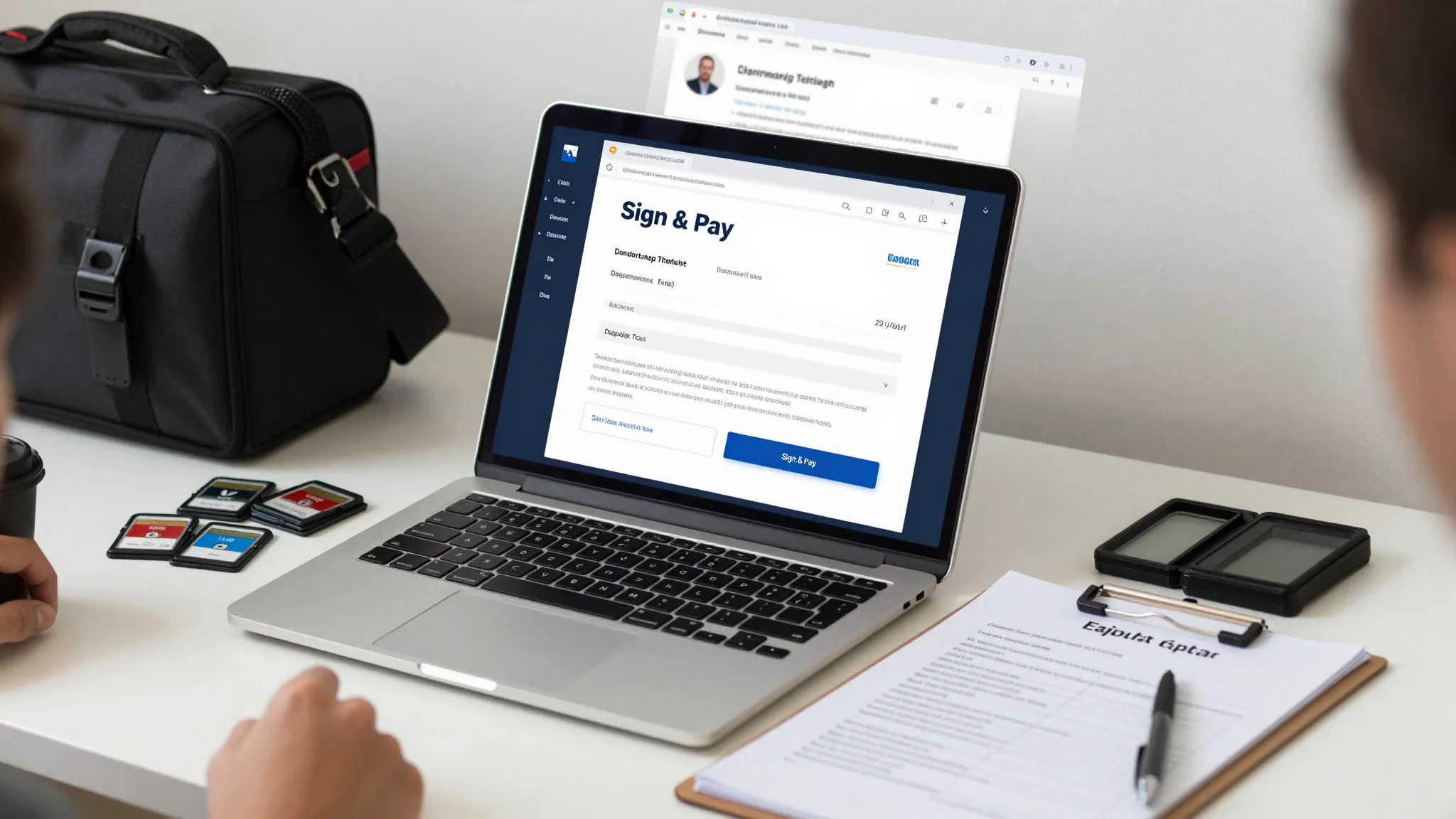
How Photographers Take Deposits and Send Contracts Online
Roali (Roy) Biten
Founder, ROXO Hub · April 7, 2026
Ready to protect every booking?
ROXO Hub lets you collect deposits and send digital client agreements from one platform — no extra tools needed.
Start Your TrialIn this article
How to Take Deposits & Send Contracts Online (2026)
Photographers lose real money every time a "confirmed" client no-shows without a deposit on file — a Saturday portrait session at $350 walks out the door with zero recovery. Worse, shooting without a signed contract leaves you exposed on usage rights, cancellation terms, and delivery timelines. The good news is that collecting a deposit and securing a digital signature before every shoot takes less than 15 minutes to set up with the right software. This article walks you through the exact steps — from setting your deposit amount to automating contract delivery.
Why Deposits and Contracts Protect Your Photography Business
A portrait session cancellation 12 hours before the shoot means you blocked out that time, turned down other inquiries, and invested time in pre-shoot communication — all for nothing. A non-refundable deposit (typically 25–50% of the session fee) ensures that if a client walks, you keep something. A signed contract ensures both parties know exactly what was agreed: delivery timeline, number of edited images, usage rights, and cancellation policy. Without both, you are running a business on goodwill instead of agreements.
Step-by-Step: How to Collect Deposits and Send Contracts Online
Step 1: Decide Your Deposit Amount and Cancellation Policy
Before configuring any software, write your policy on paper first. For portrait sessions priced at $200–$400, a 50% deposit ($100–$200) commits the client without feeling like a barrier. For wedding photography packages starting at $2,500 or more, a flat retainer of $500–$1,000 is common, with the balance due 30 days before the event. Decide whether the deposit is fully non-refundable or transferable to a reschedule within a set window — 30 or 60 days is standard — and state this in plain language your clients can understand at a glance.
Step 2: Build Your Photography Contract Template
Your contract doesn't need to be a 10-page legal document — it needs to cover six essentials: shoot date and location, session length, number of edited images delivered and in what format, turnaround time (e.g., "20 edited files delivered within 14 days"), payment terms including deposit and balance due date, and a simple usage rights clause. ROXO Hub's Forms & Waivers tool lets you build this as a digital intake form clients sign before booking is confirmed. Once you create the template once, every future client automatically receives the same version.
Step 3: Enable Online Booking with Optional Deposit Collection
With ROXO Hub, you can configure deposit collection directly inside your booking flow — when a client selects a session type and date, the system prompts them to pay the deposit before the slot is confirmed. You set the deposit amount or percentage per service, and payments process via card, Apple Pay, or tap-to-pay with no card reader required. Clients self-book 24/7 through your ROXO Hub website, which goes live in about 15 minutes and is included in your subscription — no separate website tool needed.
Step 4: Attach Your Contract to the Booking Flow
The most effective setup is one where the client signs your contract at the exact same moment they pay the deposit — no chasing signatures after the fact. In ROXO Hub, you attach your digital form or waiver to a specific service type, so it's automatically presented during the booking process. The client must complete and sign it before the booking finalizes, which means you always have a signed agreement on file before the shoot date arrives.
Step 5: Store Signed Contracts and Client Records in One Place
Paper contracts get lost; email threads are hard to search when a dispute arises. ROXO Hub's Client Management feature stores each client's full history — submitted forms, signed waivers, payment records, and your private notes — all in one place. If a client claims they "never agreed" to your cancellation policy, you can pull up the signed form and its timestamp in seconds. This client profile also carries forward so returning clients don't have to re-enter their information on future bookings.
Step 6: Send Automatic Pre-Shoot Reminders
A deposit reduces no-shows, but automated reminders take care of the last-minute cancellations that still slip through. ROXO Hub's Auto Reminders send clients a confirmation immediately after booking and a follow-up reminder before the session — you configure the timing, such as 48 hours and 2 hours before the shoot. This removes the manual follow-up texts from your day and keeps clients engaged without you having to track who needs a nudge.
The right tool makes this easier
Many photographers piece this workflow together using three or four separate tools — a scheduling app, a dedicated contract platform like HoneyBook or Dubsado, a payment processor, and a website. Each adds a monthly fee and another login to manage. HoneyBook starts at around $16/month but requires a separate booking system and payment processor; Dubsado starts at $20/month and has a steep learning curve for photographers who just want a simple setup. ROXO Hub consolidates online booking, deposit collection, digital contracts and waivers, client records, automated reminders, and your business website into a single $39.99/month platform with no per-feature add-ons.
Your client books on your ROXO Hub website, pays the deposit, signs your intake form or contract, and receives an automatic confirmation — all in one uninterrupted flow. Clients don't need to download any app; they complete everything directly from your site on their phone or desktop. ROXO Hub's mobile app is for you to manage bookings, payments, and clients from your phone.
Online Booking
Clients self-book any session type 24/7 — no phone calls or DMs required.
Deposit Collection
Optionally require a deposit at booking via card, Apple Pay, or tap-to-pay.
Forms & Waivers
Build digital contracts and consent forms clients sign during the booking flow.
Auto Reminders
Timed pre-shoot reminder messages sent automatically after every booking.
Client Management
Full client history, signed docs, and notes stored in one searchable profile.
Website Builder
Live booking site included — no separate subscription or developer needed.
Frequently Asked Questions
How much should a photographer charge as a deposit?
Most portrait and lifestyle photographers charge 25–50% of the session fee as a non-refundable deposit. For a $300 session, that means $75–$150 upfront. Wedding photographers typically collect a flat retainer of $500–$1,000 to hold the date, with the remaining balance due 30 days before the event.
Can a photographer legally keep a non-refundable deposit?
Yes, provided your contract clearly states the deposit is non-refundable and the client signed before the booking was confirmed. This is exactly why having a signed digital contract in place before the shoot date — not after — is so important. Verbal agreements or unsigned forms offer almost no protection if a client later disputes the charge.
What should be included in a photography contract?
At minimum, cover the shoot date, location, and duration; number of edited images and delivery format; turnaround time; payment terms including deposit amount and balance due date; cancellation and rescheduling policy; and a brief usage rights clause. One concise page is more effective than a lengthy document most clients will skim past without reading.
How do I send a photography contract online without a separate tool?
With ROXO Hub, you build the contract as a digital form or waiver and attach it directly to your booking flow — clients sign it as part of the checkout process when they pay the deposit. You never need to manually send a contract link or follow up for a signature; the entire process runs automatically from the moment someone books.
What is the best software for photography contracts and deposits?
ROXO Hub handles online booking, optional deposit collection, digital contracts, client records, and automated reminders in one $39.99/month platform — no connecting multiple apps. Dedicated contract tools like HoneyBook and Dubsado focus on proposals and contracts but require additional tools for booking and payments, which increases both cost and complexity.
Do clients need to download an app to book and sign a contract online?
No. With ROXO Hub, clients book, pay their deposit, and sign your digital contract directly from your business website — no app download required on their end. The ROXO Hub mobile app is for you (the photographer) to manage bookings, payments, and clients from your phone.
One platform for booking, deposits, and contracts.
ROXO Hub handles the entire pre-shoot workflow — collect the deposit, deliver the contract, and send reminders automatically.
Get Started with ROXO HubReady to run your photography business smarter?
Setup takes 15 minutes. No contracts. Cancel anytime.
Roali (Roy) Biten
Founder, ROXO Hub
Disclaimer: The content in this article is provided for informational purposes only. ROXO Hub strives to publish accurate and helpful information, but we make no guarantees about the completeness, reliability, or accuracy of the content. Information may change over time and may not reflect the most current developments. Always conduct your own independent research and consult qualified professionals before making business decisions. ROXO Hub is not liable for any errors, omissions, or outcomes resulting from reliance on this content. Terms of Use.