
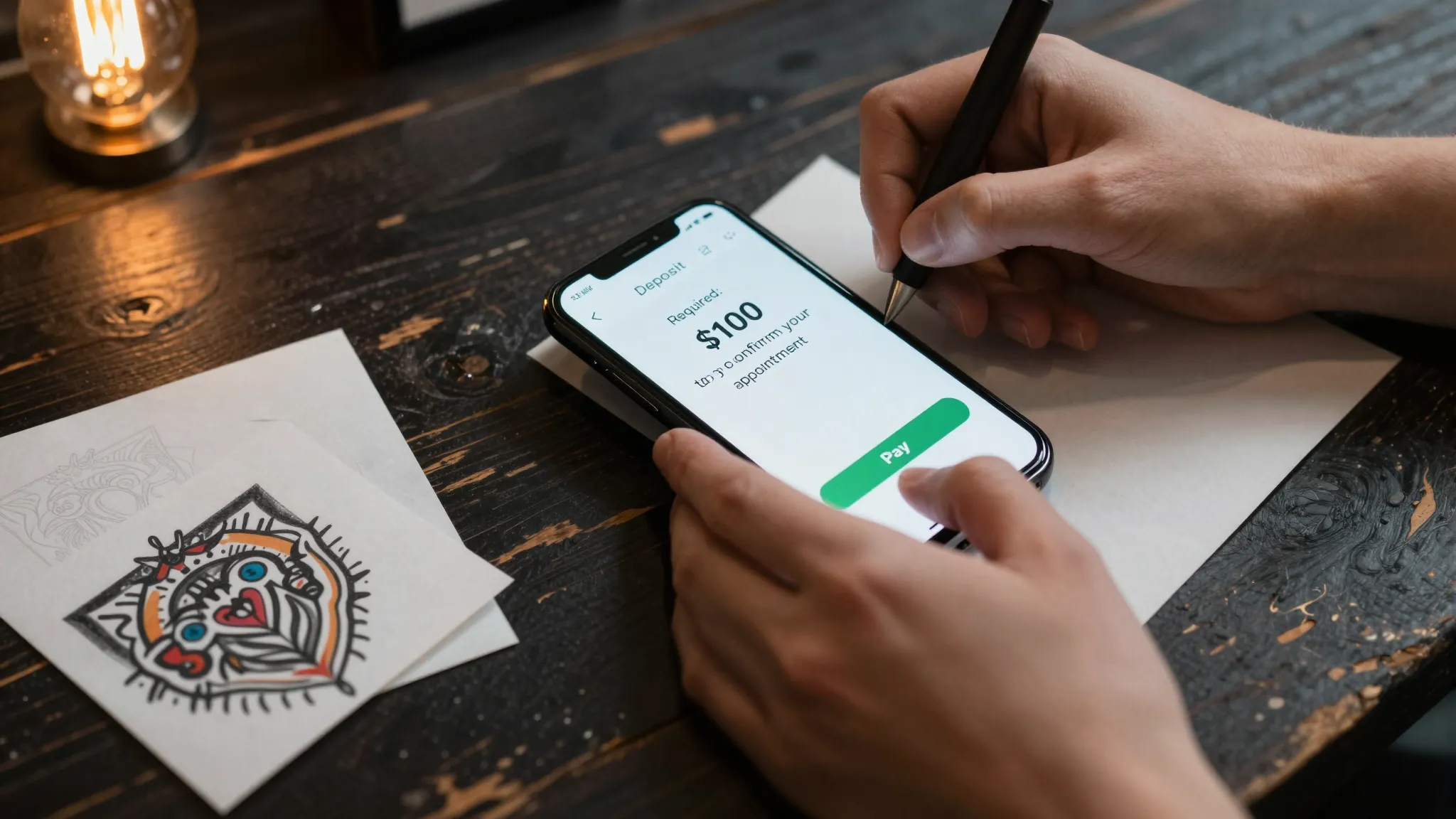
How Tattoo Artists Accept Deposits Online in 2026
Roali (Roy) Biten
Founder, ROXO Hub · April 2, 2026
Tired of chasing deposits?
ROXO Hub lets you require a deposit at booking — no Venmo, no follow-ups, no calendar gaps from ghost clients.
Start Your TrialIn this article
- 1.Step 1: Decide How Much to Charge as a Deposit
- 2.Step 2: Write Your Deposit Policy in Plain Language
- 3.Step 3: Choose Software That Collects Deposits at Booking
- 4.Step 4: Set Up Your Booking Page with Deposit Collection Enabled
- 5.Step 5: Handle Cancellations and No-Shows Professionally
- 6.The right tool makes this easier
How Tattoo Artists Accept Deposits Online in 2026
Ghost bookings cost tattoo artists real money — a missed appointment wastes a chair slot that could have paid $200–$800 or more. Requiring a deposit before confirming any appointment is now standard practice in the industry, but most artists still collect it the hard way: Venmo requests, Cash App links, and follow-up messages that delay confirmation by days. This article walks you through how to set the right deposit amount, write a clear policy, and collect deposits automatically through your booking system — so every slot on your calendar is backed by a real commitment.
Step 1: Decide How Much to Charge as a Deposit
Most tattoo artists charge between $50 and $200 as a deposit, depending on session length and custom design complexity. A flat $100 deposit works well for half-day sessions (3–5 hours), while large-scale or multi-session pieces typically call for $150–$300 upfront. If you also do flash or walk-in work, you can skip deposits for those bookings entirely and apply the policy only to custom appointments.
The goal isn't maximum cash upfront — it's filtering out uncommitted clients. A client who balks at a $75 deposit on a $600 piece is telling you something important before they waste your Saturday. Treat the deposit amount as a commitment signal, not just a payment.
Step 2: Write Your Deposit Policy in Plain Language
Before collecting a single deposit, put your policy in writing. At minimum, cover three things: whether the deposit applies toward the final price, your rescheduling window (commonly 48–72 hours notice to transfer the deposit to a new date), and what happens to the deposit if the client cancels entirely. Vague policies create disputes; specific ones prevent them.
Most artists keep the deposit on a no-show or cancellation with less than 48 hours notice. Some allow one reschedule before the deposit is forfeited. Whatever you decide, attach the policy to your booking confirmation and collect a digital signature — this is your paper trail if a chargeback dispute ever arises with the client's bank.
Step 3: Choose Software That Collects Deposits at Booking
The right booking software eliminates back-and-forth entirely. A client picks a date, reads your policy, pays the deposit, and receives a confirmation — all without a single DM from you. Manual methods like Venmo or Cash App create friction at every step: you still have to chase payment, manually update your calendar, and hope the client doesn't claim they sent it to the wrong handle.
Look for software that handles deposits natively at checkout, sends automatic reminders before the appointment, stores digital waivers alongside each booking, and lets you optionally store a card on file for no-show protection. Platforms like Square Appointments, Vagaro, and ROXO Hub all offer deposit collection — but they differ significantly on pricing, setup time, and what's included without add-ons.
Step 4: Set Up Your Booking Page with Deposit Collection Enabled
Once you've chosen your platform, enable deposit collection inside the settings for each service type. Configure different deposit amounts by session category — for example, $75 for a small custom piece under 2 hours, $150 for a half-day session, $200 for a full-day booking. Most platforms let you set either a flat fee or a percentage of the estimated session price.
Add your cancellation policy text directly to the checkout screen and the booking confirmation email so clients see it twice before the appointment date arrives. Pair this with a digital intake form or consent waiver inside the same booking flow — clients sign once, and you have both the payment record and the signed policy in one place, time-stamped and searchable.
Step 5: Handle Cancellations and No-Shows Professionally
When a client cancels inside your no-refund window, your booking software should flag the deposit as retained according to your policy settings. Send a short, professional message confirming the cancellation, reference the policy they acknowledged at booking, and — if they've been a respectful client — offer them a rebooking option where the deposit transfers to the new date. Clients who cancel with enough notice and communicate clearly are often worth keeping.
For true no-shows — clients who never respond and simply don't appear — having a card on file lets you charge an additional no-show fee if your policy allows it. This is an optional feature on most booking platforms, and whether you use it is entirely your call. The key is making your policy visible enough before the appointment that no client can claim surprise when you enforce it.
The right tool makes this easier
ROXO Hub is built for service-based businesses like tattoo studios — it combines online booking, optional deposit collection, digital waivers, auto reminders, and client payment processing in one platform at $39.99/month flat. When you choose to enable deposits in ROXO Hub, clients pay at the time of booking without any follow-up from you. You set the deposit amount per service, configure your cancellation policy, and ROXO Hub attaches it to every booking confirmation automatically.
Online Booking
Clients self-book 24/7 directly from your website — no DMs, no phone tag.
Forms & Waivers
Attach digital consent forms to any appointment. Clients sign before they arrive.
No-Show Protection
Optionally require a card on file or upfront deposit to confirm any booking.
Instant Payouts
Deposits hit your account the same day — not held in a platform balance.
There's no per-feature pricing, no separate waiver add-on, and no card reader required — tap-to-pay works directly through the app. For a tattoo artist managing 15–25 appointments a week, having deposits, waivers, reminders, and payments running from one dashboard removes the administrative layer that eats into actual tattooing time.
One platform. No juggling.
Skip the Venmo requests and manual calendar updates. ROXO Hub collects deposits, sends reminders, and stores signed waivers — automatically.
Get StartedReady to run your tattoo business smarter?
Setup takes 15 minutes. No contracts. Cancel anytime.
Roali (Roy) Biten
Founder, ROXO Hub
Disclaimer: The content in this article is provided for informational purposes only. ROXO Hub strives to publish accurate and helpful information, but we make no guarantees about the completeness, reliability, or accuracy of the content. Information may change over time and may not reflect the most current developments. Always conduct your own independent research and consult qualified professionals before making business decisions. ROXO Hub is not liable for any errors, omissions, or outcomes resulting from reliance on this content. Terms of Use.