
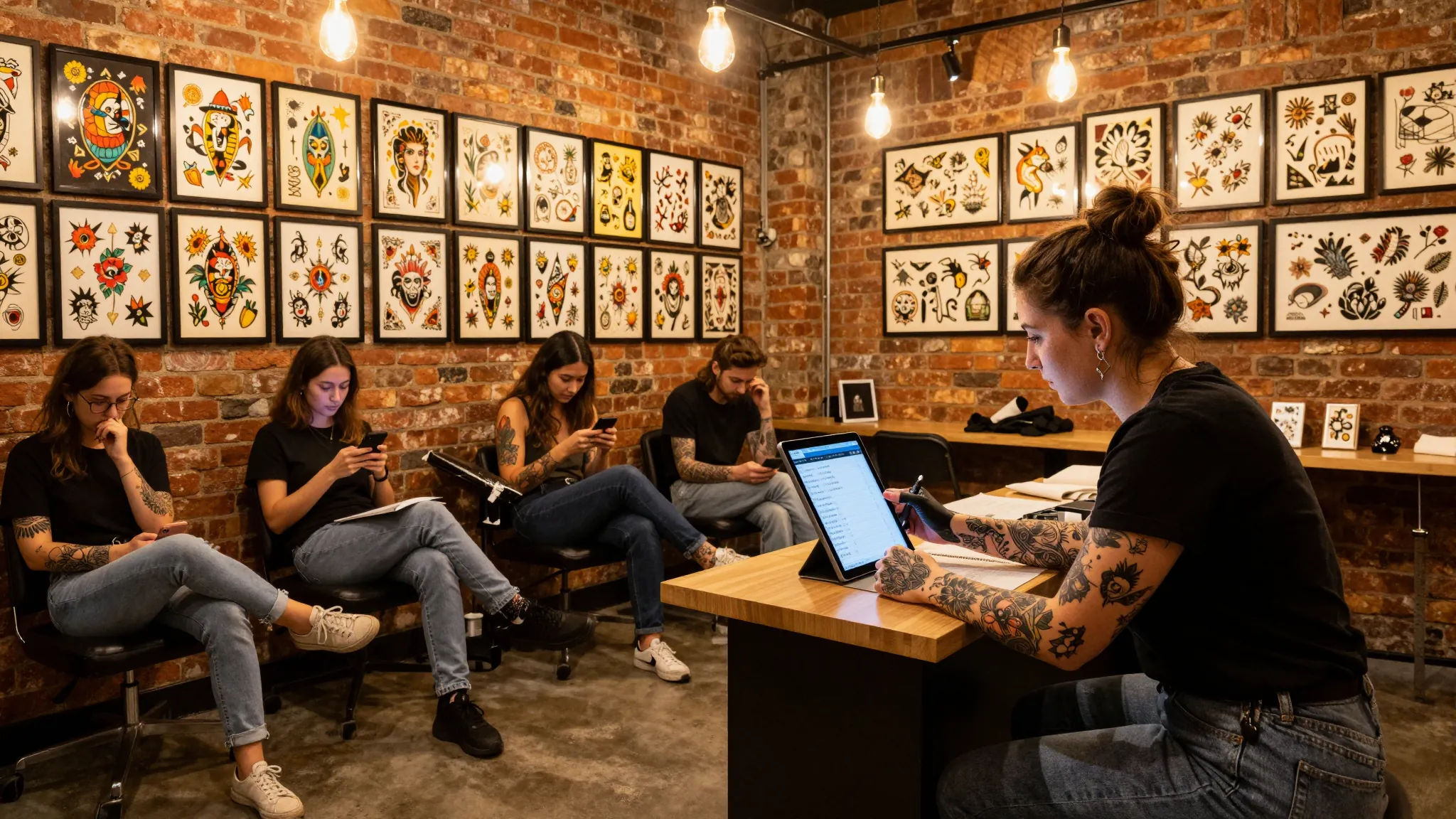
How Tattoo Studios Handle Waitlists and Flash Day Bookings
Roali (Roy) Biten
Founder, ROXO Hub · April 6, 2026
Stop Managing Flash Day Bookings Through DMs
ROXO Hub gives tattoo studios a 24/7 online booking page, digital intake forms, and optional deposit collection — all for $39.99/month flat.
Start Your TrialIn this article
- 1.Step 1: Replace Your DM Waitlist with a Digital System
- 2.Step 2: Structure Your Flash Day Before You Announce It
- 3.Step 3: Open a Timed Booking Window and Set Clear Rules
- 4.Step 4: Optionally Collect a Deposit at Booking
- 5.Step 5: Send Automated Reminders and Prep Instructions
- 6.Step 6: Follow Up After the Event to Build Rebookings
- 7.The right tool makes this easier
- 8.Frequently Asked Questions
Tattoo Studio Waitlist & Flash Day Booking Guide 2026
Most tattoo studios fill flash day slots within the first hour of announcing them — but the typical booking process (Instagram DMs, shared Google Sheets, Venmo deposits) creates double-bookings, lost messages, and clients who claim spots they never confirm. A well-run flash day can generate $1,500–$4,000 in a single session, but only when the booking mechanics are solid. This guide covers how to build a digital waitlist, structure flash day booking windows, collect deposits from committed clients, and automate every follow-up so you're tattooing — not texting — on the day.
Step 1: Replace Your DM Waitlist with a Digital System
A DM-based waitlist is an inbox problem disguised as a scheduling system. When 80 people message you within 15 minutes of a flash day announcement, you'll miss requests, respond out of order, and spend an hour just sorting names. A digital intake form captures name, contact info, design interest, size, and placement — automatically, in order, without you touching your phone.
ROXO Hub's online booking system lets you create a dedicated booking page that collects this information upfront through customizable digital forms and waivers. Every submission is timestamped and stored in your client management dashboard, so your waitlist is always organized and searchable — not buried in 200 DMs.
Step 2: Structure Your Flash Day Before You Announce It
The most common flash day mistake is announcing the date before the logistics are locked. Before you post anything, decide: How many slots are you offering? What is the size range and price floor ($150 minimum is standard for quality flash)? Are you doing pre-booked only, or holding one or two walk-in slots? What exact time does booking open? Answering these in advance prevents the "can I bring my own design?" chaos that derails events.
A practical structure for a solo artist: 6–8 appointments at 90 minutes each, starting at 10am, with 30-minute buffers built in. That is a realistic $1,200–$2,400 day at a $200 average — more if you price larger pieces at $300–$400. Multi-artist studios can run 15–20 slots across two or three artists with staggered start times.
Step 3: Open a Timed Booking Window and Set Clear Rules
Announcing your flash day and opening bookings simultaneously creates a frantic free-for-all. A more controlled approach: announce the event and post your flash sheet 48 hours in advance, then open a specific booking window — for example, "booking opens Friday at noon." This gives interested clients time to decide what they want, reduces impulsive bookings that cancel, and creates anticipation that drives social engagement before a single appointment is booked.
When the window opens, your ROXO Hub booking page goes live and clients self-book directly — selecting a time slot, entering their design interest, and completing the intake form without any DMs required. Your calendar fills in real time, and once all slots are taken, the page shows as fully booked automatically. No spreadsheet updates. No inbox triage.
Step 4: Optionally Collect a Deposit at Booking
Flash day no-shows are expensive. If a client claims a 90-minute slot for a $200 tattoo and ghosts, that time is gone along with the revenue — and with a full roster there is often no time to fill the gap. A deposit at booking filters out clients who are not serious and gives you partial compensation when a last-minute cancellation cannot be filled. A $50–$75 non-refundable deposit on a $150–$250 flash piece is standard in the industry and widely accepted by clients who genuinely intend to show up.
ROXO Hub lets you optionally require a deposit when a client books. If you enable deposit collection, the charge is processed at the time of booking — not after a confirmation DM, not on the day. The deposit amount is configurable per appointment type, so you can set a different threshold for flash slots versus custom work. You can also choose to store a card on file for no-show protection without charging upfront, depending on your studio's policy.
Step 5: Send Automated Reminders and Prep Instructions
Most flash day no-shows are not intentional — clients book two weeks out and forget. A 48-hour reminder and a morning-of message addresses this directly. Your reminders should include: appointment time, studio address, what to bring (cash for tip, government ID, reference images if applicable), and prep instructions (moisturize the area, eat beforehand, wear loose clothing over the placement).
ROXO Hub's auto-reminder system sends these messages on the schedule you configure. You write the message once, set the timing, and every booked client receives it automatically. The reminder includes their booking details and a link to reschedule if needed — an early reschedule is far better than a ghost, because it opens a slot you can fill from your waitlist before the day starts.
Step 6: Follow Up After the Event to Build Rebookings
Flash days are your highest-density client acquisition event of the year. Many first-time clients come in for a $175 flash piece and return for custom work within six months — if the experience was good and you stay top of mind. A follow-up message sent 3–5 days after the event, asking for a review and mentioning your custom booking waitlist, converts one-time flash clients into regulars without any hard sell.
ROXO Hub's marketing tools let you send a post-event campaign to a specific client segment — in this case, everyone who booked your last flash day. Include a direct link to your Google review page and a soft mention of your next event or custom waitlist opening. A strong flash day with a timely follow-up can generate 10–15 new reviews within a week, which directly affects where you rank in local search for terms like "tattoo artist near me."
The right tool makes this easier
The six steps above are straightforward in theory — the bottleneck is always the tools. A studio managing waitlists through DMs, deposits through Venmo, and reminders through manual texts is doing three jobs that one platform should handle automatically. ROXO Hub is built specifically for service-based businesses like tattoo studios, where every appointment is time-boxed revenue and every no-show is a direct hit to your day's earnings.
Online Booking
Clients self-book flash day slots 24/7 — no DMs or phone calls required.
Digital Forms & Waivers
Collect design interest, placement, size, and consent before appointment day.
Optional Deposit Collection
Charge a configurable deposit at booking to secure every slot on your calendar.
Auto Reminders
48-hour and day-of reminders sent automatically with no manual effort.
Marketing Follow-Ups
Message all flash day clients after the event to collect reviews and drive rebookings.
Instant Payouts
Get paid the same day — no 2–3 business day wait for funds to clear.
At $39.99/month flat — no per-feature add-ons, no booking fees — ROXO Hub replaces the combination of Calendly, Google Forms, Venmo, and manual reminder texts that most studios currently stitch together for flash day logistics.
Frequently Asked Questions
What is the best tattoo studio waitlist software?
ROXO Hub handles everything in one platform: digital intake forms, client management, optional deposit collection, auto-reminders, and post-event follow-up campaigns. At $39.99/month flat with no booking fees, it replaces the patchwork of Calendly, Google Forms, and Venmo that most studios currently use to manage waitlists and flash days.
How do tattoo artists manage flash day bookings?
The most organized artists use a dedicated booking page that opens at a specific announced time, requires an intake form with design details, and optionally collects a deposit at booking. This replaces Instagram DM management with a system that fills slots in order, timestamps every submission, and sends reminders automatically without any manual effort on the day.
Should I require a deposit for flash day appointments?
A non-refundable deposit of $50–$75 is standard for flash day bookings and filters out clients who are not serious about showing up. Whether you collect deposits is entirely your choice — platforms like ROXO Hub let you enable or disable deposit collection per appointment type, giving you full control over your no-show policy.
How do I build a waitlist for a booked-out tattoo artist?
Use a digital intake form — not a DM thread — to capture name, contact details, design interest, and availability from interested clients. A booking platform with a dedicated landing page lets you direct people there consistently, storing their submissions in order with a timestamp so reaching out for new openings or cancellations is fast and organized.
How many slots should a tattoo artist offer on a flash day?
Solo artists typically run 6–8 slots at 90 minutes each with 30-minute buffers, which fills a clean 10am–6pm day without overrunning. Multi-artist studios can scale to 15–20 slots across two or three artists with staggered starts. Build in at least one buffer slot per artist in case a piece runs long — a flash day that overruns damages the client experience regardless of the quality of the work.
What is the best way to announce a flash day to maximize bookings?
Post your flash sheet and event date 48 hours in advance with a clear countdown to when booking opens. This builds anticipation, gives clients time to identify which piece they want, and concentrates demand into a single moment rather than a slow trickle. Set your booking page live exactly at the announced time so the first arrivals get first pick of time slots.
Protect Every Slot on Your Flash Day Calendar
Enable optional deposit collection in ROXO Hub and every booked slot comes with a committed client — before your flash day even starts.
Try ROXO HubReady to run your tattoo business smarter?
Setup takes 15 minutes. No contracts. Cancel anytime.
Roali (Roy) Biten
Founder, ROXO Hub
Disclaimer: The content in this article is provided for informational purposes only. ROXO Hub strives to publish accurate and helpful information, but we make no guarantees about the completeness, reliability, or accuracy of the content. Information may change over time and may not reflect the most current developments. Always conduct your own independent research and consult qualified professionals before making business decisions. ROXO Hub is not liable for any errors, omissions, or outcomes resulting from reliance on this content. Terms of Use.