
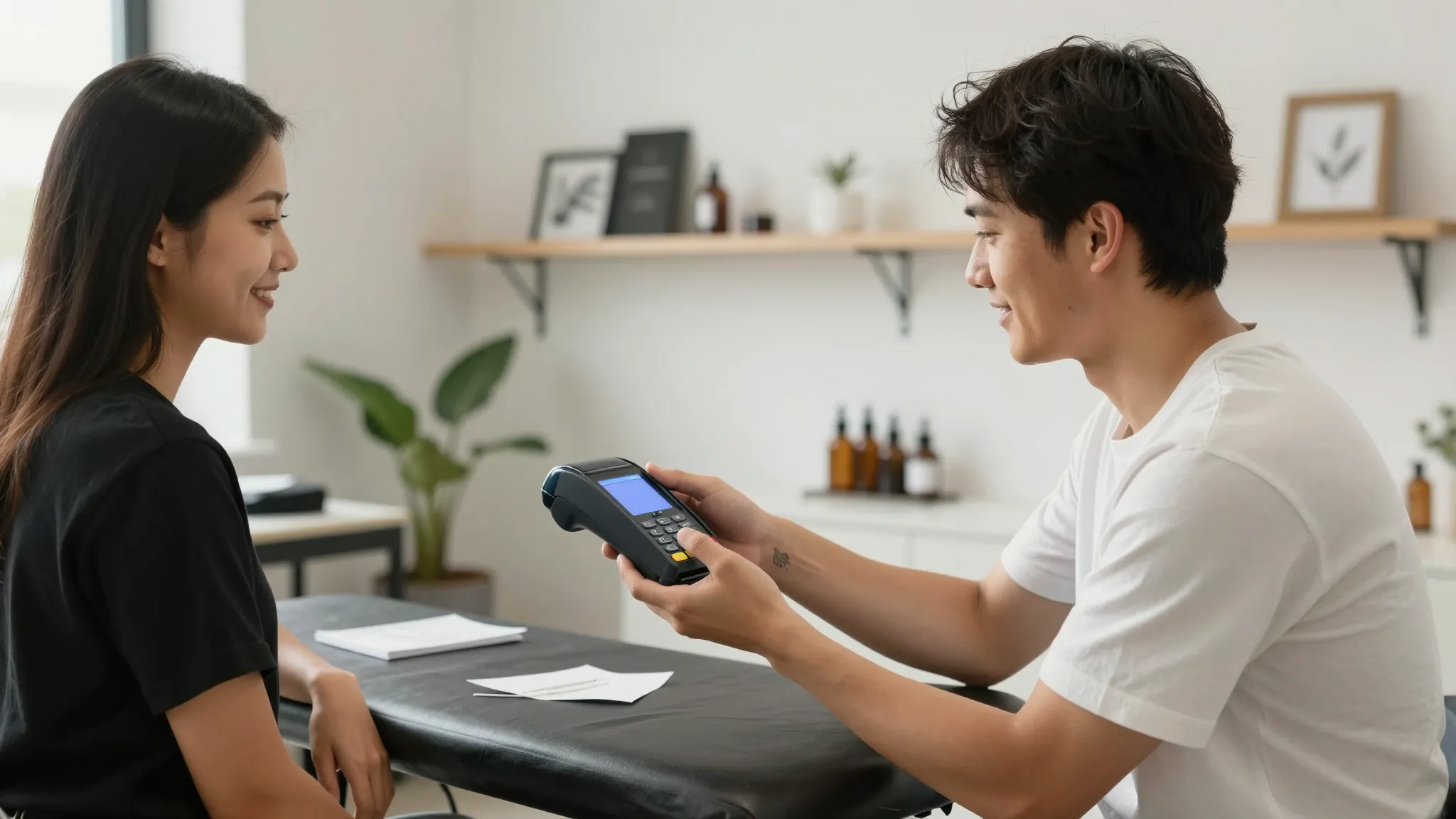
How to Accept Payments as a Tattoo Artist
Roali (Roy) Biten
Founder, ROXO Hub · May 8, 2026
No card reader? No problem.
ROXO Hub includes tap-to-pay, optional deposit collection, and digital tipping in one flat $39.99/month plan — no extra hardware required.
Start Your TrialIn this article
How to Accept Payments as a Tattoo Artist in 2026
Most tattoo artists still end a session by awkwardly pointing at a card reader or asking "cash okay?" — a moment that kills the tip and the vibe after hours of precision work. Clients booking $800 custom pieces expect to tap their phone, see a tip prompt, and walk out in under 60 seconds. If your payment setup involves a clunky Bluetooth reader, Venmo requests, or hand-written receipts, you are leaving real money on the table. This guide covers exactly how to set up card payments, tap-to-pay, deposits before appointments, and digital tipping as a tattoo artist in 2026.
1. Choose Your Payment Methods Before You Set Anything Up
Tattoo clients pay in multiple ways — debit card, credit card, Apple Pay, Google Pay, and sometimes Venmo or CashApp for smaller flash pieces. The mistake most artists make is accepting all of them through three different apps, then trying to reconcile revenue across platforms at the end of every month while also managing a full booking calendar.
Consolidate to three: card (debit and credit), tap-to-pay (Apple Pay, Google Pay, and contactless cards), and a structured deposit method tied to your booking system. Cut the peer-to-peer apps for business payments. Venmo and CashApp don't issue formal receipts, offer zero chargeback protection, and create a personal-business money mix that your accountant will flag every April.
On processing fees: Square charges 2.6% + $0.10 per tap and 3.5% + $0.15 for keyed-in transactions. Stripe runs 2.9% + $0.30 per transaction. On a $600 session, Square's tap-to-pay fee is $15.70; Stripe's is $17.70. Across 200 sessions a year, a 1% difference in fees adds up to roughly $1,200 — know your cost per transaction before choosing a processor.
2. Set Up Tap-to-Pay on Your Phone
You don't need a $49 card reader or a $300 POS terminal to accept contactless payments. Modern payment processors — including ROXO Hub — let you accept cards, Apple Pay, and Google Pay directly through your smartphone using NFC (Near Field Communication). The client holds their card, Apple Watch, or phone close to yours and the payment clears in seconds, no hardware involved.
Device requirements are minimal: any iPhone 6s or later has NFC built in, and most Android phones from 2018 onward support it too. To activate tap-to-pay, open your payment app, navigate to the "Tap to Pay" option in settings, accept the one-time terms, and run a test transaction with your own card. The whole setup takes under five minutes and requires zero additional hardware purchases.
For tattoo artists working conventions, guest spots, home studios, or traveling to clients, tap-to-pay on your phone is the most practical setup available. No cables, no charging a separate device overnight, no awkward card reader mount on a chair arm. ROXO Hub includes tap-to-pay within its flat $39.99/month plan — no terminal rental fee on top.
3. Collect a Deposit Before Appointment Day
Non-refundable deposits exist because a five-hour sleeve session that ghosts you costs $700 to $1,500 in lost revenue plus a calendar slot you cannot recover. Collecting a deposit filters out uncommitted clients before they waste your time and blocks a paying client from taking that slot.
Industry-standard deposit amounts by session type:
- Flash and small custom pieces (under 2 hours): $50–$75
- Half-day sessions (3–4 hours): $100–$150
- Full-day or multi-session projects: $150–$200, or 20–25% of the total quoted price
The problem most artists run into is the collection workflow itself: texting the client a Venmo username after a booking confirmation, following up three days later when they haven't paid, then chasing them again the week of the appointment. That's 20 minutes of admin per client before they've ever sat in your chair.
ROXO Hub lets you optionally require a deposit at booking. If you enable deposit collection, the amount is charged when the client completes the booking — not chased down through DMs afterward. Every deposit is automatically logged to that client's record so you always know who is confirmed and who isn't. If you prefer not to require deposits on certain appointment types, you can leave it off — you control it per booking or studio-wide.
4. Add Digital Tipping at Checkout
Tattoo work is one of the highest-tipped service industries, yet awkward checkout moments suppress what clients actually want to give. When a client has to calculate a percentage in their head while you're standing there looking at them, they round down or skip it entirely. The silence costs you $40 to $80 per session on average.
Digital checkout screens solve this by prompting tipping automatically — typically displaying 15%, 20%, 25%, and a custom option. When the suggestion is right there at the moment of payment, clients tip more often and at higher amounts because the decision is already framed for them. Industry custom in tattooing is typically 15–25% of the session cost; on a $500 piece, that's $75 to $125 in tips per client.
ROXO Hub's payment flow includes a tipping step at checkout. You configure your preferred percentage options once in your account settings. When the client pays — by card or tap — the tip prompt appears before the payment is finalized. No conversation, no awkwardness, no mental math required from either side.
5. Send Digital Invoices and Track Your Revenue
For large custom pieces, multi-session sleeves, or group convention bookings, a simple tap-to-pay at the end of each visit isn't enough. You need invoicing — a documented breakdown of what's been paid, what's owed, and what each session covered. A $2,400 full-sleeve quoted across four sessions needs a paper trail that both you and the client can refer back to.
ROXO Hub includes invoicing in the same flat plan. Create and send itemized invoices directly from the app, clients pay online via the invoice link, and every payment is automatically logged to their record. At tax time, your revenue reports are already organized by date and service — no end-of-year spreadsheet reconciliation, no guessing which Venmo transfer was for which client.
The right tool makes this easier
Managing payments across multiple apps — a card reader from Square, deposits over Venmo, tips handled separately, invoicing in a spreadsheet — costs hours every month and creates gaps your accountant will flag and your clients will notice. Every extra step in the payment process is a chance for friction, a lost tip, or a deposit that never gets collected.
ROXO Hub consolidates every payment workflow a tattoo artist needs into one platform at $39.99/month. Tap-to-pay without hardware, optional deposit collection triggered at booking, digital tipping prompts at checkout, invoicing for multi-session projects, and revenue reports organized automatically. Your clients book from your ROXO Hub website, pay a deposit if you require one, show up for their session, and tap to pay the balance at the end. The whole flow runs from your phone.
There are no add-on fees for the invoicing module, no extra charge to enable tipping, and no hardware rental on top of the monthly plan. If you also want online booking, a client management system, digital waivers, and automated appointment reminders — those are all included in the same $39.99/month flat rate.
Tap-to-Pay
Accept cards and Apple Pay directly from your phone. No card reader purchase required.
Deposit Collection
Optionally require deposits at booking. Every payment auto-logged to the client record.
Digital Tipping
Configurable tip prompts appear at checkout — no awkward conversation required.
Invoicing
Send itemized invoices for multi-session pieces and track outstanding balances in one place.
Stop chasing deposits over DMs.
ROXO Hub collects deposits automatically at booking — every payment logged to the client record, no spreadsheet required.
Try ROXO HubReady to run your tattoo business smarter?
Setup takes 15 minutes. No contracts. Cancel anytime.
Roali (Roy) Biten
Founder, ROXO Hub
Disclaimer: The content in this article is provided for informational purposes only. ROXO Hub strives to publish accurate and helpful information, but we make no guarantees about the completeness, reliability, or accuracy of the content. Information may change over time and may not reflect the most current developments. Always conduct your own independent research and consult qualified professionals before making business decisions. ROXO Hub is not liable for any errors, omissions, or outcomes resulting from reliance on this content. Terms of Use.