
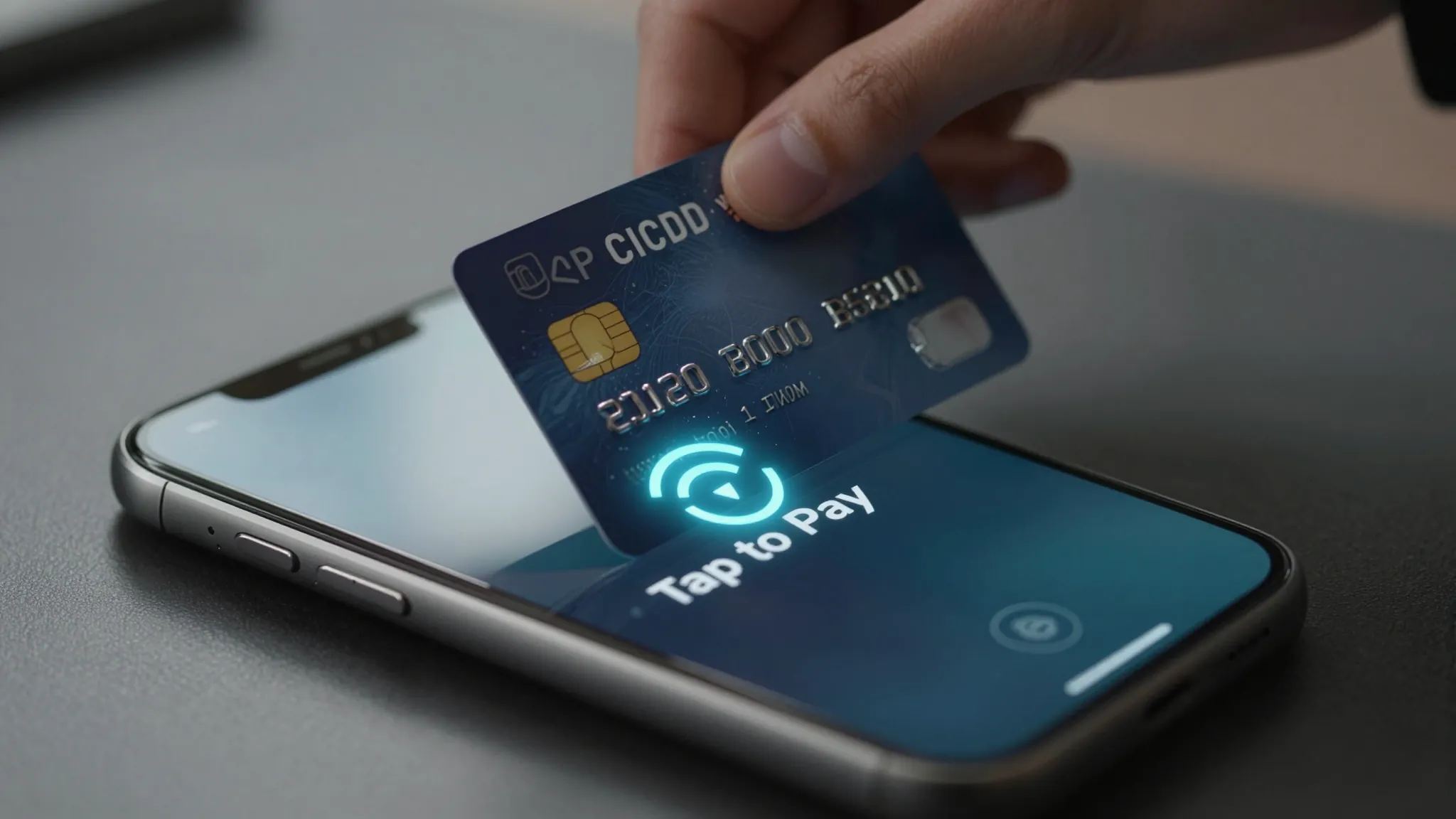
How to Accept Tap-to-Pay as a Mobile Detailer 2026
Roali (Roy) Biten
Founder, ROXO Hub · April 3, 2026
Get Paid at Every Driveway
ROXO Hub's built-in tap-to-pay works on your iPhone or Android — no card reader, no extra hardware, no separate app.
Start Your TrialIn this article
- 1.Step 1: Choose a Tap-to-Pay App That Works Without Hardware
- 2.Step 2: Enable Tap-to-Pay on Your iPhone or Android
- 3.Step 3: Connect Your Bank Account for Same-Day Payouts
- 4.Step 4: Build Your Service Menu with Exact Prices
- 5.Step 5: Accept the Tap Payment at the Client's Driveway
- 6.Step 6: Send a Digital Receipt on the Spot
- 7.The right tool makes this easier
- 8.Frequently Asked Questions
How to Accept Tap-to-Pay as a Mobile Detailer 2026
Most mobile detailers still chase Venmo requests or carry a Bluetooth card reader that dies between jobs — neither is professional when you're wrapping up a $280 full detail in someone's driveway. Clients expect fast, frictionless checkout the same way they pay at any retail store. A 2024 PYMNTS survey found that 63% of U.S. consumers prefer contactless payment over cash or manual card swipe. This guide shows you exactly how to accept tap-to-pay on your iPhone or Android in 2026 — no card reader, no extra hardware required.
Step 1: Choose a Tap-to-Pay App That Works Without Hardware
Not every payment app supports tap-to-pay directly on your phone — you need a platform that uses your device's built-in NFC chip, not a dongle or Bluetooth reader. ROXO Hub includes tap-to-pay inside its mobile app for both iPhone (iOS 16+) and Android, so you can charge a client directly from your booking screen without buying any accessory. Alternatives like Square also offer a Tap to Pay option, but it requires a separate standalone app and does not connect to your booking calendar, client records, or invoicing.
Step 2: Enable Tap-to-Pay on Your iPhone or Android
On iPhone, the NFC reader that powers tap-to-pay is always on — no settings toggle needed, just enable the feature inside your payment app. On Android, go to Settings → Connected Devices → Connection Preferences → NFC and turn it on; most Android phones running version 10 or later support this natively. Once NFC is active and your ROXO Hub account is linked to a payment processor, your phone is ready to accept Visa, Mastercard, American Express, Discover, Apple Pay, and Google Pay with a single tap from the client's card or phone.
Step 3: Connect Your Bank Account for Same-Day Payouts
Before you collect your first payment, link a business bank account so payouts have somewhere to land — in ROXO Hub, go to Settings → Payments → Bank Account and enter your routing and account number. Verification typically completes within 24 hours via micro-deposit confirmation. ROXO Hub supports instant payouts, meaning revenue from a morning ceramic coating job can be in your bank account that same afternoon rather than waiting the standard 2–3 business days.
Step 4: Build Your Service Menu with Exact Prices
Set up your services and prices inside the app before your first transaction so driveway checkout takes under 30 seconds. For example: Exterior Wash $75, Interior Detail $120, Full Detail $250, Ceramic Coating Prep $600. When a job is done, open the booking in ROXO Hub, select the completed service, and the total populates automatically — no mental math and no awkward pricing conversation with the client. You can also add line items on the fly for upsells like a clay bar treatment ($40) or odor eliminator spray ($25).
Step 5: Accept the Tap Payment at the Client's Driveway
When the work is complete, open the booking in ROXO Hub and tap Charge. Your phone screen displays the total and prompts the client to tap their card, Apple Pay, or Google Pay — they simply hold their device or card near the back of your phone and the transaction completes in under 3 seconds. No Wi-Fi is required; tap-to-pay on ROXO Hub runs over cellular data, so driveways with no home network signal are not a problem as long as you have basic LTE coverage.
Step 6: Send a Digital Receipt on the Spot
After payment confirms, ROXO Hub automatically sends a digital receipt to the client's email or phone number — no paper, no manual follow-up. The receipt includes a full service breakdown, total charged, and your business name, which looks far more professional than a Venmo notification reading "car wash." The transaction is also logged in your ROXO Hub client history, giving you a clean, searchable payment record at tax time without maintaining a separate spreadsheet.
The right tool makes this easier
Tap-to-pay is only useful when it is connected to your real workflow. Collecting a payment through a standalone app still leaves you managing appointments in a notes app, chasing reminders manually, and reconciling revenue in a spreadsheet at the end of the month. ROXO Hub connects tap-to-pay directly to your booking calendar, client records, waivers, and invoicing — so when you tap Charge on a completed detail, the booking marks paid, the client history updates, and your revenue report reflects the transaction automatically.
At $39.99/month, ROXO Hub includes online booking, automated reminders, digital intake forms and waivers, tap-to-pay, invoicing, instant payouts, and a built-in website — all in one flat-rate platform. There are no per-feature add-ons, no separate booking tool, and no card reader to buy or replace.
Tap-to-Pay
Accept cards, Apple Pay, and Google Pay from your phone — no hardware needed.
Instant Payouts
Same-day transfers to your bank account after each completed job.
Online Booking
Clients self-book 24/7 from your ROXO Hub website without calling you.
Auto Reminders
Automated texts go out before each appointment to cut down no-shows.
Frequently Asked Questions
Do I need a card reader to accept tap-to-pay as a mobile detailer?
No. Apps like ROXO Hub use your phone's built-in NFC chip to accept contactless payments without any external hardware. iPhone models from XS onward and most Android phones running version 10 or later support this natively.
Does tap-to-pay work without Wi-Fi at a client's house?
Yes. Tap-to-pay transactions process over your phone's cellular data connection, not the client's Wi-Fi. As long as you have a basic LTE signal, the transaction completes in seconds regardless of whether you are connected to a home network.
What cards and wallets can my detailing clients use with tap-to-pay?
ROXO Hub's tap-to-pay accepts Visa, Mastercard, American Express, Discover, Apple Pay, and Google Pay. Any card or digital wallet with NFC contactless capability will work, which covers the vast majority of cards issued since 2019.
How fast do I receive money after a tap-to-pay transaction?
ROXO Hub supports instant payouts, so funds can reach your bank account the same day. Standard processing is also available if you prefer to batch deposits, but instant transfer is there when you need same-day access to your revenue.
Can I collect a deposit before the job and charge the balance at the driveway?
Yes. ROXO Hub lets you optionally require a deposit at the time of booking for any service — you choose the deposit amount or percentage. The remaining balance is then collected on-site via tap-to-pay once the detail is complete.
Can ROXO Hub handle multiple detailers or a two-van operation?
Yes. ROXO Hub's scheduling calendar supports your entire team, so multi-van operations can manage multiple technicians, assign jobs by vehicle, and track revenue across all staff. The $39.99/month flat rate covers the team without per-seat charges.
Stop Chasing Payments After Every Detail
ROXO Hub connects tap-to-pay, online booking, auto reminders, and instant payouts in one $39.99/month platform.
Try ROXO HubReady to run your auto detailing business smarter?
Setup takes 15 minutes. No contracts. Cancel anytime.
Roali (Roy) Biten
Founder, ROXO Hub
Disclaimer: The content in this article is provided for informational purposes only. ROXO Hub strives to publish accurate and helpful information, but we make no guarantees about the completeness, reliability, or accuracy of the content. Information may change over time and may not reflect the most current developments. Always conduct your own independent research and consult qualified professionals before making business decisions. ROXO Hub is not liable for any errors, omissions, or outcomes resulting from reliance on this content. Terms of Use.