
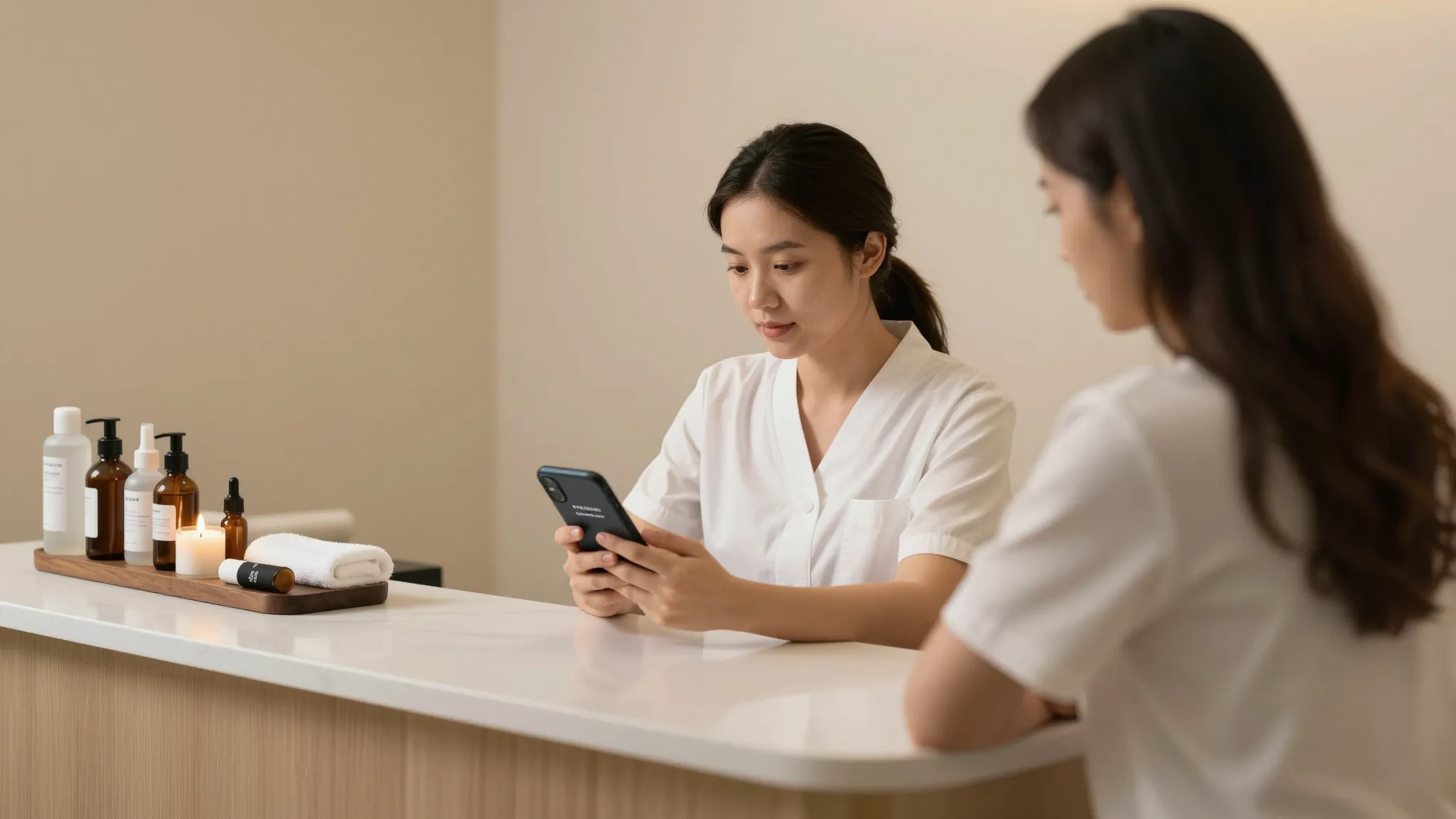
How to Automate Appointment Reminders for Massage Clients
Roali (Roy) Biten
Founder, ROXO Hub · May 12, 2026
Ready to automate your reminders?
ROXO Hub sends booking confirmations, SMS reminders, and email follow-ups automatically — no extra tools, no manual texting.
Start Your TrialIn this article
- 1.Step 1: Map Your Reminder Timeline Before You Set Anything Up
- 2.Step 2: Set Up SMS Reminders — These Get Read First
- 3.Step 3: Write Email Reminders That Double as Intake Forms
- 4.Step 4: Enable Two-Way Confirmation So Clients Must Respond
- 5.Step 5: Add Optional No-Show Protection With a Card on File
- 6.Step 6: Automate a Follow-Up Message After Each Session
- 7.The right tool makes this easier
- 8.Frequently Asked Questions
Automate Massage Appointment Reminders (2026)
One no-show per week erases more than $1,000 from a massage therapist's annual income — that's a $90 session, simply gone. SMS messages carry a 98% open rate, yet most solo therapists still rely on clients to remember appointments on their own. The fix is a simple automation sequence that sends the right message at the right time, without you touching your phone. This guide walks you through exactly how to set up automated SMS and email reminders that keep your table full and your no-show rate low.
Step 1: Map Your Reminder Timeline Before You Set Anything Up
A single reminder the morning of the appointment is not enough. The most effective sequence for massage clients uses three touchpoints: a confirmation at booking, a 48-hour reminder, and a 2-hour same-day nudge. The booking confirmation locks in the appointment and sets expectations; the 48-hour message gives clients time to reschedule if something came up; the 2-hour message catches anyone who forgot to add the appointment to their calendar.
Step 2: Set Up SMS Reminders — These Get Read First
SMS is your primary channel. Keep messages under 160 characters so they display as a single text, and personalize with the client's first name and appointment time. A strong 48-hour SMS looks like: "Hi [Name], your 60-min massage is Thursday at 2 PM. Reply C to confirm or call [phone] to reschedule." That one message covers confirmation, timing, and an easy exit if they need to move the appointment.
Step 3: Write Email Reminders That Double as Intake Forms
Email reminders work best for new clients or clients who haven't visited in 90+ days. Use the email to confirm appointment details, link to your digital intake or health-history form, and share parking or access instructions — information that doesn't fit in a text. Subject lines that include the client's name and date consistently outperform generic ones: "Your massage on Thursday, May 8" gets opened; "Appointment reminder" gets ignored.
If you send intake forms manually, you're adding 5–10 minutes of admin per new client. Embedding a digital form link in the email reminder eliminates that step entirely — the client fills it out before they arrive and you can review notes before the session starts.
Step 4: Enable Two-Way Confirmation So Clients Must Respond
A reminder that only pushes information is half the job. Two-way confirmation — where the client must reply or click a link to confirm their spot — gives you actionable data: who is coming, who is uncertain, and who has gone silent. When a client goes silent after two reminders, you have time to reach out or open the slot rather than discovering the no-show when you're already waiting.
Set a confirmation cutoff time. A reasonable standard for massage therapy: if a client hasn't confirmed by 9 AM the day before their appointment, send one final automated message prompting them to call or reschedule. Silence after that message tells you exactly where you stand.
Step 5: Add Optional No-Show Protection With a Card on File
Reminders reduce no-shows but don't eliminate them. Storing a card on file — which ROXO Hub lets you optionally enable — creates a financial commitment that changes client behavior. You can charge a no-show fee of $25–$50 when a client misses without canceling, which discourages repeat offenders without requiring a difficult conversation. You can also optionally require a deposit at booking for new clients or high-demand time slots like weekend mornings. When you enable deposit collection, it's charged at the time the client books, so the financial risk of an empty slot shifts before it ever reaches you.
Step 6: Automate a Follow-Up Message After Each Session
The hour after a massage session is the highest-intent moment in the client relationship. A follow-up message sent 2–4 hours after the appointment — while the client is still feeling the results — is the right time to ask for a review, share a rebooking link, or offer a referral incentive. Keep it short: thank them, ask how they feel, and include one clear action. Automating this message means every client gets it, not just the ones you remember to text.
For long-term retention, add clients who haven't rebooked within 6–8 weeks to a re-engagement sequence. A single automated "We haven't seen you in a while — your next session is one click away" message with a booking link recovers appointments that would otherwise be silently lost.
The right tool makes this easier
You can stitch this system together from separate tools — a texting service like SimpleTexting ($39/mo), an email platform like Mailchimp (from $20/mo), and a scheduling app like Acuity Scheduling ($20/mo). That's $79/mo minimum, three logins, and manual effort connecting them. ROXO Hub handles the entire reminder workflow — booking confirmation, SMS reminders, email reminders with digital intake forms, two-way confirmation, card on file, and post-session follow-ups — inside one platform at $39.99/mo flat.
When a client books through your ROXO Hub booking page, the confirmation fires immediately. The 48-hour and 2-hour reminders go out automatically. If you choose to enable no-show protection, the card is stored at the time of booking. The post-session follow-up sends after the appointment closes. Every step in this guide runs on its own once you configure it once.
Auto Reminders
SMS and email reminders fire at the intervals you set — no manual texting required.
Forms & Waivers
Embed digital intake forms in booking confirmations so clients arrive prepared.
No-Show Protection
Optionally store a card on file or require a deposit — your choice, enforced automatically.
Client Reviews
Post-session follow-ups collect 5-star reviews without a separate review tool.
Frequently Asked Questions
How far in advance should I send massage appointment reminders?
The most effective sequence is three messages: immediately at booking (confirmation), 48 hours before (reminder plus confirmation request), and 2 hours before (same-day nudge). The 48-hour message is most important — it gives clients enough time to reschedule rather than simply not show up.
Do massage clients prefer SMS or email reminders?
SMS gets read faster — 90% of texts are read within 3 minutes — making it better for time-sensitive reminders like the 2-hour same-day message. Email works better for new clients because you can include intake forms, parking instructions, and your full cancellation policy in a single message.
What should a massage appointment reminder say?
Include the client's name, appointment date and time, service booked, and one clear call to action — confirm, reschedule, or call. Keep SMS under 160 characters. Add your cancellation window so clients understand your policy well before the day of the appointment.
Can I automate appointment reminders without expensive software?
Yes. ROXO Hub includes automated SMS and email reminders as part of its $39.99/mo flat rate — no separate texting service, no email platform add-on. You configure the reminder schedule once, and every client gets the right message at the right time automatically.
How do I handle massage clients who ignore appointment reminders?
Build a confirmation cutoff into your workflow: if a client hasn't confirmed by 9 AM the day before their appointment, trigger a final automated prompt. If they still don't respond, proactively open the slot for a waitlisted client — two-way confirmation turns silence into an actionable signal rather than a surprise no-show.
Does ROXO Hub send both SMS and email reminders automatically?
Yes. ROXO Hub's Auto Reminders feature sends booking confirmations, SMS reminders, and email reminders at the intervals you configure. You can also attach digital intake forms to email confirmations and enable post-session follow-ups — all included in the $39.99/mo plan with no per-feature add-ons.
Stop chasing clients manually
ROXO Hub handles every touchpoint — reminders, confirmations, no-show protection, and follow-ups — at $39.99/mo flat with no add-ons.
Get Started with ROXO HubReady to run your business smarter?
Setup takes 15 minutes. No contracts. Cancel anytime.
Roali (Roy) Biten
Founder, ROXO Hub
Disclaimer: The content in this article is provided for informational purposes only. ROXO Hub strives to publish accurate and helpful information, but we make no guarantees about the completeness, reliability, or accuracy of the content. Information may change over time and may not reflect the most current developments. Always conduct your own independent research and consult qualified professionals before making business decisions. ROXO Hub is not liable for any errors, omissions, or outcomes resulting from reliance on this content. Terms of Use.