Coaching Website Design 2026: Convert Visitors to Clients
Roali (Roy) Biten
Founder, ROXO Hub · May 27, 2026
Your Website, Your Bookings
ROXO Hub gives coaches a live website with built-in booking, intake forms, and client management — all for $39.99/month. No Calendly. No separate site builder. No stitching together tools.
Start Your TrialIn this article
- 1.Step 1: Lead Your About Page With Transformation, Not Credentials
- 2.Step 2: Write a Services Page That Sells Outcomes, Not Hours
- 3.Step 3: Place Testimonials Where Doubt Lives, Not in a Gallery
- 4.Step 4: Build a Discovery Call Page That Pre-Qualifies Visitors
- 5.Step 5: Add Intake Forms That Arrive Before the First Paid Session
- 6.Step 6: Remove Every Click Between Interest and a Booked Call
- 7.The right tool makes this easier
- 8.Frequently Asked Questions
Coaching Website Design 2026: Convert Visitors to Clients
Most coaching websites attract 200–500 organic visitors a month and convert fewer than 2% of them into discovery calls — not because the coach lacks credibility, but because the site fails to guide visitors toward a clear next step. Life coaches, business coaches, and wellness coaches lose potential clients every week to a buried contact form, vague service descriptions, and an About page that reads like a résumé. A website that consistently fills a discovery call calendar follows a specific structural logic: trust first, transformation second, friction-free booking third. This guide covers every section your coaching website needs — with exact frameworks for your About page, services, testimonials, and a discovery call booking flow that converts.
Step 1: Lead Your About Page With Transformation, Not Credentials
Your About page is the most-visited page on most coaching websites — and the most misunderstood. Most coaches open with their certifications: "Certified ICF Life Coach with 10 years of experience." Visitors don't hire credentials; they hire the coach who understands their specific problem. Open with one sentence structured as: "I help [specific person] go from [current pain] to [desired outcome]." A life coach working with burned-out corporate professionals might write: "I help high-earning professionals exit the 9-to-5 and build a business they are genuinely excited about." Follow that with three to four sentences about your own journey through the same transformation — the obstacles, the turning point, and where you landed. Move certifications and credentials to the bottom of the page, after you have already created belief.
Step 2: Write a Services Page That Sells Outcomes, Not Hours
The most common mistake on a coaching services page is describing the container rather than the content: "12-week package, one 60-minute session per week." That tells the client what they are buying, not what they will gain. Rewrite every offering around the transformation it produces. A business coach might rename a 12-week package to "From Employed to Booked: A 12-week intensive for professionals launching their first service business." Each listing should answer three questions: who is this for, what will change, and what will the client be able to do at the end. For pricing, even a starting-from range — like "investment starts at $2,000" — helps visitors self-qualify before booking a discovery call, reducing time spent on conversations with people who are not yet ready to invest. If you offer a flagship high-ticket package alongside an entry-level option, list the flagship first — it anchors the perceived value of everything below it.
Step 3: Place Testimonials Where Doubt Lives, Not in a Gallery
A standalone "Testimonials" page is one of the lowest-converting placements for social proof. Visitors who are deciding whether to spend $2,000–$5,000 on coaching rarely navigate away from your services page to look for validation — their doubt lives on that page, in the moment they are weighing the investment. Embed your strongest result-specific testimonial directly below your highest-priced package. Place a second one on your discovery call booking page, above the calendar. Testimonials that state a specific outcome convert better than vague praise: "I left my $85K/year job and hit $10K in my first 60 days of coaching" outperforms "She is an absolutely wonderful coach!" If you have a single video testimonial, a 90-second clip embedded on your services page is worth more than a gallery of twenty written quotes.
Step 4: Build a Discovery Call Page That Pre-Qualifies Visitors
Your discovery call page should do three things before a visitor clicks "Book": remind them who this call is for, set expectations about what happens on the call, and signal your pricing tier so uncommitted or underbudget visitors self-select out. A simple structure that works: a headline that names the specific person ("For corporate professionals ready to leave the 9-to-5"), three bullet points describing who the call is for, one sentence about what they will walk away with, and then — below all of that — your booking calendar. Most coaches put the calendar first. Moving it below qualifying copy is one of the highest-leverage adjustments you can make to conversion without changing anything about your offer.
Step 5: Add Intake Forms That Arrive Before the First Paid Session
Every coach should send a digital intake form between the discovery call and the first paid session. This form captures the client's goals, current blockers, mindset around change, and any relevant history — so you arrive at Session 1 already knowing what matters most to them, rather than spending the first 20 minutes learning background. It also creates psychological commitment: clients who have completed a detailed intake form show up more prepared and cancel less. Keep your intake to 8–12 fields using a mix of short-answer and multiple-choice questions. For ongoing clients, a brief weekly check-in form after each session — even a single field asking what their biggest win was this week — builds an evidence record that becomes the raw material for your next client testimonial.
Step 6: Remove Every Click Between Interest and a Booked Call
The fastest way to lose a warm lead is to route them to a static contact form. By the time they send a message and wait 24 hours for a reply, the emotional momentum that brought them to your site has passed and they have moved on. Your discovery call page needs a live calendar that shows real-time availability and lets the visitor book — and receive an automatic confirmation — in under two minutes. Many coaches use Calendly ($10–$20/month for paid tiers) for standalone scheduling, but it does not connect to client records, intake form responses, or payment collection. Every new client still requires manual data entry across multiple tools, and none of those tools know anything about each other.
The right tool makes this easier
ROXO Hub ($39.99/month flat rate) is built for service-based solo businesses — including coaches who need a website, online booking, client management, digital intake forms, and payment processing without managing five separate subscriptions. The Website Builder goes live in 15 minutes and includes a booking page out of the box — no Calendly account, no separate website platform, no third-party form tool required. When a potential coaching client finds your site and books a discovery call, ROXO Hub automatically sends a confirmation, stores their intake responses in their client profile, and keeps full session history and notes in one place. If you want to require a deposit before a session or store a card on file, ROXO Hub lets you optionally enable that — so only committed clients take spots on your calendar.
Online Booking
Clients self-book discovery calls 24/7 — no email back-and-forth to get on your calendar.
Forms & Waivers
Send digital intake forms automatically after booking, stored directly in each client's profile.
Website Builder
Your coaching site goes live in 15 minutes — included in the flat $39.99/mo rate, no separate builder needed.
Client Management
Session notes, intake responses, and full client history — accessible from your phone via the ROXO Hub app.
Frequently Asked Questions
How long does it take to build a coaching website?
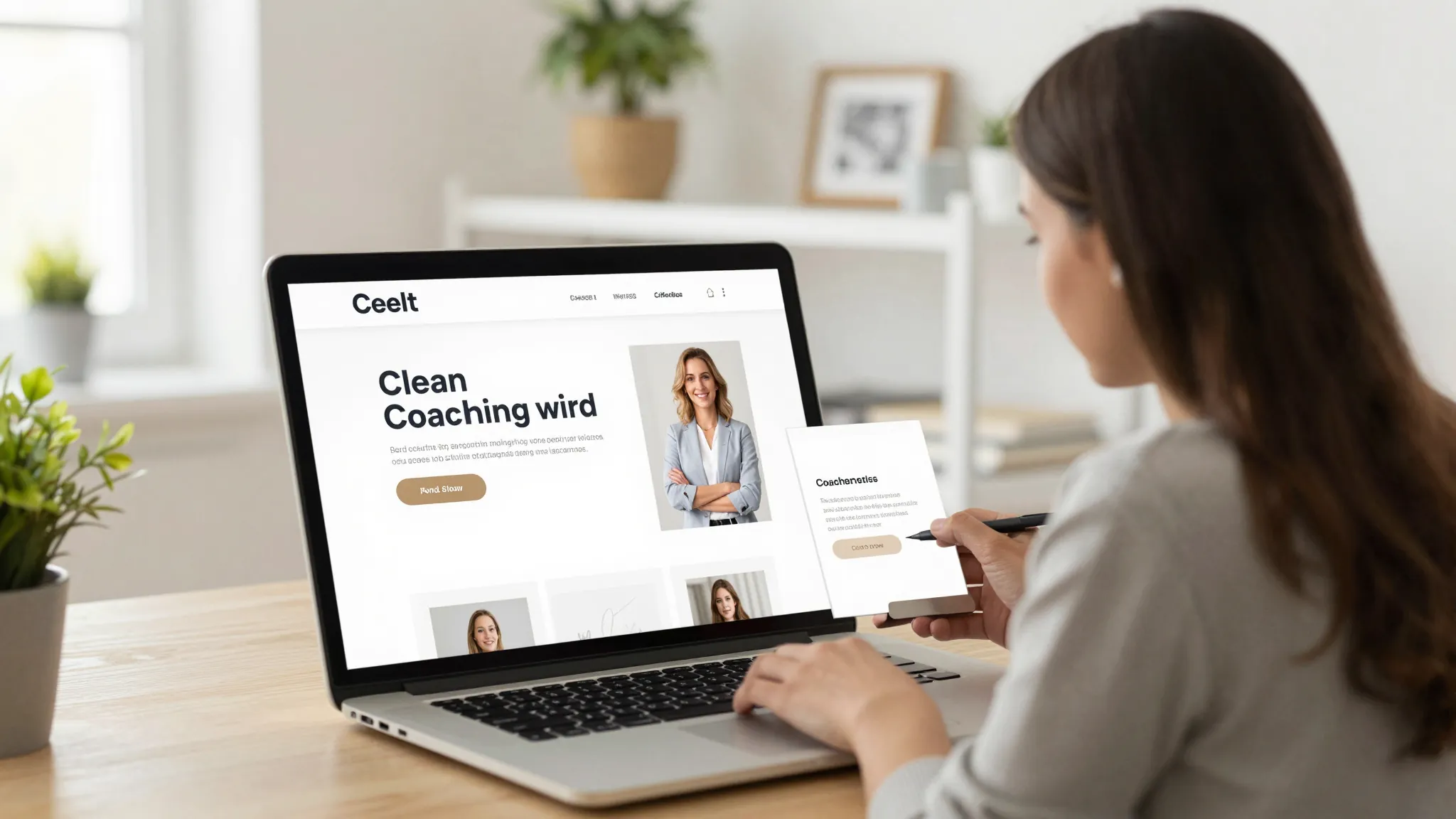
A basic coaching website with a home page, About page, services page, and booking calendar can go live in a single day using an all-in-one platform like ROXO Hub, which includes a Website Builder with ready-to-launch templates. Custom-designed sites built on Squarespace or WordPress typically take two to four weeks with a designer, or two to four days if you build it yourself.
What pages should a life coach website have?
At minimum: a home page, About page, services page, discovery call booking page, and a contact page. As your business grows, add a blog for SEO, a testimonials page, and a free resources page to capture email subscribers before they are ready to buy.
Should I put pricing on my coaching website?
Yes — or at minimum, a starting-from range. Transparent pricing reduces time spent on discovery calls with prospects who cannot afford your services. If you offer custom packages, anchor expectations with a visible floor price so visitors can self-qualify before booking.
Do I need a separate booking tool for my coaching website?
Not if your website platform includes booking natively. Tools like Calendly add another monthly cost and a separate login — and they don't connect to your client records or intake forms. Platforms like ROXO Hub include booking, forms, and client management in one $39.99/month subscription, eliminating the need for multiple tools.
How do I get more discovery calls from my coaching website?
Three levers have the biggest impact: a specific intended-client statement on your services page, a result-specific testimonial placed directly above your booking calendar, and a booking button visible without scrolling on mobile. Most coaching sites bury the call to action at the bottom — moving it up can measurably increase bookings over a 30-day test period.
What is the best website builder for life coaches?
ROXO Hub is the strongest all-in-one option for coaches because it combines a website, online booking, intake forms, client records, and payment processing in one $39.99/month subscription. Squarespace is a capable standalone website builder if you already have separate booking and CRM tools, but managing multiple subscriptions adds cost and complexity over time.
Stop Losing Warm Leads to a Contact Form
ROXO Hub replaces your static contact page with a live booking calendar, automatic confirmations, and intake forms that arrive before the first session — all included at $39.99/month.
Start Your TrialReady to run your coaching business smarter?
Setup takes 15 minutes. No contracts. Cancel anytime.
Roali (Roy) Biten
Founder, ROXO Hub
Disclaimer: The content in this article is provided for informational purposes only. ROXO Hub strives to publish accurate and helpful information, but we make no guarantees about the completeness, reliability, or accuracy of the content. Information may change over time and may not reflect the most current developments. Always conduct your own independent research and consult qualified professionals before making business decisions. ROXO Hub is not liable for any errors, omissions, or outcomes resulting from reliance on this content. Terms of Use.