
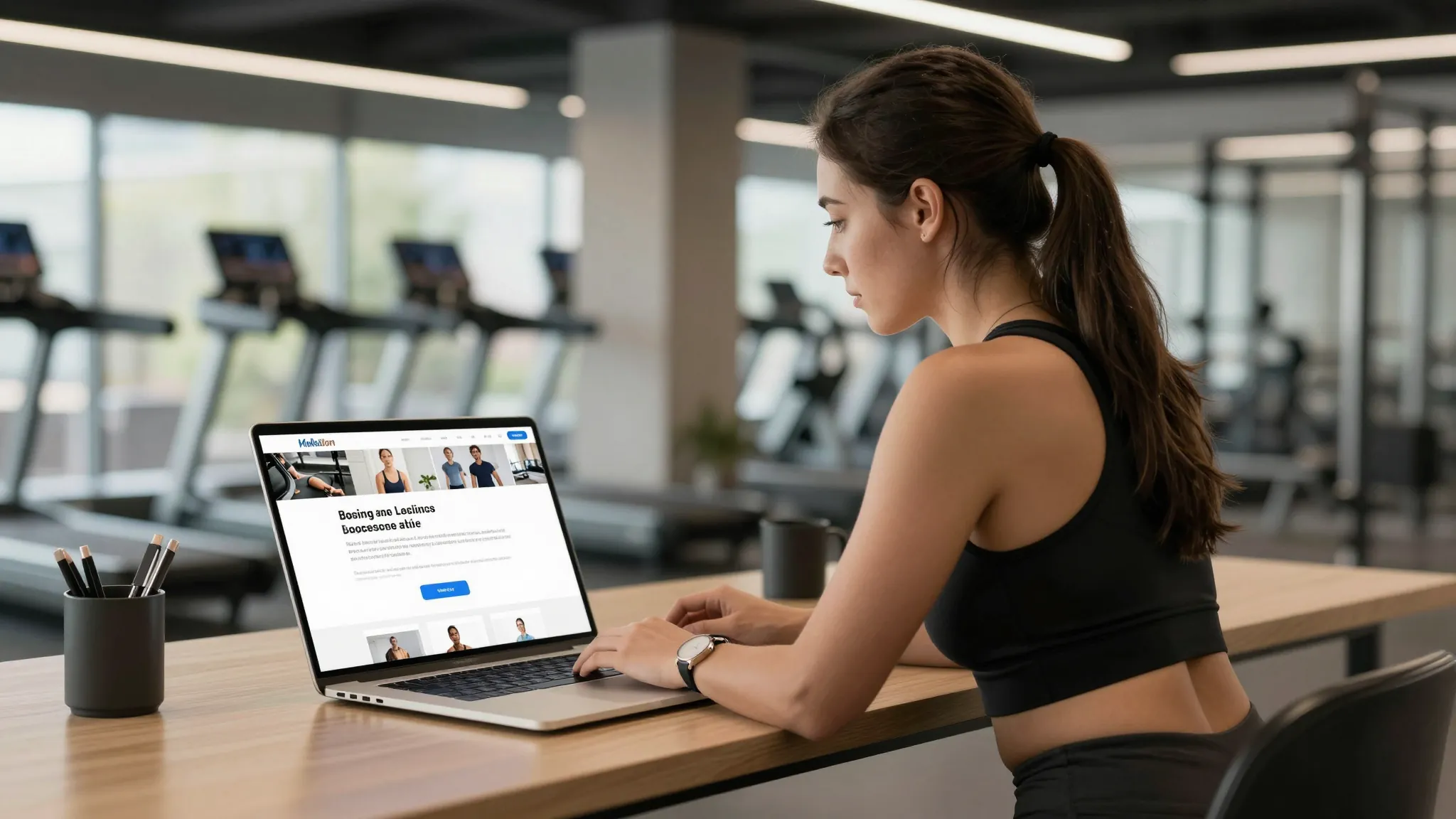
How to Build a Personal Training Website That Attracts Clients
Roali (Roy) Biten
Founder, ROXO Hub · May 8, 2026
Build Your Training Business Online
ROXO Hub gives personal trainers a professional website, 24/7 booking, and payment processing in one place — $39.99/month flat, no add-ons.
Start Your TrialIn this article
- 1.Step 1: Write a Bio That Builds Trust in 30 Seconds
- 2.Step 2: List Your Services with Real Pricing
- 3.Step 3: Show Transformation Photos and Real Client Results
- 4.Step 4: Add Testimonials That Close Prospects
- 5.Step 5: Put a Booking Button on Every Page
- 6.Step 6: Optimize for Mobile and Local Search
- 7.The right tool makes this easier
- 8.Frequently Asked Questions
Personal Trainer Website That Attracts Clients in 2026
Most personal trainers lose potential clients the moment someone Googles their name and finds nothing — or worse, an outdated Facebook page with three posts from 2022. A professional website is now the first thing a prospect checks before sending you a message, and if it doesn't answer their questions immediately, they move on to someone who does. Trainers with a clear, well-structured site consistently book more discovery calls and command higher session rates than those relying solely on referrals. This guide covers exactly what to put on your personal trainer website — from your bio and service pricing to transformation photos, testimonials, and a booking CTA — to turn visitors into paying clients.
Step 1: Write a Bio That Builds Trust in 30 Seconds
Your bio is not a résumé — it's a sales page. Lead with who you help and what result you deliver: "I help busy professionals in Austin lose 20+ pounds without giving up carbs." Follow with your credentials — NASM, ACE, or ISSA certification and years of hands-on experience — then close with one personal detail that makes you human. Keep it under 150 words and place it above the fold on your homepage. Visitors shouldn't have to scroll to find out who you are and why you're qualified to help them.
Step 2: List Your Services with Real Pricing
Hiding your prices is one of the fastest ways to lose a warm lead. List every service you offer — 1-on-1 sessions, semi-private training, online coaching, 8-week transformation programs — and include a starting price for each. If you charge $80 per session or $350 per month for remote coaching, say so. For each package, describe exactly what's included: sessions per week, check-ins, nutrition guidance, and any extras. Prospects who see your pricing and still reach out are pre-qualified; the ones who leave were price-shopping and were never going to commit anyway.
Step 3: Show Transformation Photos and Real Client Results
Before-and-after photos are the highest-converting content on a trainer's website — they accomplish in two seconds what paragraphs of copy can't. Get written consent from any client whose photos you post, and pair each image with a specific story: "Sarah lost 34 lbs over 16 weeks training twice a week." Specificity builds trust — generic stock photos of strangers lifting weights do the opposite. If you're new and don't yet have client photos, use your own transformation story or offer a complimentary month of coaching to a volunteer client in exchange for before-and-after content and a testimonial.
Step 4: Add Testimonials That Close Prospects
A testimonial that says "Great trainer, highly recommend!" is nearly useless. One that says "I dropped two pant sizes in 10 weeks and finally stopped dreading the gym" is a conversion machine. Ask clients to describe the specific result they got, the problem they faced before working with you, and what surprised them most about the process. Video testimonials — even short 30-second clips recorded on a smartphone — convert at a higher rate than text alone. Aim for at least five on your homepage and build a dedicated Results page as your client base grows.
Step 5: Put a Booking Button on Every Page
The goal of every page on your website is to move a visitor one step closer to booking. Place a "Book a Discovery Call" or "Schedule Your First Session" button in your navigation bar, at the bottom of every service page, and again after each testimonial block. The more friction there is between a decision and an action, the fewer bookings you'll get. If your booking link opens a third-party calendar that looks nothing like your website, you're losing clients at the last possible step — your booking experience should be as polished as the rest of your site.
Step 6: Optimize for Mobile and Local Search
Over 70% of local service searches happen on a smartphone, which means your website must load fast and look clean on a small screen. Confirm your booking button is thumb-accessible, that text isn't microscopic, and that images load in under 3 seconds. For local SEO, include your city and neighborhood in your page title, H1, and about section — phrases like "personal trainer in Brooklyn" or "in-home training in Scottsdale" pull you into local search results. Set up a free Google Business Profile and link it to your site; that's what places you in the map pack when someone searches "personal trainer near me."
The right tool makes this easier
Building a website, setting up online booking, collecting payments, and managing client waivers across five separate tools is exactly why most trainers delay launching — or abandon their site after the first month. ROXO Hub gives personal trainers everything in one place for $39.99/month flat: a website builder that goes live in 15 minutes, 24/7 online booking clients use directly from your site, digital intake forms and consent waivers, optional card-on-file for no-show protection, and automatic session reminders. Clients book without downloading any app. You manage bookings, payments, and client notes from the ROXO Hub mobile app on your phone.
Website Builder
Live site in 15 minutes — included at no extra cost.
Online Booking
Clients book 24/7 directly from your site — no app download needed.
Digital Waivers
Collect signed intake forms and consent waivers before session one.
Auto Reminders
Automatic texts reduce last-minute cancellations without manual follow-up.
Tap-to-Pay
Accept cards and Apple Pay — no card reader required.
Client Reviews
Automatically prompt clients for 5-star reviews after each session.
Frequently Asked Questions
Do I really need a website as a personal trainer?
Yes — a website is the single highest-return marketing asset a trainer can have. When someone receives a referral for your services, the first thing they do is Google you. A professional site with services, pricing, and online booking converts that search into a booked session instead of a dead end.
What should be on a personal trainer website homepage?
Your homepage should include a headline that names who you help and what result they get, a short credentialed bio, your core services with pricing, transformation photos or client testimonials, and a clear booking CTA. Everything above the fold should move visitors toward booking — not just inform them about your background.
How much does it cost to build a personal training website?
Options range from roughly $10–20/month for a DIY builder like Squarespace or Wix to $3,000+ for a custom developer build. An all-in-one platform like ROXO Hub at $39.99/month includes the website, booking system, payments, and client management — so you're not paying separately for each piece.
Should I show my prices on my personal training website?
Yes, always. Listing your rates — for example, $75 per session or $280 per month for 3 sessions per week — lets prospects self-qualify before they ever contact you. Hiding prices adds friction that filters out serious prospects right alongside the price-shoppers you were trying to screen out.
How do I get clients to book online instead of texting me?
Make online booking the path of least resistance: put a prominent booking button on every page, link it directly from your Instagram bio, and stop offering your personal number as the primary contact option. When booking is easier than texting, most clients will use it — and you reclaim hours of back-and-forth scheduling every week.
What photos should a personal trainer put on their website?
Lead with client transformation photos paired with specific, measurable results — for example, "lost 28 lbs in 14 weeks." Follow with action shots of you coaching or training in your actual environment. Avoid stock photography; it signals inauthenticity immediately. A short video of you speaking directly to camera builds more trust than any written bio.
Stop Losing Clients at the Last Click
ROXO Hub's built-in website and online booking keep prospects moving from your site straight to your calendar — no third-party tools required.
Get StartedReady to run your fitness business smarter?
Setup takes 15 minutes. No contracts. Cancel anytime.
Roali (Roy) Biten
Founder, ROXO Hub
Disclaimer: The content in this article is provided for informational purposes only. ROXO Hub strives to publish accurate and helpful information, but we make no guarantees about the completeness, reliability, or accuracy of the content. Information may change over time and may not reflect the most current developments. Always conduct your own independent research and consult qualified professionals before making business decisions. ROXO Hub is not liable for any errors, omissions, or outcomes resulting from reliance on this content. Terms of Use.