
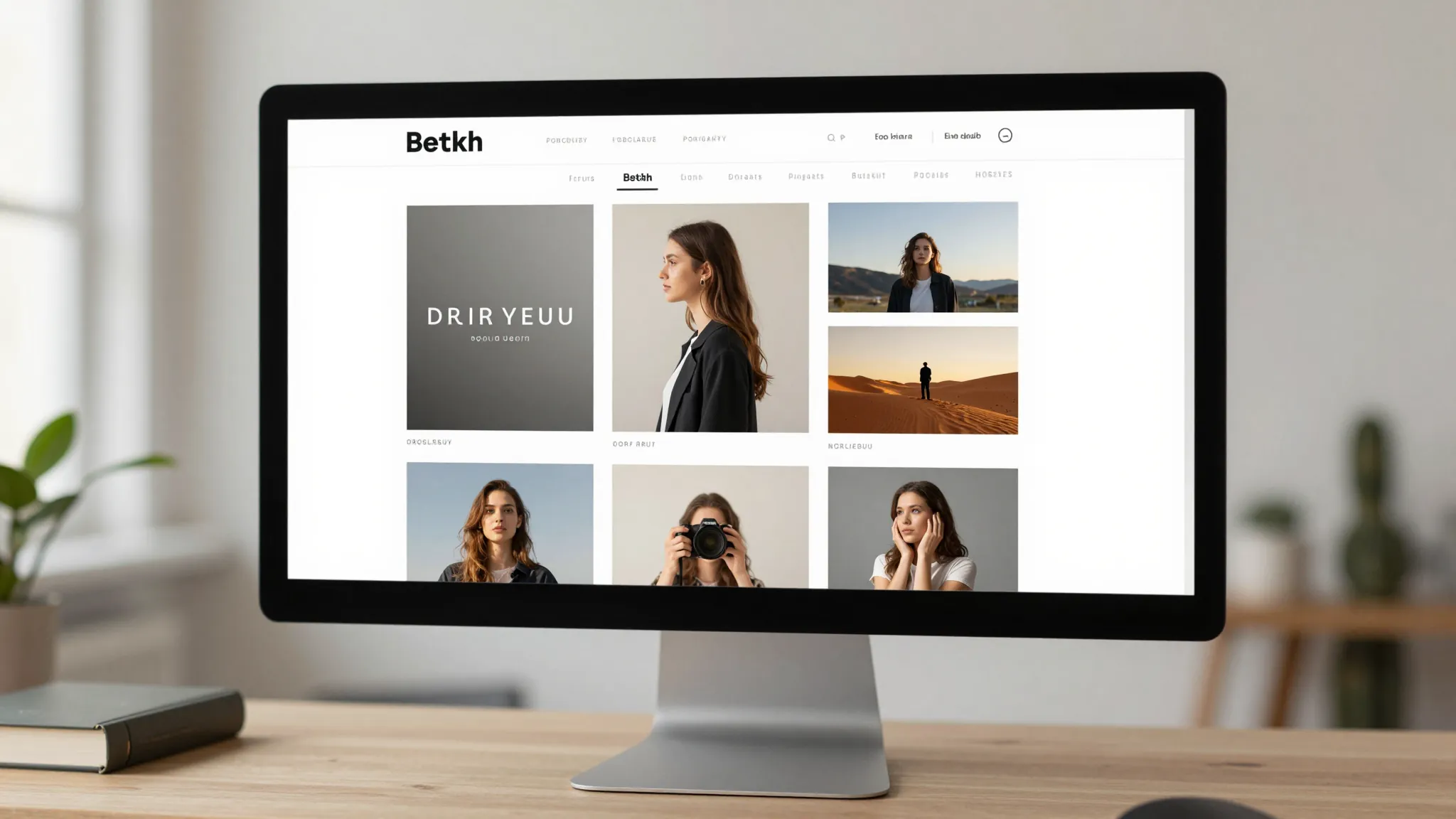
How to Build a Photography Website That Books Clients
Roali (Roy) Biten
Founder, ROXO Hub · May 14, 2026
Ready to book more photography clients?
ROXO Hub gives you a live booking website, online scheduling, and payment processing — all in one platform for $39.99/mo. No separate subscriptions, no setup headaches.
Start Your TrialIn this article
- 1.1. Pick the Right Platform for a Photography Business Website
- 2.2. Include These Core Pages on Your Photography Website
- 3.3. Display Your Portfolio Strategically
- 4.4. Show Your Pricing (or Your Pricing Process)
- 5.5. Add Local SEO Basics to Attract Nearby Clients
- 6.6. Make Booking Simple and Immediate
- 7.The right tool makes this easier
- 8.Frequently Asked Questions
Photography Website Design: Build a Site That Books Clients in 2026
Most photography websites are beautiful galleries with zero conversion path — a client lands, browses your work, finds no pricing, and books someone else before you even know they visited. A survey by The Knot found that 75% of couples contact fewer than four photographers before booking, which means your website has one shot to convert a visitor into a lead. If the next step isn't obvious, that visitor is gone. This guide covers exactly which pages to build, how to display your portfolio, how to handle pricing, and which local SEO moves get you found by clients in your area.
1. Pick the Right Platform for a Photography Business Website
Squarespace is the most popular standalone choice among photographers — its templates are clean and gallery-friendly, and plans start at $23/month. The catch: online booking and payment processing require add-ons. Acuity Scheduling starts at $20/month on top of that, and Stripe charges 2.9% + 30¢ per transaction. WordPress with a builder like Divi ($89/year) gives you more control but requires significantly more setup and ongoing maintenance.
If you'd rather not stack tools and manage multiple subscriptions, ROXO Hub includes a website builder, online booking, and payment processing in one platform for $39.99/month flat — a live, bookable site in about 15 minutes with nothing else to bolt on.
2. Include These Core Pages on Your Photography Website
Most photography sites are missing at least one page that clients look for before they decide to reach out. Here is what you actually need:
- Home — Your strongest hero image, your specialty (weddings, newborns, headshots, commercial), your city, and a visible "Book Now" or "View Availability" button above the fold.
- Portfolio / Gallery — Organized by category so a couple searching for a wedding photographer doesn't have to scroll through your product or real estate work.
- Services & Pricing — Even a starting-from price removes the number-one reason potential clients don't inquire.
- About — A trust-building page with your face, your city, how long you've been shooting, and a specific, grounded claim: "200+ weddings photographed in the Dallas–Fort Worth area" lands harder than any generic bio.
- Contact / Book — A direct booking calendar where clients can pick a date and lock it in — not a form that triggers a two-day email exchange.
- Reviews — Embedded Google reviews or a dedicated testimonials page; social proof converts faster than any copywriting you can do.
3. Display Your Portfolio Strategically
Showing every shoot you've ever done is the wrong move. Clients hire specialists — if you want more weddings, lead with weddings. If you want corporate headshot clients, that's what every visitor should encounter first. Curate tightly: 20–30 images per category is enough to demonstrate range and skill without overwhelming anyone or slowing your site down.
Page load speed matters both for user experience and Google rankings. Large uncompressed JPEGs are the most common culprit on photography sites — Google's PageSpeed Insights penalises pages that take over 3 seconds to load. Compress every portfolio image to under 200 KB using a tool like Squoosh or ShortPixel before uploading; the quality loss is invisible at screen resolution and the speed gain is real.
Gallery layout matters too. Full-bleed hero images perform better for editorial and wedding work where atmosphere is the selling point. Grid layouts work better for product and real estate photography where clients want to compare multiple shots quickly.
4. Show Your Pricing (or Your Pricing Process)
The most common objection to publishing prices is "every job is different." That's fair — but hiding pricing entirely sends clients to a competitor who's willing to give them a number. The middle ground that works: publish starting prices and briefly explain what affects the final cost.
For wedding photographers, it might read: "Wedding photography starts at $2,400 for a 6-hour package. Full-day coverage, second shooters, and albums are available — fill out the form below for a custom quote." This tells budget-conscious clients whether they're in the right range before they email you, and it filters your inquiries to people already aligned with your pricing.
For session photographers — headshots, newborns, families, pets — publishing a full price list is the norm in the industry and increases inquiry-to-booking conversion because it removes one back-and-forth email from the process entirely.
5. Add Local SEO Basics to Attract Nearby Clients
Most photographers compete locally, not nationally. A headshot photographer in Denver isn't competing with one in Miami, which means local SEO is far more achievable than people assume. Five moves that actually move the needle:
- Google Business Profile — Claim and fully complete your listing at business.google.com. Add your services, service area, hours, and at least 10 photos. Photographers with active, complete profiles appear in the local map pack, which shows up above organic search results for queries like "wedding photographer near me."
- Location in page titles and H1s — Change "Wedding Photography" to "Wedding Photographer in Denver, CO" in your H1 heading, HTML page title, and meta description on every relevant page.
- Location-specific pages — If you serve multiple cities, build a dedicated page for each one (e.g., /wedding-photographer-boulder-co). Write at least 400 words of unique content per page; thin duplicate pages rank poorly.
- Image alt text with location keywords — As covered above, this compounds over time as your portfolio grows and requires zero ongoing effort after the initial upload.
- Directory listings on The Knot and WeddingWire — For wedding and portrait photographers, these directories rank for competitive local search terms in nearly every major city and drive direct referral traffic on top of the organic benefit.
6. Make Booking Simple and Immediate
Every extra step between "I want to book this photographer" and a confirmed appointment costs you clients. The conversion sequence that works: visitor lands → sees your work and pricing → clicks "Book Now" → selects a date and pays a deposit → receives an automatic confirmation and reminder. That's the entire flow.
Where most photography websites break down is that last step. A contact form that leads to an email chain — then a contract, then an invoice, then a manual calendar entry — is a four-step admin process for every single booking. At 15–20 bookings a month, that's several hours of back-office work each week that you're doing instead of shooting or editing.
The right tool makes this easier
ROXO Hub was built for exactly this workflow. Your photography website, online booking calendar, payment processing, and client management all live in one platform — no bolt-on plugins, no multiple subscriptions, no manual process stitching everything together. It all runs for $39.99/month flat.
Online Booking
Clients self-book 24/7 directly from your site — no phone tag, no email chains, no missed leads while you're on a shoot.
No-Show Protection
Optionally require a deposit or store a card on file so only committed clients land on your calendar.
Forms & Waivers
Digital session contracts and consent forms are collected automatically before the appointment — nothing to chase down on shoot day.
Auto Reminders
Confirmation and reminder messages send automatically after every booking without you touching anything.
ROXO Hub's mobile app lets you manage bookings, payments, and client details from your phone on shoot days. Your clients never need to download an app — they book directly from your website. Instant payouts mean you're not waiting for a weekly transfer; revenue hits your account the same day.
Frequently Asked Questions
Do I need to show pricing on my photography website?
You don't have to publish a full price list, but showing at least a starting price significantly increases inquiries from qualified clients. Hiding pricing entirely creates friction — most clients will move on to a photographer who gives them a number rather than filling out a contact form just to find out if they can afford you.
What's the best website builder for photographers in 2026?
Squarespace is the most popular standalone option for its photography-focused templates and ease of use, with plans starting at $23/month. For photographers who want booking, payments, and a website in one platform without stacking subscriptions, ROXO Hub covers everything at $39.99/month flat.
How many photos should I put in my photography portfolio online?
20–30 curated images per category is the right number. More than that dilutes your impact and slows your page load speed, which hurts your Google ranking. If an image is filler, cut it — clients remember the weakest shot in your gallery, not the strongest.
How do I get my photography website to show up on Google?
Start with local SEO: claim your Google Business Profile, include your city in page titles and H1 headings, and add location keywords to portfolio image alt text. For wedding and portrait photographers, listing on The Knot and WeddingWire also drives significant search visibility for competitive local terms in most major cities.
How do I stop photography clients from ghosting after they inquire?
Remove steps from the booking process. The longer the gap between initial inquiry and a confirmed, paid booking, the more chances a client has to disengage or find someone else. A booking tool that collects a deposit and sends a contract in a single step converts at a much higher rate than a multi-email back-and-forth.
Can I add online booking to an existing photography website?
Yes — tools like Acuity Scheduling ($20/month) and ROXO Hub can be integrated with or linked from most existing websites. If you're building from scratch or ready to consolidate tools, ROXO Hub includes its own website builder, so you can replace your current site and booking tool in one move for $39.99/month.
Stop losing clients who can't find your prices
ROXO Hub's built-in website includes a services and pricing page, a 24/7 booking calendar, and optional deposit collection — so qualified clients can book without emailing you first.
Try ROXO HubReady to run your photography business smarter?
Setup takes 15 minutes. No contracts. Cancel anytime.
Roali (Roy) Biten
Founder, ROXO Hub
Disclaimer: The content in this article is provided for informational purposes only. ROXO Hub strives to publish accurate and helpful information, but we make no guarantees about the completeness, reliability, or accuracy of the content. Information may change over time and may not reflect the most current developments. Always conduct your own independent research and consult qualified professionals before making business decisions. ROXO Hub is not liable for any errors, omissions, or outcomes resulting from reliance on this content. Terms of Use.