
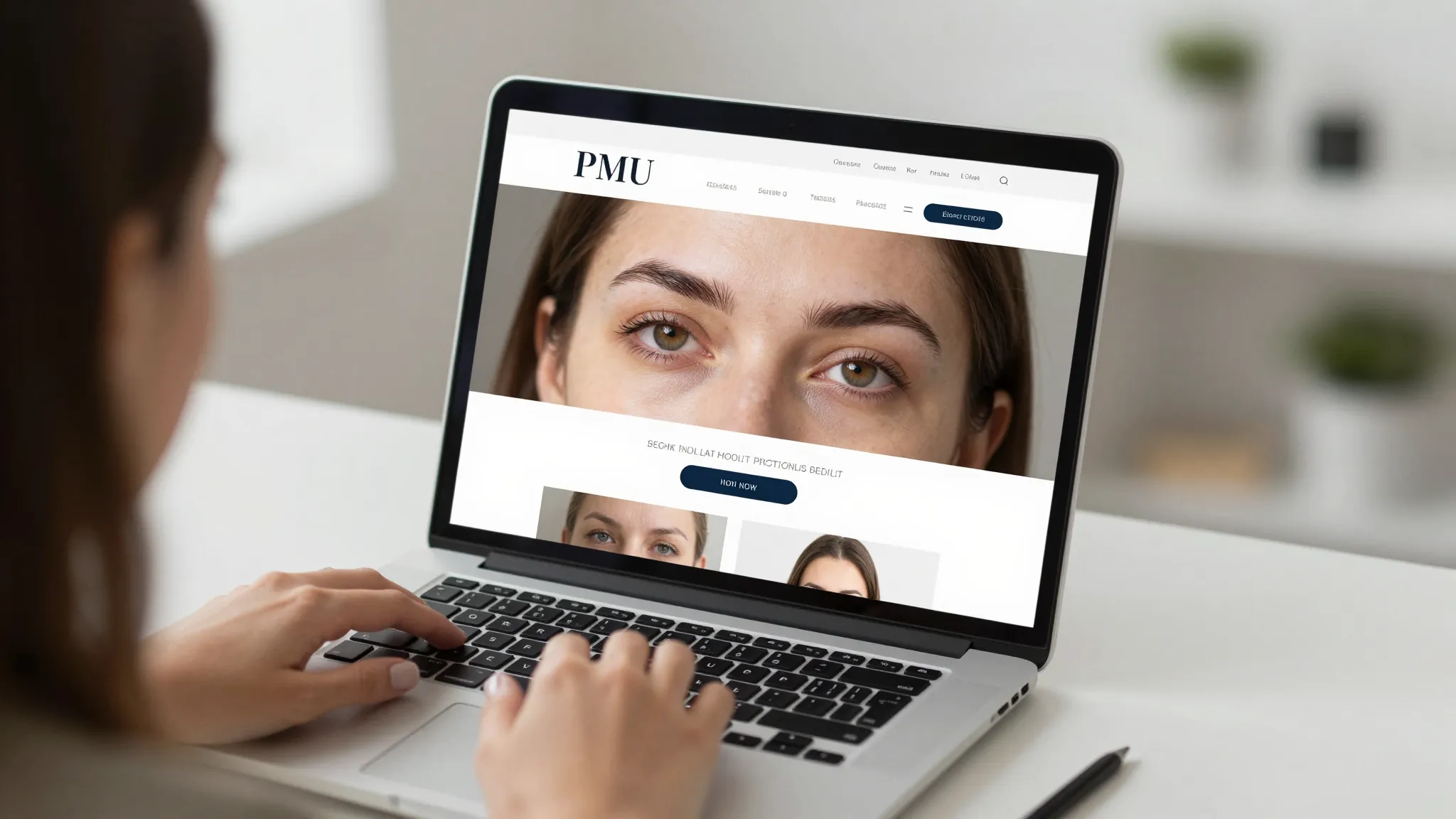
How to Build a PMU Website That Gets Bookings in 2026
Roali (Roy) Biten
Founder, ROXO Hub · May 12, 2026
Launch your PMU website today
ROXO Hub includes a built-in website builder — go live in 15 minutes with booking, forms, and payments already connected.
Start Your TrialIn this article
- 1.Step 1: Choose a Domain Name That Includes Your City
- 2.Step 2: Build a Before/After Gallery That Converts Visitors
- 3.Step 3: Write a Services Page with Real Pricing
- 4.Step 4: Add 24/7 Online Booking — Not Just a Phone Number
- 5.Step 5: Optimize for "PMU Near Me" Local SEO
- 6.Step 6: Add a Consultation Form for Contraindications
- 7.Step 7: Collect and Display Client Reviews
- 8.The right tool makes this easier
- 9.Frequently Asked Questions
How to Build a PMU Website That Gets Bookings in 2026
Permanent makeup artists lose bookings every week to competitors with better websites — not better work. Most PMU clients search "microblading near me" or "lip blushing [city]" before they ever ask for a referral, and if your site doesn't appear or doesn't build trust in the first few seconds, they move on. A thin Instagram bio link or a basic Linktree won't close a $600 brow appointment. This article covers exactly what to include on your permanent makeup website — before/after gallery, services, booking, and local SEO — so your site works as a 24/7 booking engine.
Step 1: Choose a Domain Name That Includes Your City
Your domain name is a local ranking signal. A name like austinpmu.com or chicagomicroblading.com tells Google and potential clients exactly where you work. Register through Namecheap or GoDaddy for $10–$15/year — do not use a free subdomain from a website builder (e.g., yourname.wixsite.com), as it hurts both credibility and SEO. Keep the name short, readable, and geographically specific.
Step 2: Build a Before/After Gallery That Converts Visitors
Your gallery is the first thing a prospective client scrolls to, and it either books them or loses them. Shoot every healed result in natural light, crop to consistent dimensions (1:1 or 4:5), and label each image with the procedure — Nano Brows, Ombre Powder Brows, Lip Blush, Lash Line Enhancement. Show a minimum of 20 diverse healed results across skin tones; fresh-result-only galleries raise red flags for experienced clients who know healed work looks completely different.
Step 3: Write a Services Page with Real Pricing
A services page without prices is a conversion killer. PMU clients are researching before they contact anyone, and if your site says "contact me for pricing," most will simply click a competitor who published their rates. List each service with a starting price, session length, and one-sentence description — for example: Ombre Powder Brows — from $550, 2.5 hrs. Soft, shaded finish ideal for oily or combination skin. List touch-up pricing separately so clients aren't surprised at their follow-up appointment.
Step 4: Add 24/7 Online Booking — Not Just a Phone Number
A phone number or email contact form puts a time barrier between a ready client and a confirmed appointment. PMU clients research late at night and on weekends — if they can't book the moment they're ready, many won't return. Your website needs a live booking link: a button that opens your calendar, lets the client choose a service, and confirms in under three minutes. Every friction point between "I want this" and "I'm booked" costs you real appointments.
Step 5: Optimize for "PMU Near Me" Local SEO
Most PMU bookings start with a local search. To rank for queries like "microblading [city]" or "permanent makeup near me," you need three things in place: include your city and neighborhood naturally in your homepage headline, service descriptions, and page title tags; create and verify a Google Business Profile with your website URL linked; and embed a Google Map on your contact page with your full address in the footer of every page. Those three steps cover the majority of local search visibility for most PMU artists without requiring any technical SEO expertise.
Step 6: Add a Consultation Form for Contraindications
PMU is a cosmetic procedure and not every client is a suitable candidate. A pre-consultation intake form on your website screens for contraindications — blood thinners, recent Botox, active skin conditions, pregnancy — before the appointment is even booked. This protects you legally, reduces last-minute cancellations, and signals professionalism to clients who have done their research. Your form should cover skin type, previous PMU history, current medications, and known allergies.
Step 7: Collect and Display Client Reviews
Five-star Google reviews are the highest-converting element on a local service website. After each successful session, send a direct one-click Google review link — not a generic "if you have time" message, but a URL that opens the review form immediately. Embed your top three or four reviews on your homepage using a screenshot carousel or Google's review widget. A PMU services page with visible reviews closes bookings that a portfolio alone cannot, because reviews remove the hesitation that stops clients from committing to a $500–$800 appointment with someone new.
The right tool makes this easier
Building each piece separately — a Squarespace site, a standalone booking tool, a third-party form builder, a payment processor — adds up to $80–$150/month and requires managing five different logins. ROXO Hub gives PMU artists every piece of this in one $39.99/month platform.
Website Builder
Launch a professional PMU site in 15 minutes — included in your plan, no separate tool needed.
Online Booking
Clients self-book 24/7 from your site. They don't need to download any app to book.
Forms & Waivers
Digital intake and consent forms sent automatically when a client books.
Auto Reminders
Automated SMS and email reminders reduce no-shows on high-value PMU appointments.
Client Reviews
Collect 5-star reviews automatically after each completed appointment.
No-Show Protection
Optionally require a deposit or store a card on file to protect your calendar.
ROXO Hub's included website builder means your booking link, gallery, services page, and intake forms all live in one connected system — no Zapier workarounds, no broken embed codes, no stacking monthly bills from separate tools.
Frequently Asked Questions
What should I include on a permanent makeup website?
A permanent makeup website needs six core elements: a before/after gallery with healed results, a services page with starting prices, a 24/7 online booking link, a consultation or intake form, visible client reviews, and local SEO signals — your city name in headings, a Google Business Profile, and your address in the footer. Each element serves a specific function: the gallery builds desire, pricing qualifies clients, and the booking link closes the appointment.
Is Instagram enough for a PMU artist, or do I need a website?
Instagram alone is not enough. It cannot rank in "microblading near me" Google searches, cannot host a real booking system, and cannot collect intake forms or deposits. Many clients discover you on Instagram but confirm their decision by visiting your website — a site with pricing, healed results, and a clear booking button converts that traffic into confirmed appointments in a way an Instagram profile simply cannot.
How much does it cost to build a PMU website?
A self-built PMU site on Squarespace starts at $16–$23/month plus a domain at $10–$15/year. Add a booking tool ($25–$40/month) and a form builder ($10–$20/month), and you're looking at $50–$80/month for a fragmented setup. ROXO Hub bundles website, booking, intake forms, payments, and review collection into one $39.99/month platform — a significantly more integrated system for less monthly spend.
How do I get my PMU website to rank on Google?
For local PMU rankings, the three highest-impact actions are: include your city in your page title, H1 heading, and service descriptions; create and verify a Google Business Profile with your website linked; and collect consistent Google reviews from real clients. These three steps drive the majority of local search visibility for most PMU artists without requiring any technical SEO knowledge.
Should I show prices on my PMU website?
Yes. Listing prices — even starting-from ranges — improves conversion because it pre-qualifies clients and removes the hesitation of not knowing whether the service is within their budget. Clients who inquire after seeing your pricing are already pre-qualified and more likely to book. Hiding your rates typically generates more inquiries but fewer confirmed bookings from clients who are ready to commit.
How long does it take to build a PMU website?
With ROXO Hub's built-in website builder, you can have a live PMU site with booking integration in under an hour — the technical build takes 15–30 minutes once your content is ready. The longest part is gathering your before/after images and writing your service descriptions. A custom site from a web developer typically takes 4–8 weeks and costs $1,500–$5,000 or more.
Stop losing late-night bookings
ROXO Hub gives PMU artists 24/7 online booking built directly into their website — no third-party tools, no extra monthly fees.
Try ROXO HubReady to run your pmu business smarter?
Setup takes 15 minutes. No contracts. Cancel anytime.
Roali (Roy) Biten
Founder, ROXO Hub
Disclaimer: The content in this article is provided for informational purposes only. ROXO Hub strives to publish accurate and helpful information, but we make no guarantees about the completeness, reliability, or accuracy of the content. Information may change over time and may not reflect the most current developments. Always conduct your own independent research and consult qualified professionals before making business decisions. ROXO Hub is not liable for any errors, omissions, or outcomes resulting from reliance on this content. Terms of Use.