
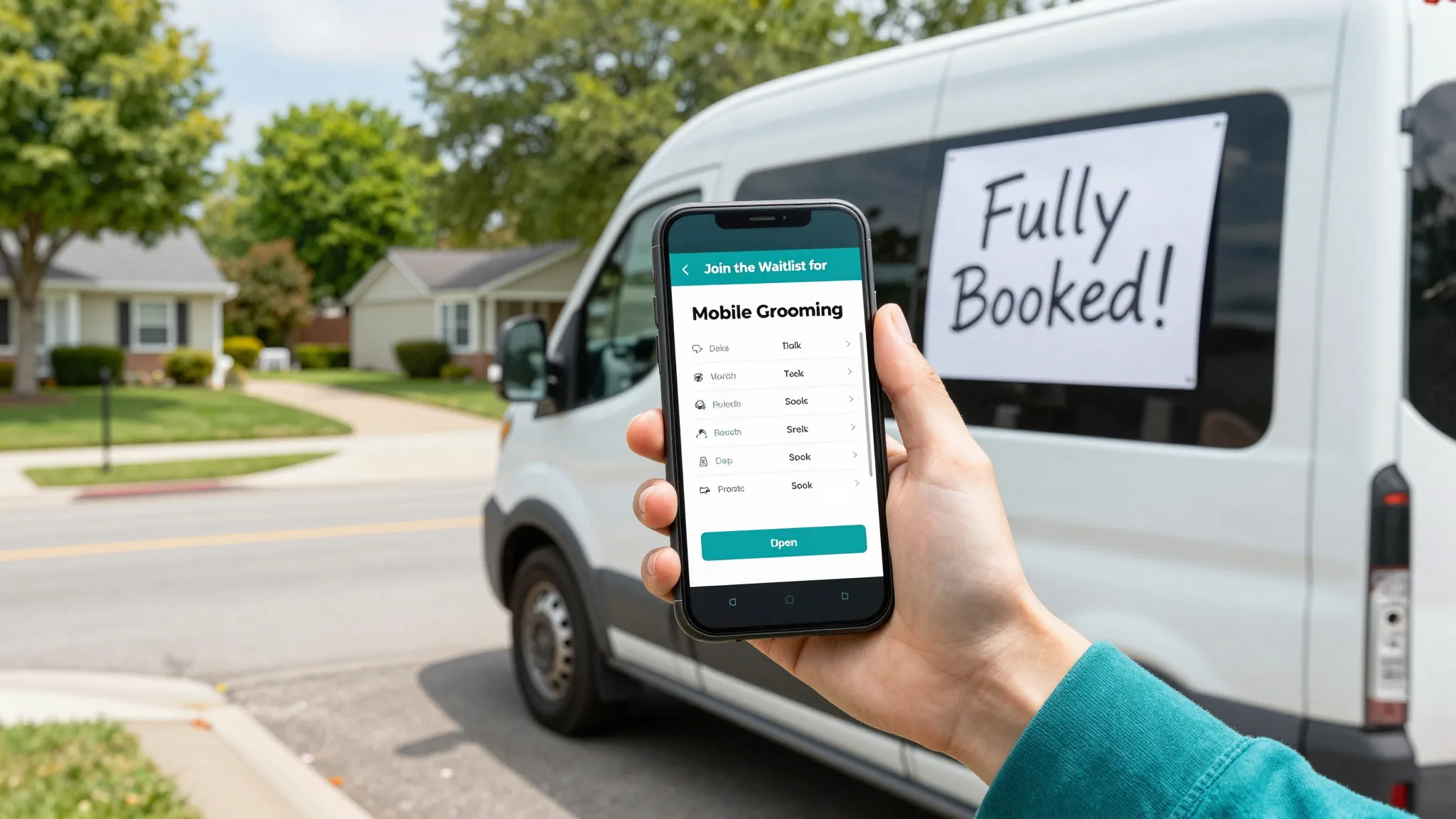
How to Build a Waitlist for Your Mobile Pet Grooming Business in 2026
Roali (Roy) Biten
Founder, ROXO Hub · April 4, 2026
Running at full capacity?
ROXO Hub lets clients join your waitlist directly from your website — and converts them automatically the moment a slot opens.
Start Your TrialIn this article
- 1.Step 1: Stop Turning Clients Away — Capture Them Instead
- 2.Step 2: Collect the Right Information Upfront
- 3.Step 3: Organize by Route, Not Sign-Up Date
- 4.Step 4: Automate the Notification the Moment a Slot Opens
- 5.Step 5: Turn the First Booking Into a Standing Appointment
- 6.The right tool makes this easier
- 7.Frequently Asked Questions
How to Build a Mobile Pet Grooming Waitlist in 2026
Most mobile groomers hit full capacity within 12–18 months of launching — then lose hundreds of dollars every week telling new clients there’s no room. A waitlist isn’t just a "maybe later" list; it’s a revenue pipeline that turns cancellations into filled slots the same day they open. Yet most groomers manage theirs in a text thread or a spiral notebook, which means warm leads fall through the cracks and appointment slots go unfilled. This guide covers exactly how to set up and run a digital waitlist that converts waiting clients into confirmed, paying bookings.
Step 1: Stop Turning Clients Away — Capture Them Instead
When you’re fully booked, the instinct is to say "sorry, we’re not taking new clients" and move on. That’s revenue walking out the door. Instead, direct every new inquiry — phone call, Instagram DM, text — to a short digital waitlist form. The goal is simple: turn a "no room right now" into a "you’re on our list and we’ll reach out the moment a spot opens." Clients who feel captured and acknowledged are far less likely to book with a competitor while they wait.
Step 2: Collect the Right Information Upfront
A waitlist that asks too little is useless when a cancellation opens; one that asks too much kills sign-ups. Collect exactly six data points: client name, phone number or email, pet name and breed, coat type (short, medium, double-coat, or doodle), ZIP code or neighborhood, and a preferred day-of-week window. That’s enough to match a waiting client to a specific open slot in under 60 seconds. Skip fields like "how did you hear about us" — that friction costs you sign-ups and adds zero scheduling value.
One optional but high-value field: a short notes box for special circumstances — reactive skin, fear of loud noises, needs a muzzle. Clients who feel seen at the sign-up stage convert at a higher rate when you finally reach out with an opening.
Step 3: Organize by Route, Not Sign-Up Date
Mobile grooming runs on route efficiency — an unnecessary 40-minute drive between two appointments can cost more in fuel and time than the groom itself earns. Don’t manage your waitlist as a simple first-in, first-out queue. Group waiting clients by ZIP code or neighborhood so that when a Tuesday cancellation opens in your north-side route, you fill it with a north-side client. Sorting by geography means you’re not just filling slots — you’re filling them profitably.
Step 4: Automate the Notification the Moment a Slot Opens
The fastest way to lose a waitlisted client is a 4-hour lag between a cancellation and your message to them. By the time you finish your last groom of the day and send a manual text, they’ve already called another groomer. Set up automated SMS or email notifications that fire the moment a slot becomes available — include the specific date, time, and a direct booking link so the client can confirm in one tap without calling you. The first client who taps the link gets the slot; no back-and-forth, no phone tag, no chasing.
This is where a paper list or a text thread breaks down completely. Automation handles it the second a cancellation comes in — whether that’s 7 a.m. or 9 p.m. — while you’re still on the road working.
Step 5: Turn the First Booking Into a Standing Appointment
The real payoff of a waitlist isn’t just filling a one-off cancellation — it’s locking in a recurring client. When a waitlisted client books their first appointment, add a detailed pet profile note (coat condition, temperament, products used, any sensitivities) and follow up after the groom offering a standing bi-weekly or monthly slot. Clients who move off a waitlist and onto a regular schedule represent your most stable, highest-retention segment. One well-handled waitlist booking can turn into 12–24 repeat appointments per year on a predictable, route-optimized schedule.
The right tool makes this easier
ROXO Hub’s online booking system lets clients join your waitlist directly from your business website — no third-party form tools, no spreadsheets, no copy-pasting numbers between a notes app and your calendar. Each client profile stores pet name, breed, coat type, service history, and your own internal notes in one place, so when a cancellation opens you can match the right client to the right slot in seconds.
When you’re ready to fill the spot, ROXO Hub sends the client a booking link. They confirm, the appointment lands on your calendar, and an automatic reminder goes out 24 hours before to protect against no-shows. You can optionally enable deposit collection at booking — if you turn it on, the deposit is charged when the client confirms, which filters out uncommitted clients before they waste a slot in your route.
Client Management
Full pet profiles with breed, coat type, notes, and service history — all in one place.
Online Booking
Clients book or join your waitlist 24/7 directly from your ROXO Hub website.
Auto Reminders
Automated reminders reduce no-shows without you lifting a finger.
Instant Payouts
Get paid same-day — no waiting on weekly batch deposits.
At $39.99/month flat — one price, no per-feature add-ons — ROXO Hub includes online booking, client management, automated reminders, invoicing, no-show protection, and same-day payouts. It’s built for mobile service businesses that run on route efficiency and repeat clients.
Frequently Asked Questions
How do I start a waitlist for my pet grooming business?
Create a short digital form that collects client name, contact info, pet details (breed and coat type), ZIP code, and preferred days. Share the link in your Instagram bio, on your website, and in any "fully booked" auto-reply message. A booking platform like ROXO Hub lets you capture this directly from your business site without setting up a separate tool.
How many clients should I keep on a mobile grooming waitlist?
A practical benchmark is 2–3 waitlisted clients per route zone. Any more than that and the wait time for lower-ranked clients grows long enough that they’ve already moved on by the time you contact them. Segment by ZIP code and keep the list tight per zone rather than maintaining one giant undifferentiated queue.
How do I notify waitlisted grooming clients when a slot opens?
The most effective method is an automated SMS with a direct booking link — response rates on text are significantly higher than email for time-sensitive slot notifications. The message should include the specific date, time, and a one-tap confirmation link. If two clients are in the same zone, notify the longer-waiting client first and give them 30–60 minutes to respond before moving to the next.
Should I charge a deposit to hold a waitlist spot?
Charging a deposit just to join the waitlist — before you’ve offered a specific appointment — typically reduces sign-ups significantly. The better approach is to collect a deposit when you offer a real slot and the client confirms. That way you filter out uncommitted clients at the moment it matters, without discouraging people from joining your list in the first place.
What’s the best way to manage a mobile grooming waitlist?
A dedicated booking platform beats spreadsheets and text threads because it keeps client details, pet profiles, and communication history in one place. When a cancellation opens, you want to match, notify, and confirm in under 5 minutes — that’s only realistic with a digital system that has the client’s contact info and a booking link ready to send. ROXO Hub’s client management handles this natively without extra tools.
How do I stop waitlisted pet grooming clients from going to a competitor while they wait?
Keep the list moving and communicate proactively. A brief check-in every 4–6 weeks — "still on our list, expecting an opening in your area soon" — keeps clients engaged rather than forgotten. When a slot does open, speed is everything: the faster you move from "cancellation received" to "booking link sent," the higher your conversion rate from waitlist to confirmed appointment.
Stop losing waitlisted clients to slow follow-up
ROXO Hub sends booking links the moment a slot opens — clients confirm in seconds, no phone tag, no manual texting at 9 p.m.
Try ROXO HubReady to run your pet grooming business smarter?
Setup takes 15 minutes. No contracts. Cancel anytime.
Roali (Roy) Biten
Founder, ROXO Hub
Disclaimer: The content in this article is provided for informational purposes only. ROXO Hub strives to publish accurate and helpful information, but we make no guarantees about the completeness, reliability, or accuracy of the content. Information may change over time and may not reflect the most current developments. Always conduct your own independent research and consult qualified professionals before making business decisions. ROXO Hub is not liable for any errors, omissions, or outcomes resulting from reliance on this content. Terms of Use.