
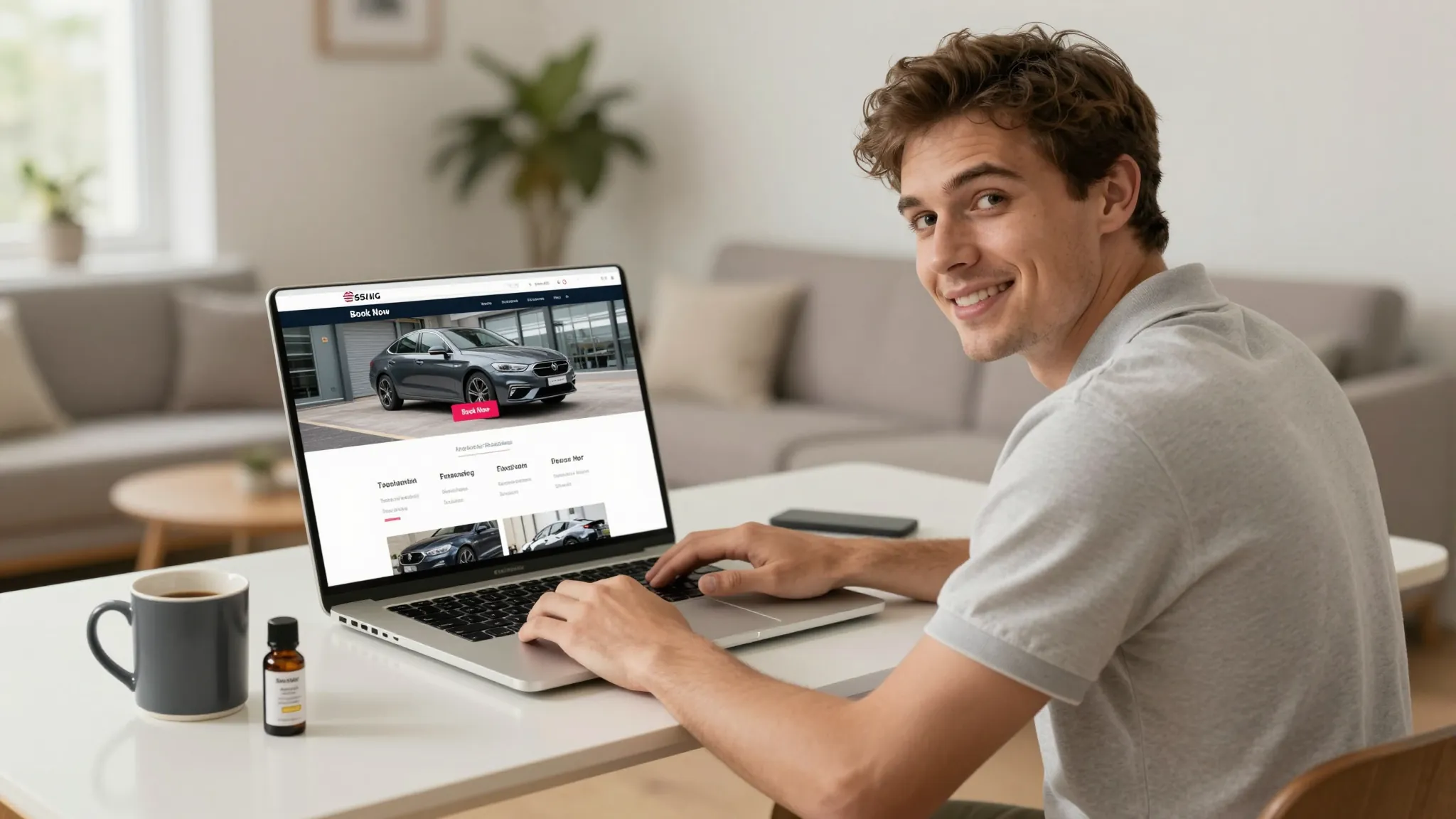
How to Build a Website for Your Auto Detailing Business in 2026
Roali (Roy) Biten
Founder, ROXO Hub · April 1, 2026
Skip the setup headache
ROXO Hub gives you a booking-enabled website, payment processing, and client management in one platform — live in 15 minutes.
Start Your TrialIn this article
- 1.Step 1: Decide What Your Website Needs to Do
- 2.Step 2: Choose the Right Platform for Your Budget
- 3.Step 3: Register a Domain Name
- 4.Step 4: Build Your Service Menu With Real Pricing
- 5.Step 5: Add Online Booking to Your Site
- 6.Step 6: Set Up No-Show Protection Before You Launch
- 7.Step 7: Optimize Your Site for Local Search
- 8.The right tool makes this easier
How to Build an Auto Detailing Website in 2026
Most detailers are still taking bookings through Instagram DMs and text threads — and losing clients every week to shops with a real website and 24/7 online booking. Local service searches have shifted overwhelmingly to mobile, and a searcher who can't book instantly will scroll straight to your competitor. A professional, booking-enabled website isn't a nice-to-have anymore; it's the difference between a full calendar and a half-empty one. This guide walks you through every step: choosing a platform, building your service menu, adding online booking, protecting against no-shows, and going live without hiring a developer.
Step 1: Decide What Your Website Needs to Do
Before picking a platform, write down the three core jobs your website must perform: display your services with clear pricing, let clients book a slot in real time, and collect payment or a deposit to protect your schedule. A site that can't do all three is essentially a digital flyer — it costs money to run but doesn't generate bookings. Decide whether you need a simple single-page booking site or a full multi-page presence before you spend a dollar or an hour building.
Step 2: Choose the Right Platform for Your Budget
You have three realistic paths depending on your budget and technical comfort level:
- Wix or Squarespace ($16–$23/mo): Good-looking templates and easy drag-and-drop editing, but their native booking tools aren't built for service-business deposit flows or no-show protection. You'll need Calendly or Acuity Scheduling on top ($8–$20/mo extra) and will manually reconcile two separate systems.
- WordPress (~$10–$15/mo hosting + plugins): Maximum flexibility, but a booking plugin like Bookly ($89/year) or Amelia ($99/year) plus a payment gateway adds cost and 8–12 hours of setup time. Plugin updates can break integrations without warning.
- ROXO Hub ($39.99/mo): Website, booking calendar, payment processing, automated reminders, and client management all included. Your booking-enabled site goes live in roughly 15 minutes — nothing to integrate, no plugins to maintain.
If your time is worth more than $40/month, the all-in-one route usually wins. If you already have a site you love, adding a dedicated booking plugin can work — just factor in the ongoing maintenance cost of keeping two tools in sync.
Step 3: Register a Domain Name
Your domain should reflect your business name or a local keyword combination — for example, austinmobiledetailing.com or shineupdetailing.com. Register through Namecheap or Google Domains for $10–$15/year. Keep it short, spell it right, and avoid hyphens where possible. If your business name is already taken, adding your city solves it cleanly: premiumdetail-dallas.com is still easy to hand to a client and ranks for local search.
Step 4: Build Your Service Menu With Real Pricing
Every service listing must answer three questions before the client scrolls: what's included, how long it takes, and what it costs. Showing "Full Interior Detail from $179" converts far better than "Contact us for a quote" because prospects won't wait to find out if they can afford you. If pricing varies by vehicle size, break it into visible tiers — sedan, SUV/truck, and oversize (vans, RVs) — so clients self-select the right package before they even reach the booking step.
Step 5: Add Online Booking to Your Site
Your booking flow must show real-time availability, collect client contact information, and confirm the appointment instantly — no email chains, no manual approval required. Clients expect instant confirmation; any delay hands the booking to whoever responds first. Aim for a checkout that takes under 90 seconds from service selection to confirmed appointment, including any deposit step if you require one.
Step 6: Set Up No-Show Protection Before You Launch
A no-show on a $300 ceramic coating appointment is a $300 hole in your week. Configure a deposit policy or card-on-file requirement before your site goes live — not after you've already absorbed the loss. A $50–$75 upfront deposit on larger packages removes uncommitted clients from your calendar before they waste a morning. For express washes and smaller services, storing a card on file — charged only if the client ghosts — is often enough friction to prevent no-shows without discouraging new clients from booking.
Step 7: Optimize Your Site for Local Search
Google ranks local service businesses on three signals: relevance, distance, and prominence. Put your city and core service in your page title, H1, and first paragraph — something like "Mobile Auto Detailing in Phoenix". Embed a Google Map on your contact page, list every neighborhood or zip code you cover, and make sure your business name, address, and phone number match your Google Business Profile exactly. Create a separate page for each major service — exterior detail, interior detail, ceramic coating — so each one can rank independently for its own keyword.
The right tool makes this easier
Stitching together a page builder, a booking app, a payment processor, and a client database means four monthly fees, four logins, and four things that can break during your busiest week. ROXO Hub gives auto detailers a professional booking-enabled website, a visual scheduling calendar, tap-to-pay payment processing (no card reader required), automated SMS and email reminders, and full client history — all in one $39.99/month platform.
When you set up your ROXO Hub site, your services and live availability are connected to your booking page from day one. You can optionally enable a deposit requirement on any service — if you turn it on, the deposit is collected when the client confirms, so uncommitted clients never make it onto your calendar in the first place. Automated reminders go out before every appointment, and cancellations reopen slots immediately.
Clients book directly from your website — they never need to download an app. You manage bookings, payments, client notes, and marketing follow-ups from the ROXO Hub mobile app on your phone.
Online Booking
Clients self-book 24/7 from your website. No calls, no DMs, no back-and-forth.
Tap-to-Pay
Accept cards, Apple Pay, and tap-to-pay — no card reader needed.
Auto Reminders
SMS and email reminders go out automatically before every appointment.
Website Builder
A live, professional booking site in roughly 15 minutes — included at no extra cost.
Stop losing money to no-shows
ROXO Hub lets you optionally require a deposit or store a card on file — so uncommitted clients never make it onto your calendar.
Try ROXO HubReady to run your auto detailing business smarter?
Setup takes 15 minutes. No contracts. Cancel anytime.
Roali (Roy) Biten
Founder, ROXO Hub
Disclaimer: The content in this article is provided for informational purposes only. ROXO Hub strives to publish accurate and helpful information, but we make no guarantees about the completeness, reliability, or accuracy of the content. Information may change over time and may not reflect the most current developments. Always conduct your own independent research and consult qualified professionals before making business decisions. ROXO Hub is not liable for any errors, omissions, or outcomes resulting from reliance on this content. Terms of Use.