
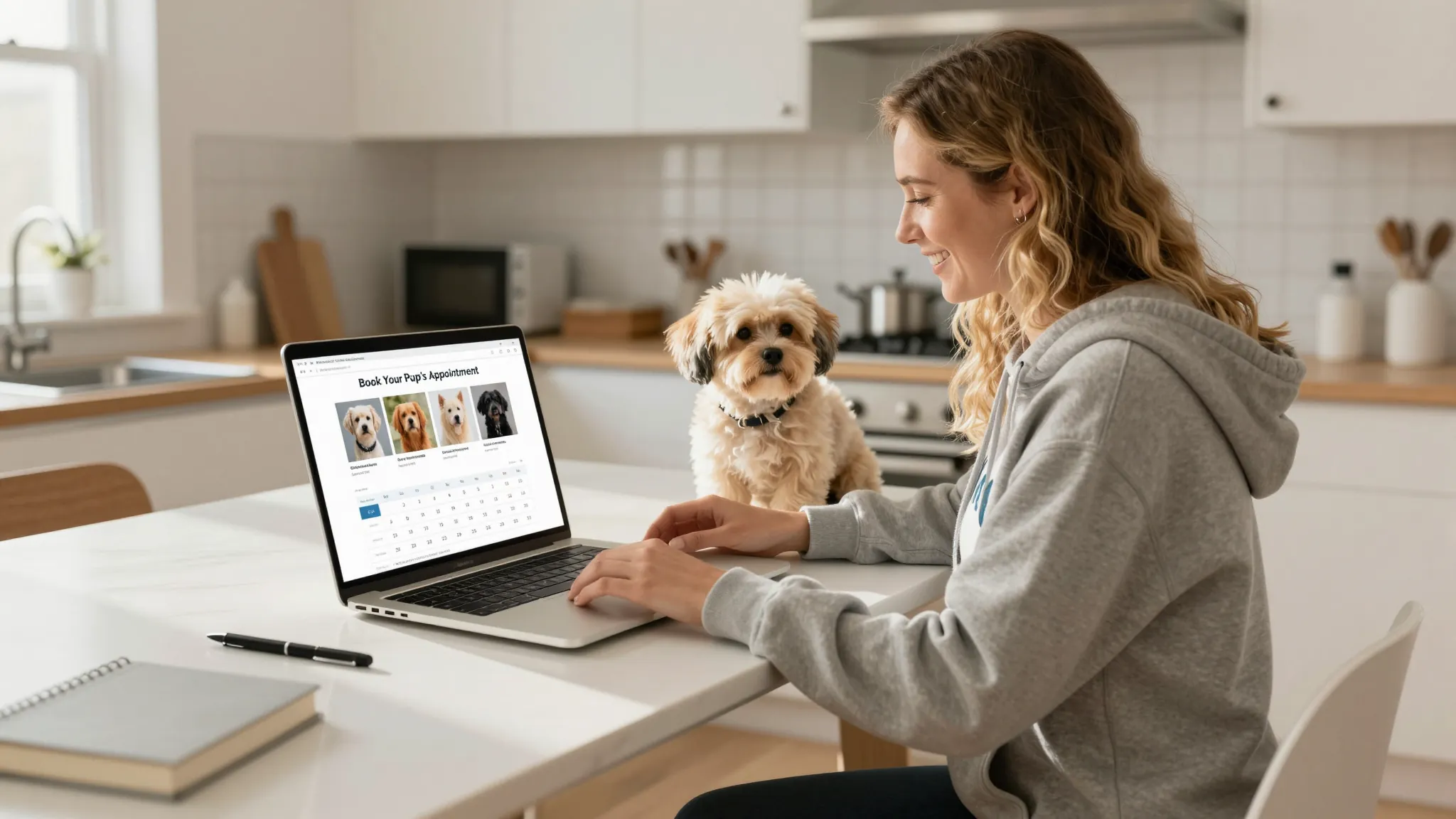
How to Build a Website for a Mobile Pet Grooming Business
Roali (Roy) Biten
Founder, ROXO Hub · April 8, 2026
Skip the guesswork
ROXO Hub gives mobile groomers a live website, online booking, and payments — all connected, no coding required.
Start Your TrialIn this article
- 1.Step 1: Figure Out What Your Website Actually Needs to Do
- 2.Step 2: Compare Your Three Website Options
- 3.Step 3: Set Up Your Services, Area, and Pricing
- 4.Step 4: Add 24/7 Online Booking
- 5.Step 5: Build Trust with Photos and Reviews
- 6.Step 6: Go Live and Start Sharing Your Link
- 7.The right tool makes this easier
How to Build a Mobile Pet Grooming Business Website in 2026
Most mobile groomers book their first 10 clients through referrals and Facebook groups — but referrals plateau, and Facebook posts disappear within 24 hours. Without a website, there's no place for new clients to find you when they search "mobile dog groomer near me" at 10 p.m. A professional website with built-in booking flips that dynamic, turning a passive reputation into consistent new business. This guide covers every realistic option for getting your mobile grooming business online in 2026 — from DIY site builders to all-in-one platforms.
Step 1: Figure Out What Your Website Actually Needs to Do
A mobile pet grooming website has one job: convert a visitor into a booked appointment. That means showing your services and pricing, communicating your service area, and letting clients book without calling you. Anything else — blog posts, elaborate galleries, lengthy brand stories — is secondary until those three things are working.
Before you build anything, write down three things: the zip codes or neighborhoods you serve, your full service menu with pricing (a full groom for a small dog, a large dog, a doodle), and whether you want clients to pay a deposit at booking. These decisions shape which platform actually fits your workflow — and save you from rebuilding your site in three months because you picked the wrong tool.
Step 2: Compare Your Three Website Options
There are three realistic paths for getting a mobile grooming business online. Each has a different price point, time investment, and feature ceiling. The right choice depends on how much you want to manage and how much you care about owning your brand online.
Option A: DIY Website Builders (Wix, Squarespace, GoDaddy)
Platforms like Wix and Squarespace let you drag and drop a site together in an afternoon. Plans start at around $17–$23/month for a basic site, but online booking and payment processing often require a higher-tier plan ($27–$49/month) or a third-party scheduling tool bolted on separately. You end up paying for a website tool and a booking tool, managing two logins, and manually syncing your calendar every time your availability changes.
Option B: Standalone Booking Page Tools (Vagaro, Booksy)
Vagaro (starting from $30/month as of 2026 — verify directly) and Booksy give you a booking page clients can use, but these are not full websites — they're marketplace listings with a booking button. Your profile sits alongside other local groomers on the same platform, and you have limited control over branding, your URL, or how you're presented to potential clients. They work as a starting point but won't help you build an independent brand over time.
Option C: All-in-One Platforms with a Built-in Website
All-in-one platforms like ROXO Hub include a website builder alongside booking, payments, and client management — for one flat monthly fee. Your site, your calendar, and your payment processor are connected from day one, with no integrations to configure and no plugins to update. For a mobile groomer who'd rather be in a client's driveway than debugging a third-party booking widget, this is the fastest path to a fully functioning online presence.
Step 3: Set Up Your Services, Area, and Pricing
Whatever platform you choose, your service page is the most important page on your site. List every service with a clear price range — for example: "Full groom — small breeds (under 25 lbs): $75–$95", "Full groom — large breeds (55+ lbs): $120–$145", "Bath and blow-dry: starting at $55." Price ranges are fine; clients just need a realistic number before they commit to booking. Hiding pricing forces people to call, and most won't.
Add a section on your service area using specific city and neighborhood names, not just zip codes. "Serving Austin's East Side, Mueller, and Crestview neighborhoods" reads better than a list of numbers and helps your site rank in local search results. Also include any breed restrictions or dog types you don't groom — this filters out inquiries that won't convert and saves you time on the road.
Consider adding a short FAQ section to your services page covering questions like how long a groom takes (typically 1.5–2 hours for most dogs), what happens if a dog is matted, and what forms of payment you accept. This reduces back-and-forth messages before bookings and makes hesitant first-time clients more comfortable committing.
Step 4: Add 24/7 Online Booking
The single biggest upgrade a grooming website can have is a booking system that works without a phone call. Clients want to book when they think of it — often evenings and weekends when you're not available to answer texts. A real-time availability calendar that confirms the appointment automatically removes the friction that loses you clients to competitors who make booking easier.
ROXO Hub lets you optionally require a deposit at booking — you set the amount, and it's charged when the client schedules their appointment. You can also store a card on file for no-show protection without requiring upfront payment, depending on what works best for your client base. Either way, clients who've committed something to the booking are far less likely to be no-shows.
Step 5: Build Trust with Photos and Reviews
Mobile groomers don't have a storefront to signal professionalism — your website has to do that work. Post 6–10 before-and-after photos of real client dogs (with their owners' permission), your van or grooming setup, and a short bio that mentions your training, certifications, or years of experience. Clients booking a stranger to handle their dog need more reassurance than someone booking a haircut — give them a reason to feel confident before they ever hit "book now."
ROXO Hub includes a built-in review collection tool that sends an automatic follow-up after each appointment asking clients to leave a review. Consistent positive reviews on your own site build the social proof that turns a first-time visitor into a booked client — without asking clients to hunt down your Yelp page or Google listing themselves.
Step 6: Go Live and Start Sharing Your Link
Once your site is live, your booking link is your most valuable marketing asset. Add it to your Google Business Profile, your Instagram bio, your Facebook page, and any Nextdoor posts you make. If you hand out business cards, print the URL on them. Send a message to existing clients letting them know they can book online — something like: "Hey [Name], I just launched online booking — here's my link so you can schedule your next appointment anytime."
Setting up a Google Business Profile is a free step that takes about 15 minutes and puts your business on the map when someone nearby searches "mobile dog groomer near me." It's separate from your website but links directly to it, and it's one of the fastest ways to appear in local search results without spending money on ads.
The right tool makes this easier
Stitching together a Wix site, a Vagaro booking page, and a separate payment processor is doable — but it means three separate accounts, three monthly fees, and three places for something to break. For mobile groomers who are already managing routes, supplies, and clients on the road, that overhead adds up fast and takes time away from actual grooming.
ROXO Hub is built for service-based micro-businesses like mobile pet groomers. For $39.99/month flat, you get a live website ready in 15 minutes, 24/7 online booking with real-time availability, automated appointment reminders, optional deposit collection and card-on-file, digital intake forms and consent waivers, and instant payouts. There are no per-feature add-ons — everything is included in one subscription.
Your clients don't need to download any app. They book directly from your website, receive an automatic confirmation, and get a reminder before their appointment. You manage everything from your phone using the ROXO Hub mobile app — between stops, in driveways, wherever you are on any given day.
One tool, not three
Stop managing separate website, booking, and payment accounts. ROXO Hub includes all three for $39.99/month flat.
Start Your TrialReady to run your pet grooming business smarter?
Setup takes 15 minutes. No contracts. Cancel anytime.
Roali (Roy) Biten
Founder, ROXO Hub
Disclaimer: The content in this article is provided for informational purposes only. ROXO Hub strives to publish accurate and helpful information, but we make no guarantees about the completeness, reliability, or accuracy of the content. Information may change over time and may not reflect the most current developments. Always conduct your own independent research and consult qualified professionals before making business decisions. ROXO Hub is not liable for any errors, omissions, or outcomes resulting from reliance on this content. Terms of Use.