
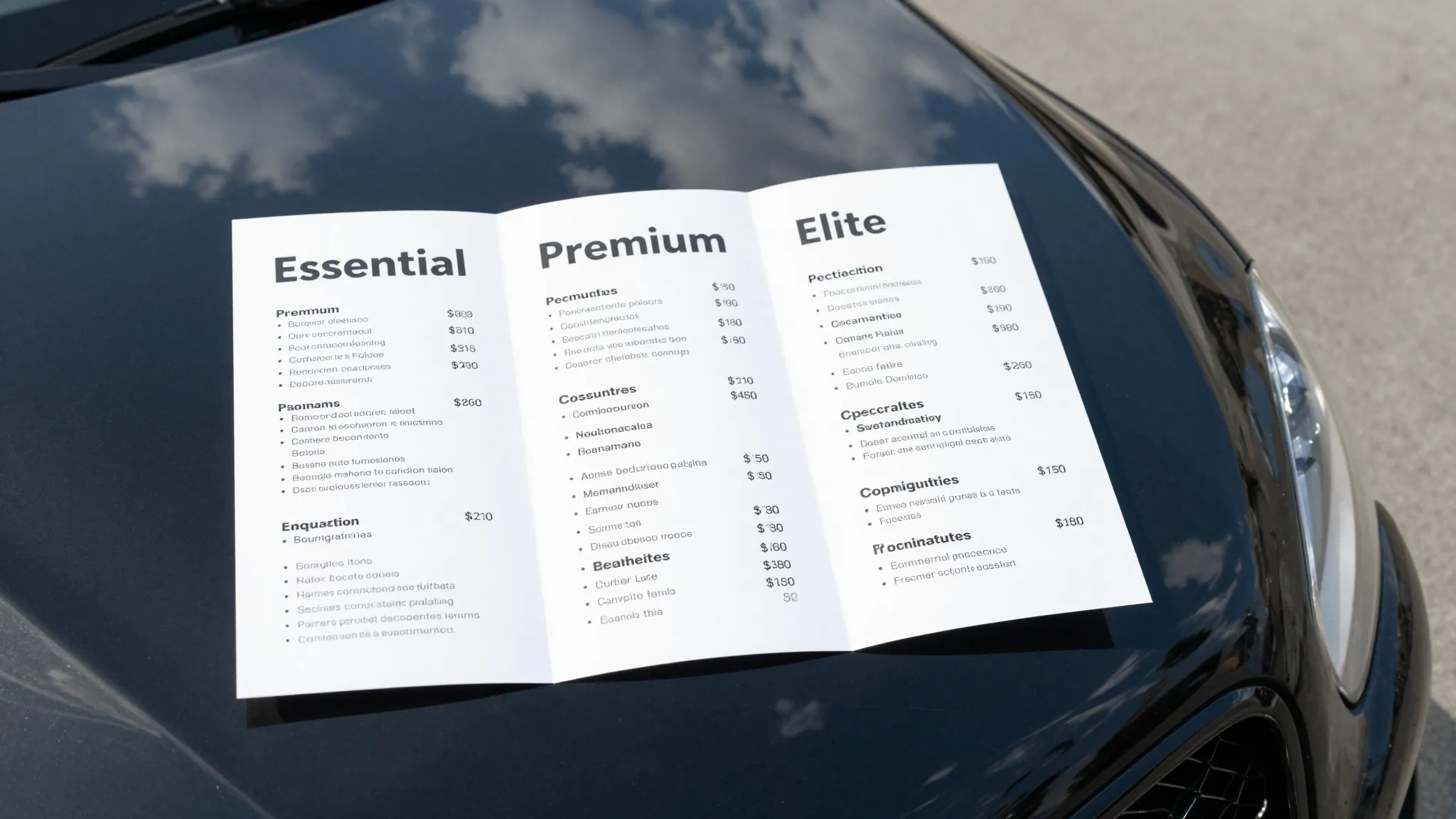
How to Create a Service Menu for Mobile Auto Detailing 2026
Roali (Roy) Biten
Founder, ROXO Hub · April 3, 2026
Ready to publish your service menu?
ROXO Hub lets you build a tiered service menu with vehicle-size pricing and go live with online booking in 15 minutes — no separate website tool needed.
Get StartedIn this article
How to Create a Service Menu for Mobile Auto Detailing 2026
Most mobile detailers quote prices over text with no consistent menu — and end up charging the same rate for a Civic as a Tahoe, leaving $40–$80 per job on the table. Without a structured service menu, prospects scroll past your social profiles because they can't find pricing, and you spend 20 minutes a day explaining what you offer. A clear, tiered menu removes that friction and turns cold inquiries into booked appointments. This guide covers exactly how to build a service menu for your mobile detailing business — tiers, add-ons, vehicle-size pricing, and where to publish it.
1. Start With Three Service Tiers
Three tiers — Entry, Standard, Premium — cover the full range of what clients want without overwhelming them. Name them something memorable: Express Wash, Full Detail, and Executive Detail works well for mobile detailing. Each tier should have a clearly defined scope so clients self-select instead of asking you to itemize everything line by line.
Example sedan pricing to anchor your menu: Express at $80, Full Detail at $180, Executive at $320. Each step up should roughly double the time investment — and your price should reflect that honestly. Clients who see a clear jump in value between tiers are far more likely to upgrade than clients who see two nearly identical offerings priced $20 apart.
2. Price by Vehicle Size, Not Just Service Type
A full interior detail on a Ford F-250 takes 35–40% longer than the same service on a Honda Civic. If you charge both clients the same rate, you are losing real money on every truck and SUV you touch. Build vehicle-size multipliers into every tier from day one so the math works in your favor before you pull up to the job.
A practical structure:
- Sedan / Coupe: base price
- Midsize SUV / Crossover: base + $25–$40
- Full-Size SUV / Truck: base + $50–$75
- Minivan / XL Truck: base + $80–$120
Display this as a simple grid on your booking page. Clients appreciate the transparency and you stop fielding "how much for my Tahoe?" texts at 11 PM. Published pricing also filters out low-budget prospects before they book — saving you the uncomfortable renegotiation at arrival.
3. Build an Add-On Menu That Pays for Itself
Add-ons turn a $120 exterior detail into a $195 ticket without adding a new appointment to your calendar. Keep your add-on list short — five to eight options maximum — so clients don't freeze up. High-converting add-ons for mobile detailers include:
- Engine bay cleaning: $50–$80
- Ceramic coating spray: $60–$100
- Odor elimination: $40–$60
- Headlight restoration: $50–$70 per pair
- Pet hair removal: $30–$60 depending on severity
- Clay bar treatment: $40–$60
Pair two or three add-ons into a bundle — for example, "Interior Refresh: odor elimination + pet hair removal — $80" — to increase your average ticket without increasing decision fatigue. Bundles also anchor the individual add-on prices so standalone purchases feel like a deal by comparison.
4. Write Descriptions That Do the Selling
Your service description is doing sales work every hour your phone is off. Instead of writing "Full interior detail includes vacuuming, wipe-down, and windows," write what the client actually experiences: "Your interior comes out clean enough to impress a car buyer — seats vacuumed, surfaces wiped, windows streak-free, and door jambs cleaned." Specificity builds trust faster than any credential.
Use outcome language, not process language. Clients don't care that you use a dual-action polisher — they care that their paint looks wet in direct sunlight. Every description should answer one question: what will this look and feel like when you are done? A single strong outcome sentence outperforms three sentences of technical detail every time.
5. Decide Where Your Menu Lives
Your service menu needs a permanent, publicly accessible URL — not a screenshot pinned to your Instagram bio. A dedicated booking page with your menu, pricing, and a real online booking button is the highest-converting format available to a mobile detailer. Options:
- Your own website: Full control, best for SEO, takes more time to set up and maintain
- Booking software with a built-in service menu: Fastest to launch, pricing syncs automatically with your calendar
- Facebook / Instagram: Secondary only — never your primary booking location
If you are booking jobs through DMs and text messages, you are losing clients who wanted to book at midnight on a Tuesday when you were asleep. An online menu connected to a live booking calendar captures those jobs automatically — no follow-up required from you.
6. Review and Adjust Pricing Every 90 Days
Your labor cost, supply cost, and fuel cost all change over time — your service menu should too. Set a quarterly calendar reminder to check three numbers: your average ticket per job, your busiest and slowest service days, and which add-ons clients pick most often. If an add-on is not selling, the issue is usually price positioning or placement — not the service itself.
Raise prices on your most-booked tier first. Existing clients rarely cancel over a $15–$20 increase if your quality is consistent. New clients never knew your old price to begin with. Waiting longer than 90 days to review pricing means you absorb cost increases without passing them on — which compounds quietly until your margins disappear.
The right tool makes this easier
Building a service menu in a Google Doc or a static website means updating it manually every time your pricing changes — and then manually updating your booking page separately. ROXO Hub connects your service menu directly to your online booking calendar, so when you update a price or add a new service, clients see the correct information immediately without any double-entry on your end.
With ROXO Hub, you can:
- Create service tiers and add-ons that clients select during the booking flow
- Set vehicle-type pricing variants per service so large vehicles are always priced correctly
- Publish your full menu on a live booking website — built in 15 minutes, no separate tool needed
- Optionally require a deposit at booking to lock in committed clients and protect against no-shows
- Accept cards, Apple Pay, and tap-to-pay — no card reader required
- Send automatic reminders to reduce day-of cancellations
ROXO Hub costs $39.99/month flat — no per-feature fees, no add-on charges for booking or payment processing. Your service menu, booking calendar, client management, and payments all live in one place at one price.
Stop leaving add-on revenue on the table
ROXO Hub's service builder lets you add upsells and bundles directly to your booking flow — clients pick them at checkout and your average ticket grows automatically.
Try ROXO HubReady to run your auto detailing business smarter?
Setup takes 15 minutes. No contracts. Cancel anytime.
Roali (Roy) Biten
Founder, ROXO Hub
Disclaimer: The content in this article is provided for informational purposes only. ROXO Hub strives to publish accurate and helpful information, but we make no guarantees about the completeness, reliability, or accuracy of the content. Information may change over time and may not reflect the most current developments. Always conduct your own independent research and consult qualified professionals before making business decisions. ROXO Hub is not liable for any errors, omissions, or outcomes resulting from reliance on this content. Terms of Use.