
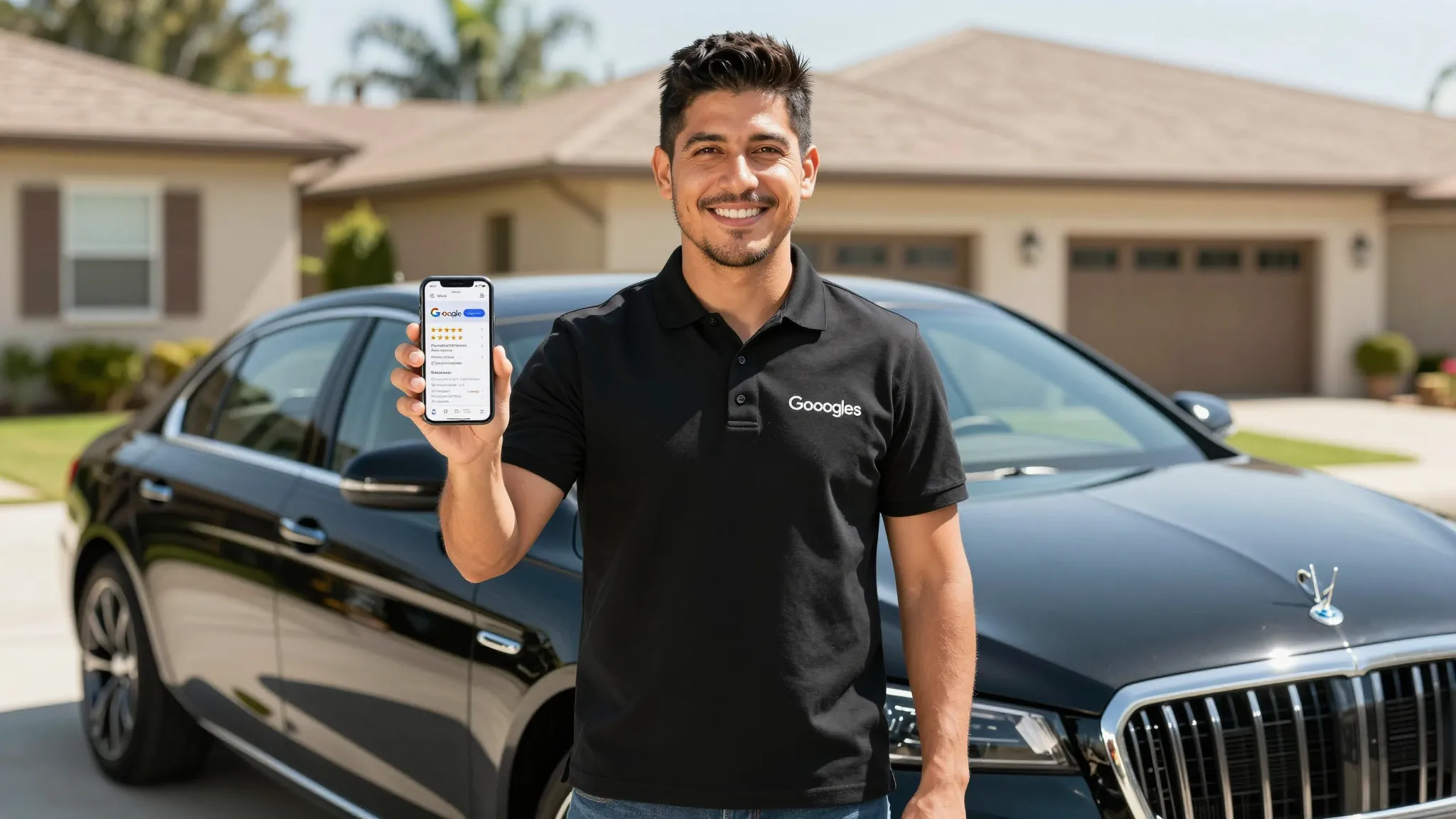
How to Get 5-Star Reviews for Your Mobile Detailing Business
Roali (Roy) Biten
Founder, ROXO Hub · April 3, 2026
Stop losing reviews to bad timing
ROXO Hub automatically follows up with every client after a job — so you collect reviews consistently without adding anything to your plate.
Start Your TrialIn this article
- 1.Why Google Reviews Are Your Highest-ROI Marketing
- 2.1. Ask Within 30 Minutes of Job Completion
- 3.2. Make the Message Personal and Service-Specific
- 4.3. Give Clients a Direct, One-Tap Link
- 5.4. Automate Review Requests So You Never Forget
- 6.5. Respond to Every Review — Especially Negative Ones
- 7.The right tool makes this easier
- 8.Frequently Asked Questions
How to Get 5-Star Reviews: Mobile Detailing Business 2026
Mobile detailers with 50+ Google reviews get called first — full stop. A 4.2-star business and a 4.9-star business can charge wildly different prices for identical work, and prospective clients know the difference before they send a single message. The problem isn't the quality of your work; it's that most detailers never ask at the right moment, in the right way. This guide covers the exact timing, messaging, and automation tactics that turn satisfied clients into a steady stream of 5-star Google reviews.
Why Google Reviews Are Your Highest-ROI Marketing
Google reviews directly affect your local search ranking. A detailer in Dallas with 80 reviews at 4.9 stars will appear above a competitor with 10 reviews at 5.0 — volume matters as much as rating. Beyond ranking, reviews are social proof at the exact moment a potential client is deciding whether to book or scroll past. A single 5-star review mentioning "interior detail" or "ceramic coating" helps you rank for those service keywords organically, with zero ad spend.
1. Ask Within 30 Minutes of Job Completion
Timing is the single biggest factor in review conversion. The moment you finish a detail and the client sees their car — gleaming paint, spotless interior — their satisfaction is at its absolute peak. That window closes fast. Wait 24 hours and you're competing with everything else in their day. Send your review request within 30 minutes of completing the job, while the emotion is still fresh.
A straightforward text works best: "Hey [Name], just finished up — hope you love the results! If you get a second, a Google review means the world to a small business. Here's the link: [your review link]". Short, personal, zero pressure. No paragraphs, no pitch.
2. Make the Message Personal and Service-Specific
Generic review requests get ignored. Compare these two messages:
- Generic: "Please leave us a review!"
- Specific: "Hey Marcus, loved detailing the F-150 today. If you're happy with how the ceramic coating turned out, a quick Google review helps more than you'd think."
The specific version references the client's name, vehicle, and exact service. It feels personal because it is. Clients who feel seen are far more likely to spend 60 seconds writing a review. When your client management software stores vehicle type and service history, pulling that detail costs you nothing — but it changes everything about the response rate.
3. Give Clients a Direct, One-Tap Link
Every extra step between your message and the review form kills conversions. A client should tap one link and land directly on your Google review submission page — not your Maps listing, not your homepage, not a search results page. To get your direct review link, search your business name on Google, click "Write a review," and copy the full URL from the address bar. That link goes in every review request you ever send.
4. Automate Review Requests So You Never Forget
The real reason most detailers don't collect reviews consistently is forgetting. You finish a job, pack up your equipment, drive to the next location, and by evening the follow-up is buried. If you're running 5–8 jobs a week, that's 5–8 review opportunities silently disappearing every week — compounding over months into a review gap that costs you ranking and bookings.
Automation removes that failure point entirely. ROXO Hub's marketing tools let you configure an automated follow-up sequence triggered by job completion. The timing and message are set once — after that, every client gets their review request at the optimal moment without you touching your phone. When you're jumping between locations all day, that reliability is the difference between 3 reviews a month and 30.
5. Respond to Every Review — Especially Negative Ones
Responding to reviews signals to Google that your business is active and engaged, which supports your local ranking. More importantly, it signals to potential clients browsing your profile. A detailer who responds to a 3-star review with professionalism and a real solution looks more trustworthy than a competitor with 200 unanswered reviews.
For negative reviews: acknowledge the issue, don't argue, offer to resolve it offline. Something like: "Hi [Name], I'm sorry the result didn't meet expectations — I'd like to make it right. Please reach out directly at [your number]." Future clients reading that exchange see a professional they can trust, not a business that goes silent when things go wrong.
The right tool makes this easier
The five tactics above work. The obstacle is execution — remembering to follow up after every job, personalizing each message, and tracking who received a request and who didn't. That's where ROXO Hub removes the friction from the entire process.
ROXO Hub's built-in marketing tools automate follow-up sequences that trigger when a job is marked complete. Every client gets a timely, personal-feeling review request without any manual action on your part. Combined with full client management that stores vehicle type, service history, and notes, each outreach can reference the specific job — the exact detail that drives review conversions.
At $39.99/month flat, ROXO Hub includes online booking, payment processing with tap-to-pay, auto reminders, invoicing, and automated marketing tools — no per-feature add-ons, no hidden fees. You're not paying $39.99 just for review follow-ups; you're replacing four or five separate subscriptions with one.
Automated Follow-Ups
Review requests go out after job completion automatically — configure once, runs on every booking going forward.
Client History
Full service and vehicle history means every message can be personalized without any manual effort.
No-Show Protection
Optional deposits and card-on-file keep your calendar filled with clients who actually show up.
Online Booking
Clients self-book 24/7 from your ROXO-built website — no phone tag, no back-and-forth.
Frequently Asked Questions
How do I get my Google review link for my detailing business?
Search your business name on Google, click your listing, then click "Write a review." Copy the URL from your browser address bar — that's your direct review link. Place it in every post-job follow-up message for the best conversion rate.
How many Google reviews does a mobile detailer need to rank locally?
In most mid-sized markets, 30–50 reviews at 4.7 stars or above is enough to appear in the Google Maps 3-pack consistently. The more important factor is accumulating reviews at a steady, ongoing pace rather than in a single burst and then going quiet.
Can I ask every client for a Google review?
Yes — Google's guidelines allow businesses to ask customers for reviews as long as you don't offer incentives like discounts or free services in exchange for a positive review. A direct ask after a completed job is fully compliant and widely recommended.
What should I do if I get a 1-star review on Google?
Respond publicly within 24 hours, stay professional, and offer to resolve the issue privately. Never argue or make excuses in the reply. Potential clients reading the exchange are evaluating how you handle problems, not just whether problems exist.
Does responding to Google reviews help my local search ranking?
Google has confirmed that responding to reviews is a factor in local search ranking. Regular responses also signal that your business is actively managed, which matters for visibility in the Google Maps local pack and near-me searches.
How do I get more reviews without feeling pushy?
The key is timing and framing. Ask at peak satisfaction — right after the job — keep the message short and personal, and give a direct one-tap link. Most clients are genuinely happy to support a small business they liked; they just need a frictionless path to do it.
Never forget a follow-up again
When you're running 5–8 jobs a week, manual follow-ups fall through the cracks. ROXO Hub sends automated review requests after every completed job — set it once and let it run.
Try ROXO HubReady to run your auto detailing business smarter?
Setup takes 15 minutes. No contracts. Cancel anytime.
Roali (Roy) Biten
Founder, ROXO Hub
Disclaimer: The content in this article is provided for informational purposes only. ROXO Hub strives to publish accurate and helpful information, but we make no guarantees about the completeness, reliability, or accuracy of the content. Information may change over time and may not reflect the most current developments. Always conduct your own independent research and consult qualified professionals before making business decisions. ROXO Hub is not liable for any errors, omissions, or outcomes resulting from reliance on this content. Terms of Use.