
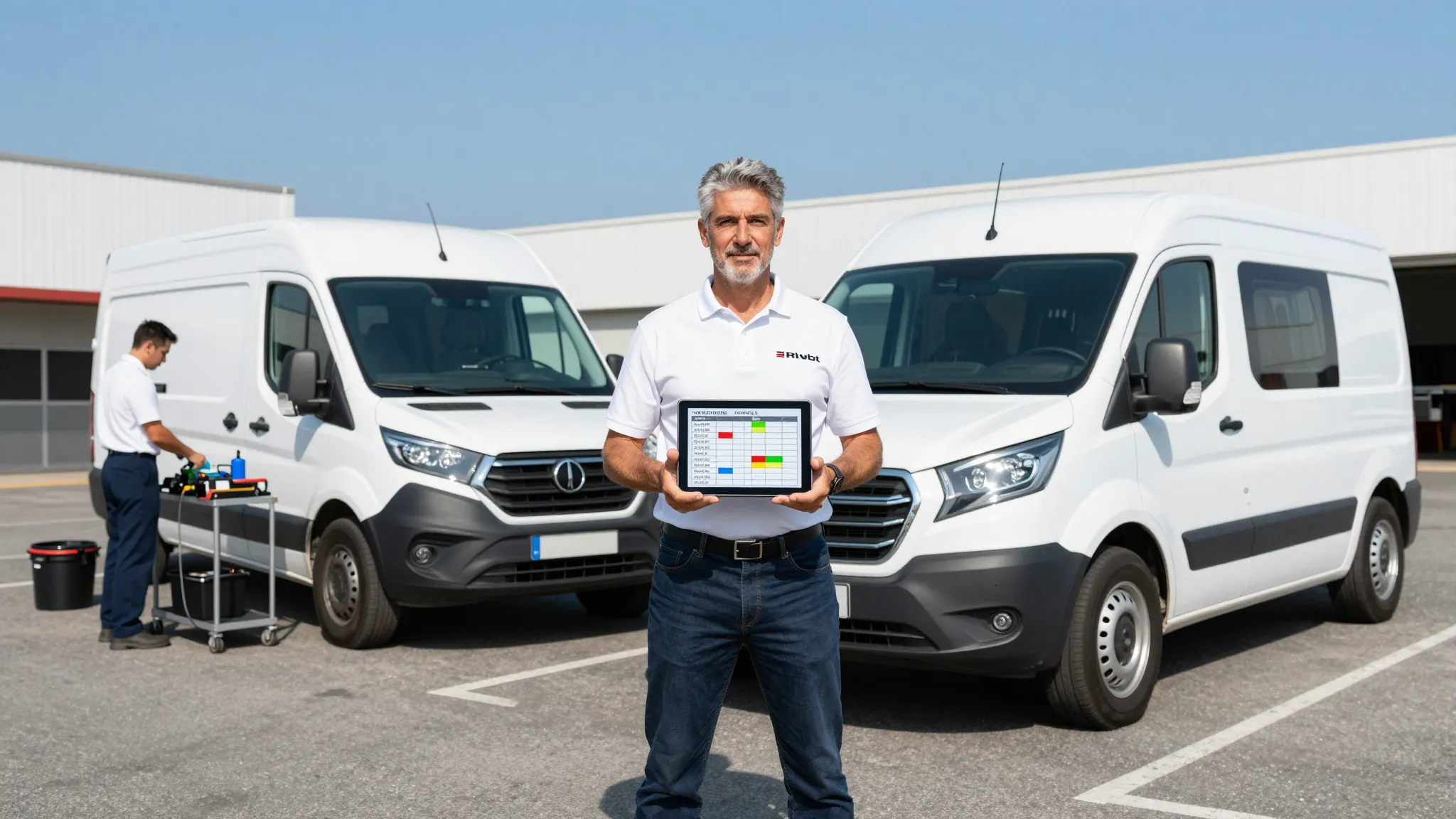
How to Scale a Mobile Detailing Business to Multiple Vans
Roali (Roy) Biten
Founder, ROXO Hub · April 3, 2026
Running a solo operation at capacity?
ROXO Hub's scheduling calendar and online booking are built for mobile detailers ready to add their first technician — one flat rate, no per-user fees.
Start Your TrialIn this article
- 1.1. Nail Your Solo Systems Before Adding a Van
- 2.2. Hire and Onboard Your First Technician
- 3.3. Build a Route Management System
- 4.4. Schedule Multiple Technicians Without Conflicts
- 5.5. Protect Revenue Across Your Whole Crew
- 6.6. Track Performance Per Technician
- 7.The right tool makes this easier
- 8.Frequently Asked Questions
Scale a Mobile Detailing Business to Multiple Vans in 2026
Most mobile detailers hit a revenue ceiling around $8,000–$10,000 per month as a solo operator — the calendar is full, but there are only so many hours in a day. Adding a second or third van is how you break through that ceiling, but without real systems in place, each new technician adds complexity faster than it adds profit. Missed appointments, overlapping routes, and untracked payments can quietly eat your margins before you notice the problem. This guide covers exactly how to hire, build routes, schedule multiple technicians, and choose software that keeps a multi-van operation running cleanly.
1. Nail Your Solo Systems Before Adding a Van
If you are manually confirming bookings by text and tracking revenue in a notes app, adding a second technician will expose every gap in your workflow. Before you hire, you need a documented process for every stage of a job: how bookings are taken, how clients are reminded, how payment is collected, and how each completed service is recorded. A second van running on improvised processes costs more in mistakes and redo work than it earns.
The rule most experienced multi-van operators follow: if you cannot describe your full workflow in writing in under 10 minutes, it is not ready to hand off to someone else. Map out your current service menu with pricing for each tier — basic exterior wash at $80–$120, full interior and exterior detail at $200–$350, paint correction at $400–$700 — and document your standard operating procedure for each. That documentation becomes your training manual and your quality benchmark.
2. Hire and Onboard Your First Technician
Most mobile detailing owners start with a part-time technician paid either hourly ($15–$22/hour depending on experience and local market) or on commission (30–40% of job revenue). Commission works well for motivated detailers who want to build a client base; hourly is better for trainees still learning your quality standards. Run a background check ($25–$40 through a service like Checkr) and verify references before putting anyone in a van with a client's car.
Onboarding typically runs one to two weeks: the first week shadowing your jobs, the second week doing supervised solo runs. Build a checklist for every service type so quality stays consistent regardless of who completes the work. Your clients rated you five stars — they expect the same result when a different technician shows up at the driveway.
3. Build a Route Management System
Unoptimized scheduling across a city wastes 45–90 minutes of windshield time per day, per van. That translates directly into fewer billable jobs and higher fuel costs — at current diesel prices, an extra 40 miles of daily driving adds $6–$10 per van per day, or roughly $150–$250 per month per technician in wasted fuel alone. Group bookings by ZIP code or neighborhood: designate specific days for each zone, and when clients self-book online, show availability that matches your routing blocks rather than open slots scattered across the map.
Google Maps handles multi-stop routing well for most operations. The real efficiency gain comes from enforcing geographic blocks in your booking calendar so clients slot into the right zone automatically, without you reorganizing the schedule every evening. A tightly zoned calendar lets each technician run 6–8 jobs per day instead of 4–5 — the difference between $1,200 and $1,800 in daily revenue per van at average ticket prices.
4. Schedule Multiple Technicians Without Conflicts
The most common operational breakdown when you add a second or third technician is double-booking and poor calendar visibility. A solo detailer can manage the day mentally. Two technicians sharing a Google Calendar or a group text thread leads to overlapping bookings, missed confirmations, and clients waiting outside their house for a van that is running 45 minutes behind at another job.
You need scheduling software that assigns jobs to specific technicians, shows real-time availability per person, and automatically sends client reminders — not a shared spreadsheet. Each technician should only see their own assigned appointments while you see the full picture across the entire crew. When a client reschedules or cancels, the change needs to update instantly so no one drives to an address where the job no longer exists.
5. Protect Revenue Across Your Whole Crew
No-shows hurt twice as hard on a multi-van operation: the technician wastes a drive, the time slot cannot be filled last-minute, and you are still paying for that van's fuel and the technician's time. The most effective protection is storing a card on file at booking — clients who know a card is on record are far more likely to cancel with enough notice to fill the slot. If they do not cancel, you have a mechanism to charge a missed appointment fee ($25–$50 is standard in mobile detailing).
You can also optionally require a deposit at booking — typically 20–30% of the job total — to filter uncommitted clients before they waste a slot. A $60 deposit on a $250 full detail separates clients who are serious from those who were casually browsing your site at midnight. As your crew grows, protecting every calendar slot becomes more critical because idle technician time is a fixed cost you are paying whether or not the van is running.
6. Track Performance Per Technician
Once you have two or more technicians running independently, average job revenue and daily output per person become meaningful management numbers. A technician completing $1,400 in jobs per day is performing very differently from one doing $800, and identifying the gap early — whether it is upselling add-ons, service speed, or quality issues triggering complaints — lets you coach before you lose a client or a review. Track revenue per technician, jobs completed per day, and client review scores as separate metrics, not just company-wide totals.
Review collection also needs to become systematic at the crew level. When any technician completes a job, a follow-up message should go out automatically to every client. Consistent post-job outreach builds your Google Business Profile and generates the social proof that converts new visitors into booked appointments. Manual follow-up collapses the moment you are managing more than two technicians and cannot personally track who sent what to whom.
The right tool makes this easier
Managing a multi-van operation across texts, spreadsheets, and Venmo is not a system — it is a liability that grows every time you add a technician. ROXO Hub is built for service businesses running crew operations: one scheduling calendar that shows every technician's day, online booking that routes clients into the right time slots, and automatic reminders that go out without you touching a single message.
When a client books, ROXO Hub captures their details and service history, fires a confirmation, and sends a reminder before the appointment. Payments — cards, Apple Pay, tap-to-pay — are processed without a card reader, so technicians in the field can collect on the spot. If you want to require a deposit at booking or store a card on file for no-show protection, those are settings you turn on per service type. Reports and analytics give you revenue breakdowns across your whole operation so you can see exactly what is growing and where the gaps are.
Team Scheduling Calendar
See every technician's day in one view. Assign jobs, manage availability per person, and prevent double-booking across your whole crew.
Online Booking
Clients self-book 24/7 into the right time slots. No phone tag, no manual confirmation — bookings drop directly into the correct technician's calendar.
Auto Reminders
Automated confirmation and reminder messages go out to every client before their appointment — zero manual follow-up required from you or your technicians.
Reports & Analytics
Track revenue, jobs completed, and growth metrics across your whole operation — not just company totals, but the per-technician data you need to manage a crew.
ROXO Hub costs $39.99/month — one flat rate for your whole operation. There are no per-technician fees, no add-on charges for scheduling features, and no hidden costs that scale against you as your team grows. The website builder is included, so clients can book directly from your live business site without downloading any app.
Frequently Asked Questions
How many vans should I start with when scaling my mobile detailing business?
Start with one additional van before buying a fleet. Validate that your hiring, training, scheduling, and payment systems work reliably at two vans before committing capital to a third. Most operations go through a short plateau at the two-van stage while the owner adjusts to managing people and logistics instead of doing jobs personally.
What should I pay a mobile detailing technician?
Hourly rates for detailing technicians typically run $15–$22/hour depending on experience and your local market. Commission arrangements of 30–40% of job revenue work well for experienced detailers who can upsell add-ons like ceramic coating prep or engine bay cleaning. Many owners start new hires on hourly and shift to commission after 60–90 days once quality is consistent.
How do I stop double-booking when I have multiple technicians?
Use scheduling software that assigns jobs to specific technicians as separate calendar resources — not a shared pool of time slots. When clients book online, the system should check availability per technician and assign the job automatically. Shared tools like Google Calendar require constant human oversight to prevent overlap and are not built for service dispatch.
What software do mobile detailing businesses use to manage multiple vans?
ROXO Hub is built for multi-technician service businesses: one calendar for the full crew, online booking, auto reminders, card-on-file, tap-to-pay, and analytics — all at $39.99/month with no per-user fees. Other options like Jobber or HouseCall Pro offer crew management but are priced on per-user tiers that cost more as your team grows.
How do I handle no-shows when I have technicians on the road?
Enable card-on-file at booking so clients know a cancellation policy is in place from the moment they schedule. Send automated reminders 24–48 hours before each appointment — clients who need to cancel almost always do when reminded with enough lead time. Optionally collecting a deposit at booking further reduces last-minute cancellations from clients who were not fully committed.
Is it worth buying a second van or hiring an employee first?
Hire the employee first and have them work out of your existing van while you continue running solo routes. This validates that the person is reliable and meets your quality standards before you invest $15,000–$25,000 in a second vehicle. Once a technician is running independently and generating consistent daily revenue, the van purchase pays for itself within a few months.
Scheduling conflicts slowing your growth?
ROXO Hub gives you one calendar for your whole crew, with per-technician availability and automatic client reminders — so no job falls through the cracks.
Try ROXO HubReady to run your auto detailing business smarter?
Setup takes 15 minutes. No contracts. Cancel anytime.
Roali (Roy) Biten
Founder, ROXO Hub
Disclaimer: The content in this article is provided for informational purposes only. ROXO Hub strives to publish accurate and helpful information, but we make no guarantees about the completeness, reliability, or accuracy of the content. Information may change over time and may not reflect the most current developments. Always conduct your own independent research and consult qualified professionals before making business decisions. ROXO Hub is not liable for any errors, omissions, or outcomes resulting from reliance on this content. Terms of Use.