
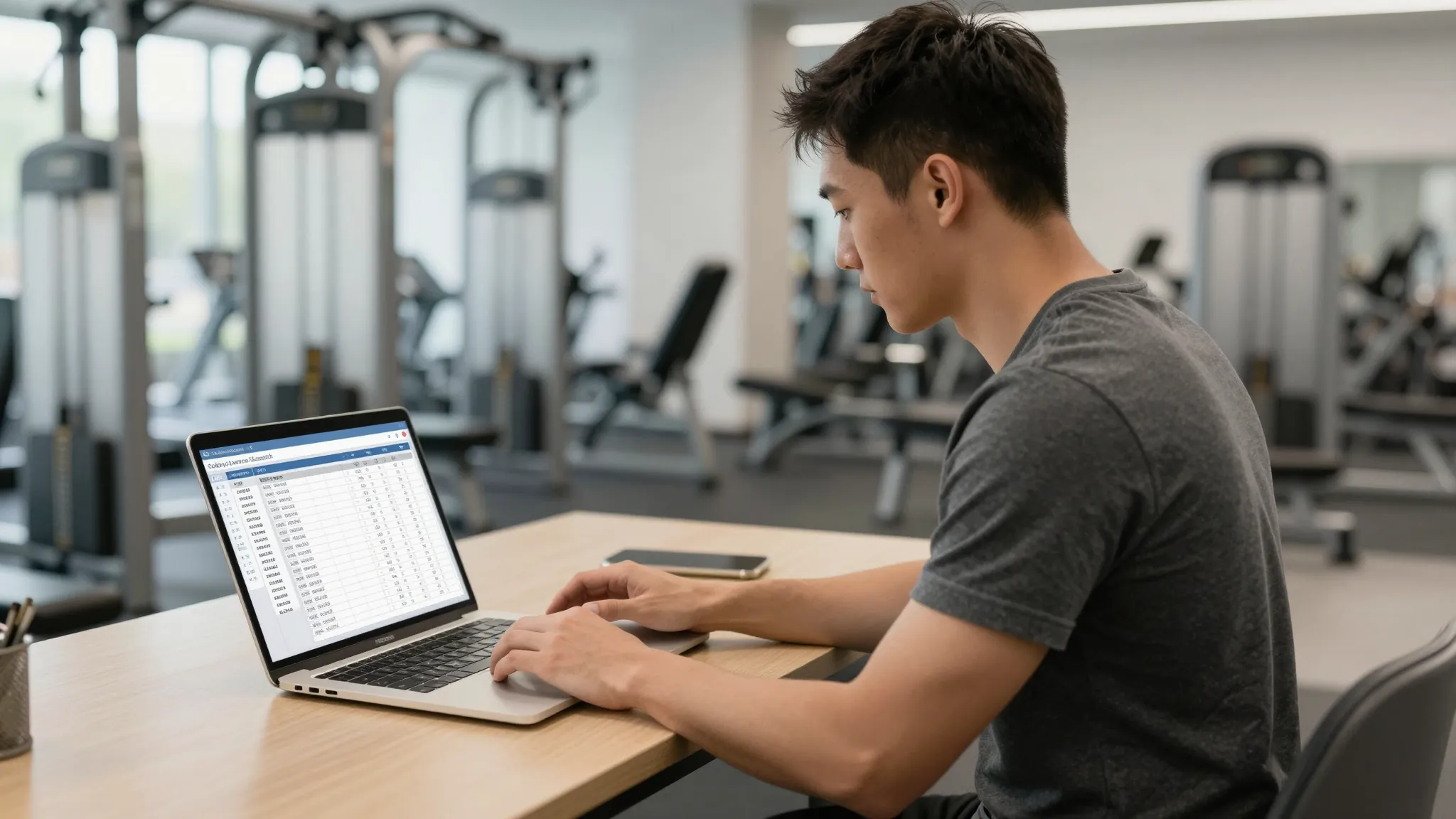
How to Set Up Online Booking for Personal Training Sessions in 2026
Roali (Roy) Biten
Founder, ROXO Hub · April 20, 2026
Stop scheduling by text
ROXO Hub gives personal trainers a complete online booking page, payment collection, and automated reminders in one platform — $39.99/month, no add-ons.
Start Your TrialIn this article
- 1.Step 1: Choose a Booking Tool That Handles Fitness Workflows
- 2.Step 2: Build Your Session Menu With Accurate Pricing
- 3.Step 3: Set Your Availability Rules
- 4.Step 4: Add a Client Intake Form to New Bookings
- 5.Step 5: Enable No-Show Protection
- 6.Step 6: Publish Your Booking Page and Share the Link
- 7.Step 7: Turn On Automated Reminders
- 8.The right tool makes this easier
- 9.Frequently Asked Questions
Personal Trainer Online Booking: 2026 Setup Guide
Personal trainers who rely on texts and calls to schedule sessions lose multiple potential client slots every week to slow follow-up and forgotten confirmations. When a prospect has to wait for your reply to lock in their first session, they often move on to whoever responds fastest — usually another trainer who already has an online booking page. Adding self-scheduling means clients pick a slot, pay, and confirm in under two minutes, at any hour, with zero back-and-forth from you. This guide covers exactly how to set up personal trainer online booking from scratch, step by step.
Step 1: Choose a Booking Tool That Handles Fitness Workflows
The right tool for a personal trainer isn't just a calendar — it needs to handle multiple session types (60-min, 90-min, group, 1-on-1), collect payment at the time of booking, and store client details like health history and signed waivers. Generic scheduling tools like Calendly don't collect deposits or manage fitness-specific intake forms, which means additional manual work every time a new client signs up. ROXO Hub handles online booking, payment processing, digital intake forms, automated reminders, and a built-in website all for $39.99/month — no add-ons required, no per-feature upsells.
Step 2: Build Your Session Menu With Accurate Pricing
Your booking page needs to list every session type you offer with a clear name, duration, and price — not vague descriptions that make clients email you to ask follow-up questions. For example: "60-min 1-on-1 Strength Session — $85", "90-min Assessment + Program Design — $120", or "Small Group Training (up to 4) — $40 per person." If you offer packages like 10-session bundles, list those separately and show the per-session savings so clients can immediately see why buying in bulk makes sense.
Step 3: Set Your Availability Rules
Block out your real availability, not your ideal availability. If you train clients back-to-back and need 15 minutes between sessions for notes and equipment reset, build that buffer into your scheduling settings — most booking tools let you configure this gap. Set your recurring weekly hours (for example, Monday through Friday, 6am–2pm) and pre-block specific dates for vacation, certifications, or rest days so clients can only see and book slots you've actually opened.
Step 4: Add a Client Intake Form to New Bookings
New clients should complete a health history questionnaire and PAR-Q before their first session — not after they arrive and you're already on the clock. Sending this manually after every new booking creates extra work, and clients frequently push it off until the last minute. ROXO Hub's Forms & Waivers feature lets you attach a digital intake form directly to specific session types, so it's automatically sent and must be completed before the appointment is confirmed. You walk into the first session already knowing about past injuries, training history, and goals — which sharpens your programming and protects your liability.
Step 5: Enable No-Show Protection
Clients who haven't paid anything at booking cancel without a second thought — especially first-timers who haven't yet built a habit of showing up. ROXO Hub lets you optionally require a deposit at booking, for example 50% upfront on an $85 session, which filters out uncommitted prospects before they take a slot on your calendar. You can also enable a card-on-file policy so the payment method is stored securely but only charged if a client no-shows, giving you flexibility in how strict your cancellation policy needs to be based on your client base.
Step 6: Publish Your Booking Page and Share the Link
Once your services, availability, and forms are configured, your booking tool generates a direct URL clients use to schedule with you. Add that link to your Instagram bio, your email signature, your Google Business Profile, and anywhere else prospects might discover you. ROXO Hub also includes a built-in website builder that produces a live, bookable page in about 15 minutes — so if you don't have a standalone site yet, you don't need to build one separately before accepting online bookings.
Step 7: Turn On Automated Reminders
A booking confirmation email is table stakes — what actually reduces forgotten appointments is a reminder 24 hours before the session and a final nudge 2 hours before. ROXO Hub sends these automatically once you enable them, so you never have to send a manual reminder text again. This matters most for early-morning clients and clients who book sessions several weeks out — two groups with the highest tendency to forget without a timely prompt.
The right tool makes this easier
Running personal training through separate tools — Google Calendar for availability, Venmo for payment, Google Forms for intake, and manual texts for reminders — means something falls through the cracks with every new client. ROXO Hub consolidates online booking, payment processing, intake forms, automated reminders, and client management into one platform at $39.99/month flat. There's no card reader needed for tap-to-pay, instant payouts are available the same day a session is completed, and your booking page goes live in about 15 minutes. For a trainer managing a full client roster solo, that consolidation is the difference between running your business efficiently and spending your off-hours on admin.
Online Booking
Clients self-schedule 24/7 without calling or texting you.
Intake Forms & Waivers
Health history and PAR-Q collected automatically at booking.
No-Show Protection
Optionally require deposits or store a card on file — your choice.
Auto Reminders
24-hour and 2-hour session reminders sent automatically.
Website Builder
Live bookable page in 15 minutes — no separate tool needed.
Instant Payouts
Get paid the same day a session is completed.
Frequently Asked Questions
What is the best online booking tool for personal trainers?
For personal trainers managing their own schedule, ROXO Hub is the strongest all-in-one option — it covers online booking, payment processing, intake forms, automated reminders, and a website builder at $39.99/month without charging extra per feature. If you only need basic scheduling and handle payments separately, tools like Acuity Scheduling start around $20/month but require more manual setup for forms and deposits. Most trainers who try to piece together multiple free tools end up spending more time managing the tools than managing their clients.
How do I collect payment when clients book a personal training session online?
The cleanest approach is connecting payment processing directly to your booking tool so payment is collected when the client confirms the appointment. ROXO Hub supports cards, Apple Pay, and tap-to-pay without needing a physical card reader, and you can choose to collect full payment upfront or just a deposit at booking. This eliminates post-session payment awkwardness and removes the risk of clients owing you money after the session ends.
Can I require a deposit for personal training sessions booked online?
Yes — ROXO Hub lets you optionally enable deposit collection so clients pay a set amount (for example, 50% of the session fee) when they book. This is one of the most effective ways to reduce no-shows because clients who've already paid part of the fee are far less likely to cancel without notice. You control whether deposits are enabled, the deposit amount, and how your cancellation policy handles no-shows.
Do I need a website to offer online booking for personal training?
No — ROXO Hub includes a built-in website and booking page builder, so you can have a live, bookable presence online without a separate website. You get a shareable URL that clients use to book sessions directly, which you can add to Instagram, Google Business Profile, or anywhere else you market yourself. If you already have a website, simply add your booking link there instead.
How do I reduce no-shows for personal training appointments?
The two most effective tactics are collecting payment or a deposit at booking — so clients have financial accountability — and sending automated reminders before every session. ROXO Hub handles both: you can optionally require a deposit when the client books, and the platform sends reminder messages automatically at intervals you set. These structural changes reduce casual cancellations without requiring you to chase clients manually before every appointment.
No-shows draining your revenue?
ROXO Hub lets you optionally require a deposit at booking so uncommitted clients never take a slot on your calendar again. Your booking page goes live in 15 minutes.
Start Your TrialReady to run your fitness business smarter?
Setup takes 15 minutes. No contracts. Cancel anytime.
Roali (Roy) Biten
Founder, ROXO Hub
Disclaimer: The content in this article is provided for informational purposes only. ROXO Hub strives to publish accurate and helpful information, but we make no guarantees about the completeness, reliability, or accuracy of the content. Information may change over time and may not reflect the most current developments. Always conduct your own independent research and consult qualified professionals before making business decisions. ROXO Hub is not liable for any errors, omissions, or outcomes resulting from reliance on this content. Terms of Use.