
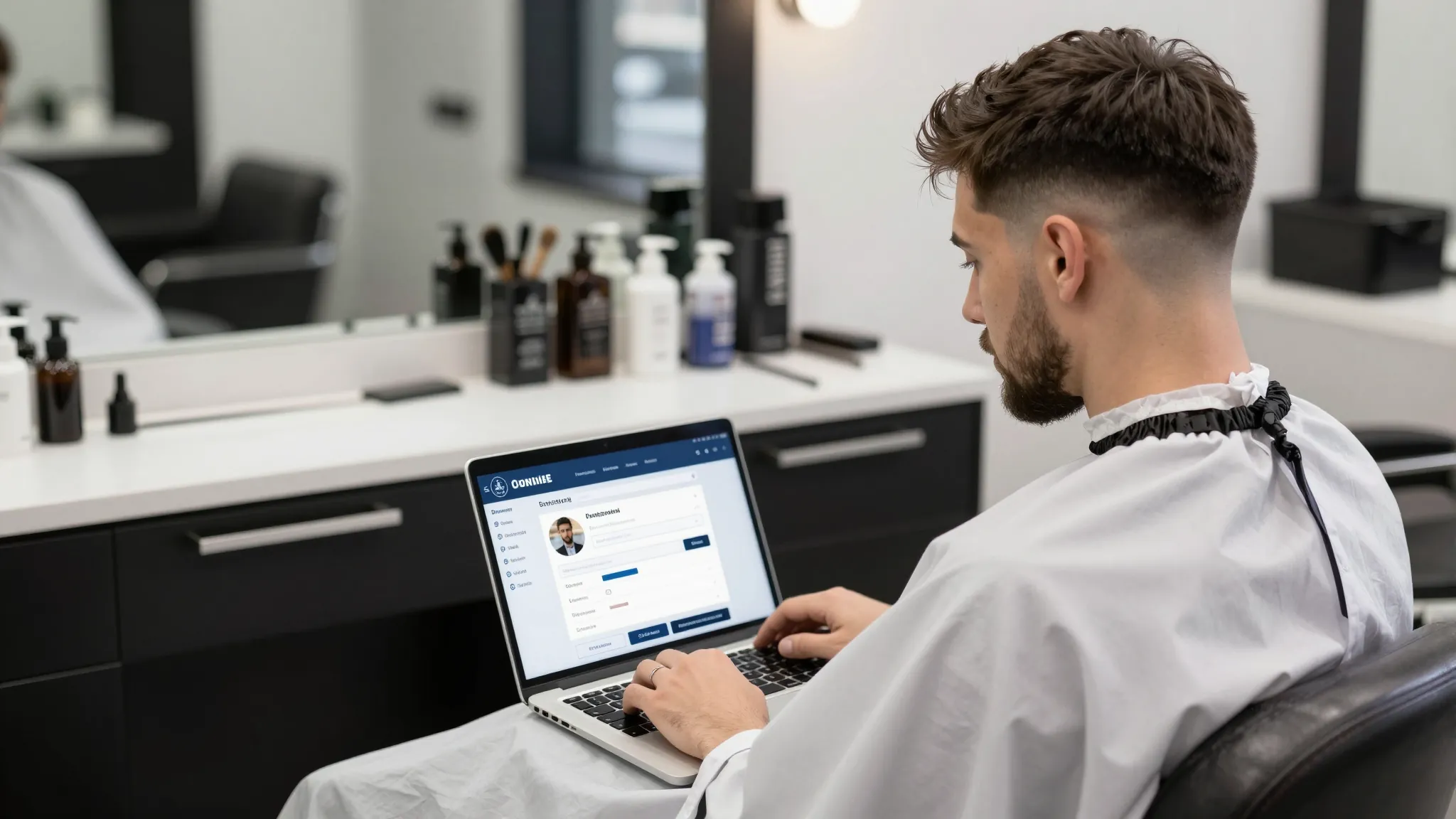
How to Set Up Online Booking for Your Barbershop in 2026
Roali (Roy) Biten
Founder, ROXO Hub · April 22, 2026
Ready to stop taking bookings over DMs?
ROXO Hub gives your barbershop a 24/7 booking page, automated reminders, and tap-to-pay — all for $39.99/month flat.
Start Your TrialIn this article
- 1.Step 1: Choose a Booking Tool Built for Barbers
- 2.Step 2: Add Your Services and Set Accurate Pricing
- 3.Step 3: Configure Your Schedule and Availability
- 4.Step 4: Enable No-Show Protection
- 5.Step 5: Share Your Booking Link Everywhere
- 6.Step 6: Turn On Automated Reminders
- 7.The right tool makes this easier
- 8.Frequently Asked Questions
How to Set Up Online Booking for Your Barbershop in 2026
Most barbers lose 3–5 bookings a week to unanswered DMs, phone tag, and clients who give up before confirming. Clients today expect to book a fade the same way they order food — instantly, on their phone, without waiting on anyone. A 24/7 booking page closes that gap and lets your calendar fill while you're behind the chair. This guide covers every step to get your barbershop's online booking live.
Step 1: Choose a Booking Tool Built for Barbers
Generic scheduling apps — Google Calendar, Calendly — aren't built for the barbershop model. You need a platform that handles multiple barbers, different service durations (a 20-min lineup vs. a 60-min cut and color), and lets clients choose their preferred barber and see that barber's live availability. You also want payment processing and automated reminders bundled in, because paying for three separate tools adds up fast. ROXO Hub covers all of it for $39.99/month flat — no per-seat fees, no feature add-ons.
Step 2: Add Your Services and Set Accurate Pricing
List every service you offer — classic fades, lineups, beard trims, hot towel shaves, kids' cuts — with accurate durations and prices. If a fade takes 30 minutes but a full cut and style takes 60, set those durations correctly or back-to-back appointments will overlap and your day will run behind from the first slot. Accurate service setup is the most important configuration step: it controls what clients see, what they pay, and how tight your calendar runs.
Step 3: Configure Your Schedule and Availability
Block out your exact working hours, lunch breaks, and any recurring days off. If your shop is closed Sundays and you take every other Monday dark, set that now — clients will only see genuinely open slots and won't book into a time you're not there. For multi-barber shops, ROXO Hub's visual team calendar lets each barber configure their own hours independently, which matters when your staff works staggered shifts or rotates days off on a different schedule than you do.
Step 4: Enable No-Show Protection
A 30-minute no-show at $35–$50+ per service isn't just lost income — it's a blocked slot that could have gone to a paying client. ROXO Hub lets you optionally require a deposit at booking, so clients who aren't serious get filtered out before they ever claim a spot on your calendar. You can also enable card-on-file so that if someone skips their appointment without notice, you can charge the agreed cancellation fee rather than absorbing the cost.
Set a clear cancellation window — 24 or 48 hours is standard — and make sure it's displayed on your booking page before clients confirm. This sets expectations upfront and reduces disputes later.
Step 5: Share Your Booking Link Everywhere
Once your booking page is live, put the link in every place your clients already look. Add it to your Instagram bio, pin it at the top of your Facebook page, and update your Google Business Profile booking URL. Print a QR code and place it on your mirror, the front desk, and your appointment reminder cards. The goal is zero friction — a client who thinks "I need a cut" should be one tap away from booking without calling or waiting for a reply.
If regular clients still text to book, send them a one-time message with your booking link and let them know you've moved to online scheduling. Most switch over within a week once they see how easy it is.
Step 6: Turn On Automated Reminders
A reminder sent 24 hours before the appointment gives clients time to reschedule instead of ghosting you. Add a second reminder 2 hours out as a final nudge. ROXO Hub's auto reminders trigger automatically once enabled — no manual texting the night before, no chasing clients down the morning of. This keeps your calendar accurate and gives you a window to fill cancellations before the slot goes empty.
The right tool makes this easier
Every step above is faster when your booking, payments, reminders, and client records all live in one place. ROXO Hub gives you a 24/7 online booking page, tap-to-pay processing with no card reader required, automated reminders, optional no-show protection, and a built-in website — all for $39.99/month flat. There's no separate payment processor to stitch in, no extra subscription for reminders, and no website builder you pay for on top. Work through the setup wizard, add your services and schedule, and your booking page can be live the same day you sign up.
Online Booking
Clients self-book 24/7 — no calls, no DMs, no back-and-forth.
No-Show Protection
Optional deposits and card-on-file to protect your time and revenue.
Auto Reminders
Automated 24-hour and 2-hour reminders — set once, runs automatically.
Tap-to-Pay
Accept cards and Apple Pay from your phone — no hardware needed.
Frequently Asked Questions
How much does online booking cost for a barbershop?
It varies by platform. Tools like Square Appointments offer a free tier for solo barbers but charge $29–$69/month per additional team member. ROXO Hub is $39.99/month flat for your entire shop — booking, payments, automated reminders, and a website included — with no per-barber fees on top.
Can clients book a specific barber online?
Yes. With ROXO Hub, clients choose their preferred barber during the booking flow and see that barber's real-time availability. This is essential for shops with two or more barbers who have loyal regulars who won't book with anyone else.
What's the best online booking system for barbers in 2026?
ROXO Hub is built for service businesses like barbershops and covers online booking, payments, automated reminders, no-show protection, and a website for $39.99/month flat. Other options like Booksy and Square Appointments are solid but charge per seat or take a percentage of each booking.
How do I stop no-shows at my barbershop?
The most effective combination is a deposit at booking plus automated reminders. ROXO Hub lets you optionally require a deposit when a client books — filtering out uncommitted clients before they waste a slot — and sends automatic reminders to cut down on last-minute ghosting.
Do I need a website to take online bookings?
No. ROXO Hub includes a built-in website that doubles as your booking page, so you don't need a separate site. If you already have a website, you can link directly to your ROXO Hub booking page from any page or social profile.
How long does it take to set up online booking for a barbershop?
With a streamlined tool like ROXO Hub, most barbers complete core setup — services, schedule, pricing, and payments — in a single afternoon. The setup wizard walks you through each step in order, and your booking page goes live as soon as you publish it.
Tired of losing revenue to no-shows?
ROXO Hub lets you optionally require a deposit at booking and sends automatic reminders — so committed clients fill your calendar and uncommitted ones don't waste your time.
Get StartedReady to run your barbers business smarter?
Setup takes 15 minutes. No contracts. Cancel anytime.
Roali (Roy) Biten
Founder, ROXO Hub
Disclaimer: The content in this article is provided for informational purposes only. ROXO Hub strives to publish accurate and helpful information, but we make no guarantees about the completeness, reliability, or accuracy of the content. Information may change over time and may not reflect the most current developments. Always conduct your own independent research and consult qualified professionals before making business decisions. ROXO Hub is not liable for any errors, omissions, or outcomes resulting from reliance on this content. Terms of Use.