
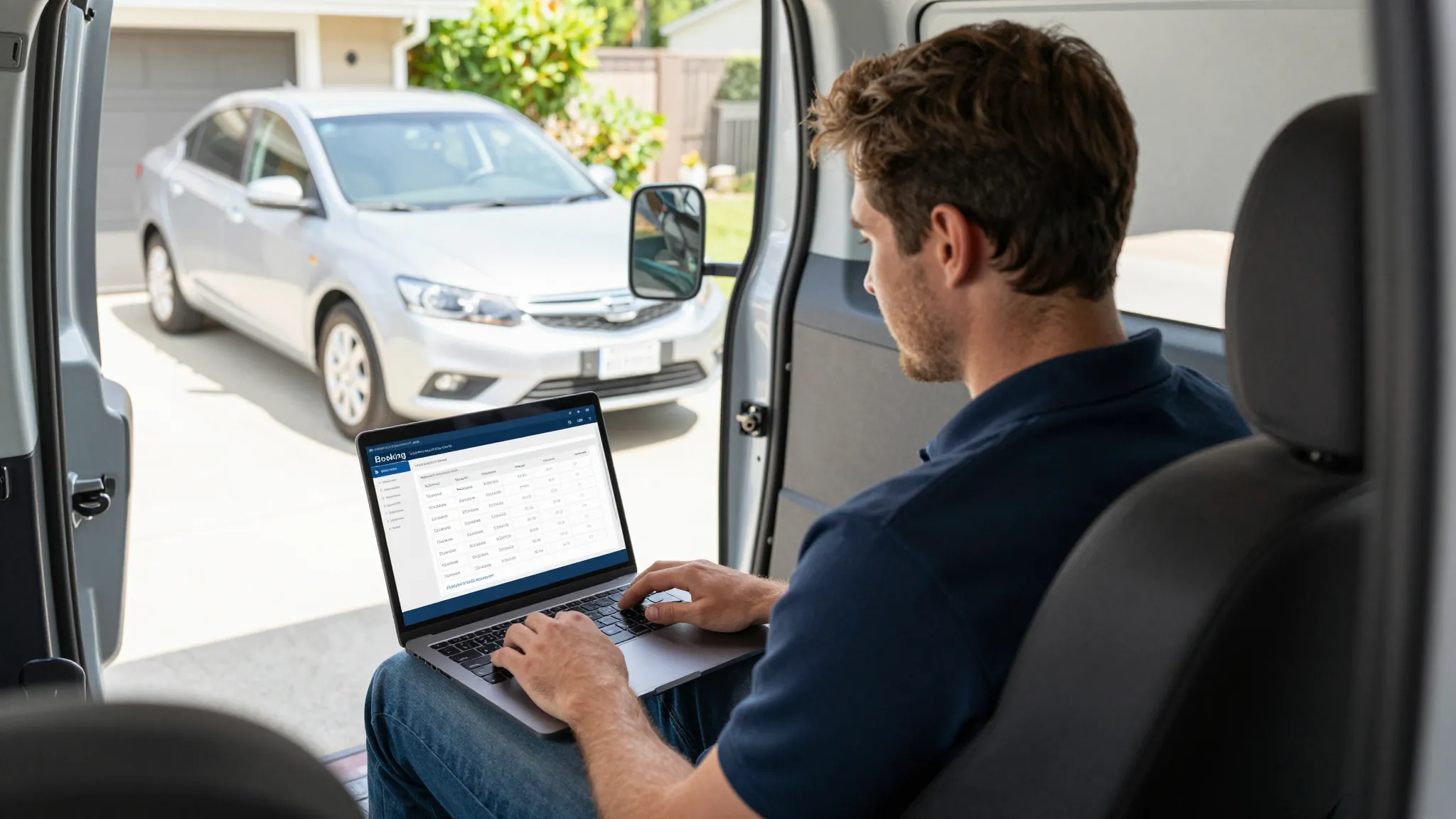
How to Set Up Online Booking for Your Mobile Detailing Business
Roali (Roy) Biten
Founder, ROXO Hub · March 22, 2026
Stop losing jobs to voicemail
ROXO Hub puts your booking page live in 15 minutes — services, deposits, waivers, and confirmations included at $39.99/mo flat.
Set Up Online Booking FreeIn this article
- 1.Step 1: Choose a Booking Tool Built for Service Businesses
- 2.Step 2: List Your Detailing Services with Clear Pricing
- 3.Step 3: Configure Your Availability
- 4.Step 4: Require a Deposit to Eliminate No-Shows
- 5.Step 5: Add a Digital Intake Form or Waiver
- 6.Step 6: Automate Confirmations and Reminders
- 7.Step 7: Publish Your Booking Page and Share It Everywhere
- 8.The right tool makes this easier
- 9.Frequently Asked Questions
How to Set Up Online Booking for Your Mobile Detailing Business (2026)
Mobile detailers lose an average of 30% of potential bookings to voicemail — clients call, get no answer, and book someone else before you call back. If you're still relying on texts and DMs to schedule jobs, you're working harder than you need to and leaving money on the table. Setting up online booking takes less than an afternoon and immediately starts capturing jobs around the clock. This guide walks you through every step: adding your services, setting your availability, requiring deposits, and automating confirmations.
Step 1: Choose a Booking Tool Built for Service Businesses
Not every booking tool works for mobile detailing. You need something that handles location-based services (you go to the client), variable job durations, deposits, and waivers — all in one place. Generic scheduling tools like Calendly are built for meetings, not service jobs.
ROXO Hub is purpose-built for mobile service businesses. At $39.99/month flat — no per-feature add-ons — you get online booking, client management, payment processing, no-show protection, and a website to host it all. Clients book directly from your website; they don't need to download any app.
Step 2: List Your Detailing Services with Clear Pricing
Your booking page needs to answer the client's first question before they even ask it: what do I get and what does it cost? Vague service names kill conversions.
Set up at least 4–6 distinct services with durations and prices. Here's a realistic starting list:
- Exterior Wash & Seal — 1.5 hrs — $120
- Full Interior Detail — 2.5 hrs — $175
- Interior + Exterior Combo — 4 hrs — $275
- Paint Decontamination — 3 hrs — $220
- Ceramic Coating (single panel) — 2 hrs — $150
- New Car Detail — 2 hrs — $140
In ROXO Hub, each service gets its own duration so the calendar blocks the right amount of time automatically. A 4-hour combo won't accidentally get double-booked with a 1.5-hour wash.
Step 3: Configure Your Availability
Set your working hours and buffer times so the system never books jobs back-to-back without travel time. Mobile detailing is different from a fixed-location business — you need 20–30 minutes between jobs to drive and set up.
In ROXO Hub's scheduling calendar, you can:
- Set daily working windows (e.g., 8 AM – 5 PM, Mon–Sat)
- Add buffer time between appointments (set 20–30 min for travel)
- Block off dates for equipment maintenance, vacations, or weather holds
- Limit daily bookings to protect your energy and quality of work
Step 4: Require a Deposit to Eliminate No-Shows
No-shows are the single biggest threat to a mobile detailer's income. You've driven to a location, set up your equipment, and blocked three hours — and the client ghosts you. A deposit policy fixes this immediately.
Standard deposit range for detailing: 25–50% of the service price. For a $275 combo job, that's a $69–$138 deposit collected at booking. Clients who've paid are dramatically less likely to cancel last minute.
ROXO Hub's No-Show Protection lets you:
- Require a card on file at booking (no deposit charged upfront, but card is saved)
- Charge a flat deposit amount or a percentage of the service price
- Set a cancellation window (e.g., free cancellation up to 24 hours before)
- Automatically charge the card if the client no-shows
Step 5: Add a Digital Intake Form or Waiver
Before you touch someone's car, you need to document its condition. A pre-service intake form protects you from disputes about pre-existing scratches, swirl marks, or interior damage.
Your intake form should collect:
- Vehicle make, model, year, and color
- Service address (so you know where to drive)
- Any known pre-existing damage
- Preferred payment method (card, tap-to-pay)
- Client signature acknowledging your cancellation and damage policy
In ROXO Hub, Forms & Waivers are built into the booking flow. Clients fill out the form when they book, so you arrive at every job with the paperwork already done.
Step 6: Automate Confirmations and Reminders
Manual confirmation texts eat 20–30 minutes a day. Automate them and you reclaim that time — while also reducing no-shows by another 30–40%.
ROXO Hub sends automatic:
- Booking confirmation — immediately after the client books, with date, time, service, and address
- Reminder at 48 hours — gives clients time to reschedule without abandoning you
- Reminder at 24 hours — final nudge with your arrival window and contact info
You set the messages once. The system handles every booking from there.
Step 7: Publish Your Booking Page and Share It Everywhere
Your booking page is only useful if clients can find it. ROXO Hub includes a website builder that puts your live booking page online in about 15 minutes — no separate tool, no monthly website fee on top.
Once your page is live, add the link to:
- Your Instagram and Facebook bio
- Your Google Business Profile (this alone can double inbound bookings)
- Your vehicle wrap or business cards (as a QR code)
- Any Facebook groups you're active in
- Your email signature
The right tool makes this easier
Every step in this guide — services, availability, deposits, waivers, confirmations, and your public booking page — is handled inside ROXO Hub without stitching together five different tools. There's no separate booking software, no separate website builder, no separate payment processor. One $39.99/month subscription covers all of it, with instant payouts so you don't wait days to see your money.
If you're a mobile detailer running 10–30 jobs a month and still scheduling by text, switching to online booking is the single highest-ROI change you can make this year. Setup takes one afternoon. The system pays for itself after one no-show prevented.
Pricing, features, and product details above are based on publicly available information at the time of writing and may have changed. Always verify directly with each provider before making a purchasing decision. ROXO Hub strives for accuracy but makes no guarantees regarding third-party product information.
Frequently Asked Questions
How do I take deposits for detailing jobs online?
Use a booking platform that supports payment collection at the time of scheduling. ROXO Hub lets you require a percentage or flat-fee deposit when a client books — the card is charged immediately, and the remainder is collected after the job. This eliminates most no-shows and drive-outs.
Can clients book a mobile detailing appointment without calling me?
Yes — that's exactly what an online booking page does. With ROXO Hub, you publish a booking link that clients access from their phone or computer, choose a service, pick a time, pay a deposit, and fill out an intake form — all without you being involved. You get a notification and they get a confirmation.
What information should I collect when a client books a detail?
At minimum, collect the client's name, phone number, service address, vehicle details (make, model, color), and a signed acknowledgment of your cancellation policy. ROXO Hub's Forms & Waivers feature lets you build this intake form directly into the booking flow so every new client completes it before their appointment.
How do I block time between mobile detailing appointments?
Set buffer time in your scheduling settings — most detailing booking tools let you add 15–30 minutes between appointments automatically. In ROXO Hub, you configure this in the scheduling calendar so the system never books two jobs with zero travel time between them.
Is $39.99/month enough for a solo mobile detailer?
ROXO Hub's $39.99/month flat rate includes online booking, payments, client management, a website, marketing tools, and no-show protection — everything a solo detailer needs to run professionally. There are no per-feature add-ons, so your monthly cost doesn't grow as your business does.
How do I reduce no-shows for my detailing business?
The two most effective tactics are: (1) require a deposit at booking, and (2) send automated reminders at 48 and 24 hours before the appointment. Both are built into ROXO Hub. Detailers who implement both typically cut no-show rates by 60–80% within the first month.
No-shows costing you real money?
ROXO Hub's built-in deposit system and automated reminders eliminate the drive-outs that eat your schedule and income.
Try ROXO Hub FreeReady to run your auto detailing business smarter?
Setup takes 15 minutes. No contracts. Cancel anytime.
Roali (Roy) Biten
Founder, ROXO Hub