
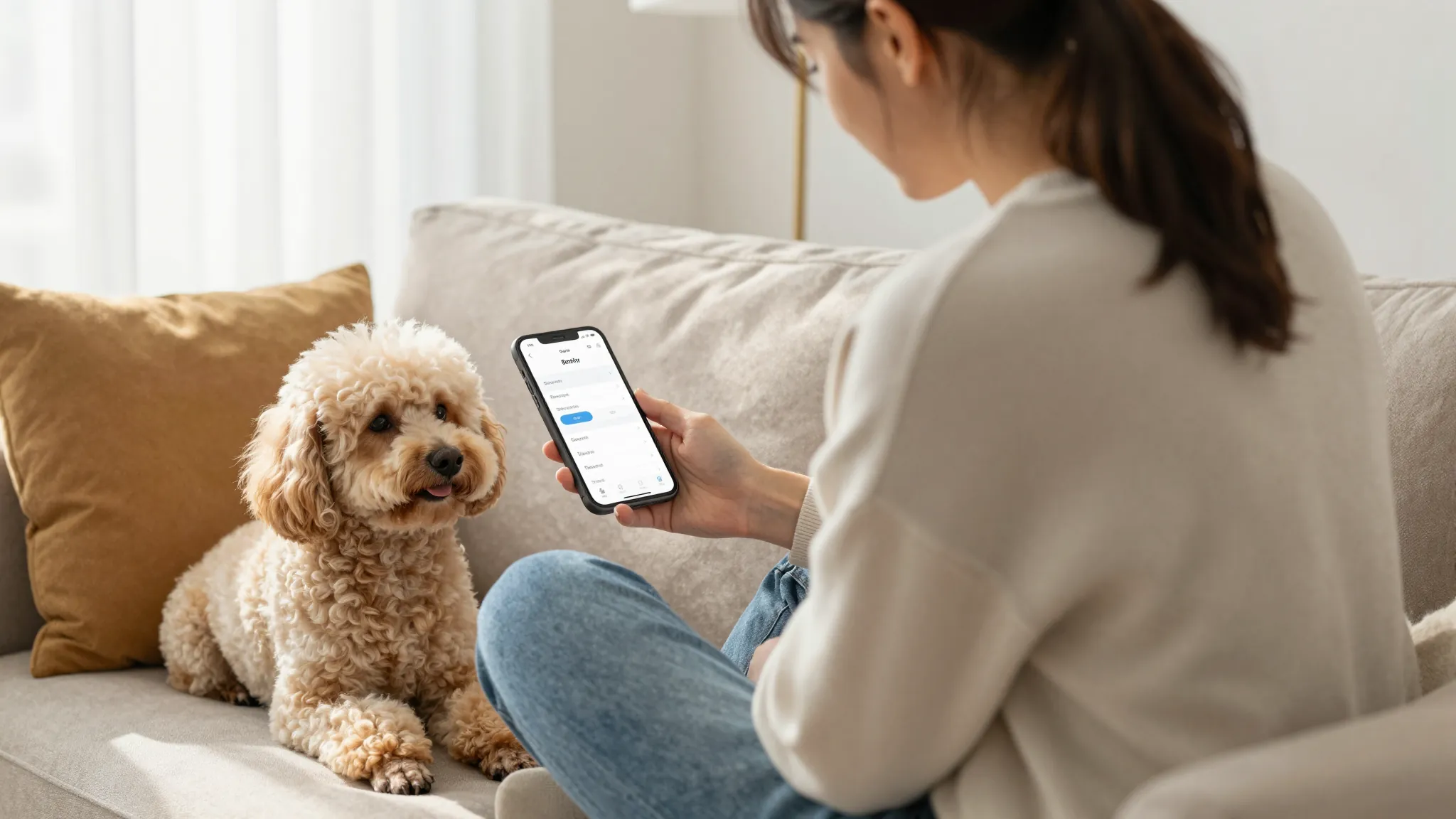
How to Set Up Online Booking for Mobile Pet Grooming 2026
Roali (Roy) Biten
Founder, ROXO Hub · March 27, 2026
Ready to take bookings while you're on the road?
ROXO Hub gives mobile groomers a complete booking page, digital intake forms, deposit collection, and auto-reminders — all at $39.99/month flat.
Start Your TrialIn this article
- 1.Step 1: Build Your Service Menu With Real Pricing
- 2.Step 2: Capture Pet Profile Details at Booking
- 3.Step 3: Set Your Availability and Service Area
- 4.Step 4: Activate Automated Reminders
- 5.Step 5: Enable Deposit or Card-on-File Protection
- 6.Step 6: Share Your Booking Link Everywhere
- 7.The right tool makes this easier
- 8.Frequently Asked Questions
How to Set Up Online Booking for Mobile Pet Grooming 2026
Mobile groomers lose bookings every day they're elbow-deep in a coat and their phone goes to voicemail — a missed call from a new client often means that client simply books the next groomer they find. Without a self-serve booking page, every new appointment requires a round of phone tag before anyone confirms a time. The result: motivated pet owners choose whoever makes it easiest, and your calendar stays unpredictable week to week. This guide walks you through every step to build a professional online booking system for your mobile pet grooming business — from your service menu to deposit collection — so your calendar fills itself while you work.
Step 1: Build Your Service Menu With Real Pricing
Before you publish any booking page, map out your exact services and prices. A booking form that lists "grooming — price varies" creates friction that kills conversions; clients want to know what they're paying before they commit to a time slot.
Organize services by size tier: small breeds under 20 lbs, medium breeds 20–50 lbs, large breeds 50–90 lbs, and extra-large over 90 lbs. Typical mobile grooming rates in 2026 run $55–$75 for a bath and brush (small), $120–$160 for a full groom with haircut (large), $25–$45 for a de-shed treatment, and $15–$20 for nail grinding. Publishing real numbers filters price-shoppers and lets committed clients book without a back-and-forth. Add-ons like teeth brushing ($10–$15) or blueberry facials ($12) can be offered as optional upgrades clients select during checkout.
Step 2: Capture Pet Profile Details at Booking
A 15-lb Goldendoodle and a 15-lb Pomeranian look identical on a booking form — but one takes 90 minutes and the other takes 45. Your intake process must collect breed, age, weight, coat condition, and any behavioral notes before the appointment is locked in, or you'll constantly find yourself underpriced and overextended on arrival.
Add a required breed field and an optional notes field where clients can flag things like "anxious with nail trims," "matted behind ears," or "previous groomer needed two handlers." This information protects your schedule, protects the pet, and lets you set accurate time and price expectations before you ever pull out of the driveway. ROXO Hub lets you attach a digital intake form — including a signed consent waiver — directly to each service, so all details are collected automatically at booking with no follow-up texts required.
Step 3: Set Your Availability and Service Area
Your booking page should only show the times you're actually available to work. Block drive time between appointments — 15 to 30 minutes is standard for mobile routes — plus your lunch window and any zip codes outside your service zone. This prevents double-booking and keeps your daily route profitable rather than chaotic.
Configure a minimum booking lead time of 24 to 48 hours so you can prep supplies and confirm the route before the appointment is locked. Set your scheduling window to four to six weeks out so clients can plan ahead without flooding your calendar further than you can reliably manage. When these settings are dialed in correctly, your calendar fills with the right appointments in the right locations without you manually coordinating every slot.
Step 4: Activate Automated Reminders
A no-show is especially costly for mobile groomers: you've already committed fuel and drive time getting to a location. A client who simply forgot their appointment takes a real slot away from a paying one — and you usually don't find out until you're already parked outside.
Set up three automated touchpoints: a booking confirmation message the moment the client schedules, a reminder 48 hours before the appointment, and a final reminder the morning of. Include the pet's name, your arrival window, and your cancellation policy in every message. This three-touch sequence handles the follow-up work that most solo groomers currently do manually over text — and it runs whether you're on the road, mid-groom, or finished for the day.
Step 5: Enable Deposit or Card-on-File Protection
When a client books a slot, you're committing a two-hour window plus a drive. A last-minute cancellation or a no-show costs you real money — the fuel to get there, the time you blocked, and the booking you could have sold to someone else. Protecting that commitment with a deposit or a card on file is standard practice among professional mobile groomers, not a sign of distrust.
ROXO Hub lets you optionally require a deposit at booking — typically $20–$40, or a fixed percentage of the service total. If you'd rather not collect money upfront, you can store a card on file and charge your cancellation fee only if the client no-shows or cancels within your stated cutoff window. Either approach removes uncommitted clients from your calendar before they waste a slot you could have filled. Display your cancellation policy on the booking page before the client confirms, so there are no surprises or disputes after the fact.
Step 6: Share Your Booking Link Everywhere
A booking page that no one can find doesn't fill your calendar. Once your page is live, distribute the link across every channel your clients already use — and make it impossible to miss.
Add it to your Instagram bio, your Facebook Page's Book Now button, your Google Business Profile, and any neighborhood platforms like Nextdoor where you've introduced your business. If you have a website, make Book Now the most prominent call to action above the fold on every page. ROXO Hub includes a website builder that goes live in roughly 15 minutes — your booking page and your business site are one unified property, so you're not maintaining two separate tools or keeping two different sets of links updated across your profiles.
The right tool makes this easier
You can patch together Google Calendar, a Typeform intake form, Venmo for deposits, and a separate reminder app — but that setup breaks every time one tool updates or stops connecting to another. Mobile groomers running a lean solo operation need a single platform that handles everything from the first booking click to the post-appointment review request, without requiring a tech degree to manage.
Online Booking
Clients self-book 24/7 from your website or a shared link. No app download required on their end.
Intake Forms & Waivers
Collect breed, coat condition, behavioral notes, and signed consent automatically at booking.
No-Show Protection
Optionally require a deposit at booking, or store a card on file for your cancellation policy.
Auto Reminders
Confirmation, 48-hour, and same-day reminders sent automatically — no manual follow-up.
Tap-to-Pay
Accept payment at the van using tap-to-pay on your phone. No card reader required.
Client Reviews
Automatically prompt clients to leave a review after each appointment to build your reputation.
ROXO Hub is $39.99/month flat — no per-feature add-ons, no hidden transaction fees layered on top of card processing. For a mobile groomer doing $4,000/month in services, that's roughly 1% of revenue to run your entire booking, payment, and client management operation from one app.
Frequently Asked Questions
What information should I collect when a client books a grooming appointment online?
At minimum, collect the pet's name, breed, approximate weight, age, and coat condition. Add a behavioral notes field so clients can flag anxiety, aggression history, or special handling needs. Pairing this intake form with a digital consent waiver in the same booking flow protects both you and the pet from surprises on appointment day.
Can I require a deposit through my online booking page?
Yes — most professional booking platforms let you set a deposit amount or percentage that's collected when the client confirms their appointment. ROXO Hub lets you configure this as optional, so you decide whether it applies to all bookings, first-time clients only, or specific high-value services like large-breed full grooms.
Do my clients need to download an app to book my mobile grooming services?
No. With ROXO Hub, clients book directly from your website or booking link in any mobile browser — no app download required on their end. The ROXO Hub mobile app is for you, the business owner, to manage bookings, payments, and client records from your phone while you're on the road.
How do I handle breed-specific pricing in my online booking system?
Set up separate services for each size tier — small, medium, large, and extra-large — with fixed prices per tier. For breeds that consistently require more time regardless of size (Chow Chows, Huskies, double-coated breeds), create a dedicated service line or a de-shed add-on so the extra time is priced in before the client ever arrives.
What's the best online booking system for a solo mobile pet groomer?
The best system handles booking, intake forms, automated reminders, deposits, and payment in one platform without requiring a separate card reader or third-party integrations. ROXO Hub is purpose-built for service-based micro-businesses at a flat $39.99/month, making it the strongest option for solo mobile groomers who want to run lean without stitching tools together.
How much notice should I require before a client can book online?
Most mobile groomers set a minimum lead time of 24 to 48 hours so there's time to confirm the route, prep supplies for the specific breed, and make sure the appointment fits the day's schedule. For large breeds or complex grooms requiring special tools, 48 hours gives you enough buffer to review the intake form and prepare accordingly.
Stop coordinating every appointment manually.
Set your availability once, turn on automated reminders, and let ROXO Hub handle the scheduling — so you can stay focused on the groom in front of you.
Try ROXO HubReady to run your pet grooming business smarter?
Setup takes 15 minutes. No contracts. Cancel anytime.
Roali (Roy) Biten
Founder, ROXO Hub
Disclaimer: The content in this article is provided for informational purposes only. ROXO Hub strives to publish accurate and helpful information, but we make no guarantees about the completeness, reliability, or accuracy of the content. Information may change over time and may not reflect the most current developments. Always conduct your own independent research and consult qualified professionals before making business decisions. ROXO Hub is not liable for any errors, omissions, or outcomes resulting from reliance on this content. Terms of Use.