
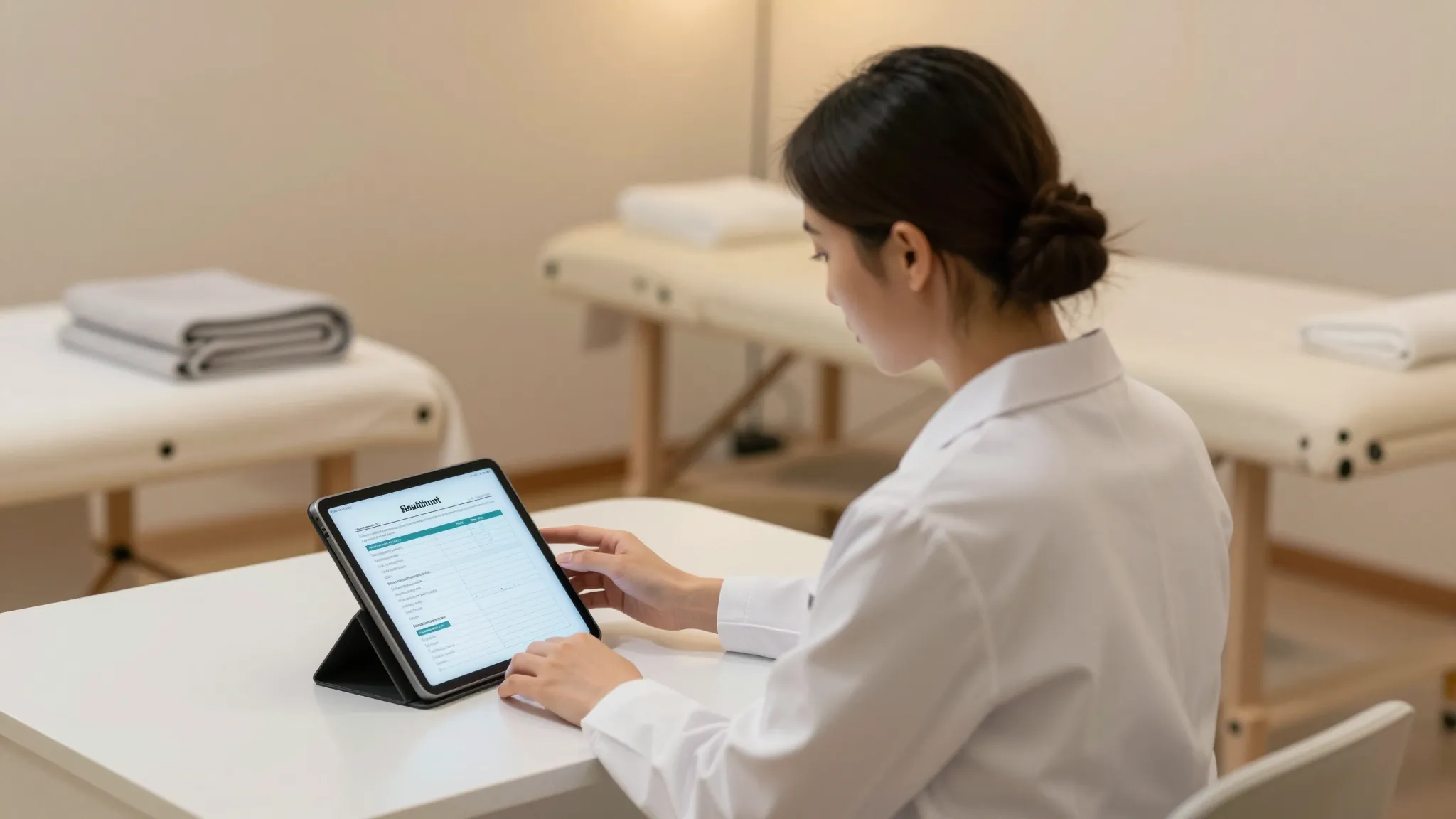
Digital SOAP Notes and Intake Forms for Massage Therapists
Roali (Roy) Biten
Founder, ROXO Hub · April 12, 2026
Replace Your Clipboard for Good
ROXO Hub sends your digital intake form automatically when a client books. They sign before they arrive — you start the session already knowing their health history.
Start Your TrialIn this article
- 1.1. Understand the Liability Risk of Paper-Based Intake
- 2.2. Know What to Include in a Massage Intake Form
- 3.3. Collect Health History and Contraindications Digitally
- 4.4. Write SOAP Notes After Every Session
- 5.5. Store Client Records Securely and Accessibly
- 6.The right tool makes this easier
- 7.Frequently Asked Questions
Digital SOAP Notes for Massage Therapists 2026
A single missed contraindication — blood thinners, a recent surgery, an undiagnosed DVT — can turn a routine 60-minute session into a serious liability incident. Paper intake forms get lost, smudged, or abandoned in a studio you no longer use, and handwritten SOAP notes are nearly impossible to search when a client calls six months later asking what pressure you used on their lower back. Digital documentation protects you legally, speeds up your intake process, and gives you a searchable record that travels with your practice. This guide covers exactly what to include in a digital massage intake form, how to write effective SOAP notes after every session, and how to store client records securely.
1. Understand the Liability Risk of Paper-Based Intake
A paper intake form tucked into a manila folder is not documentation — it is a liability gap. If a client reports an adverse reaction or injury, you need to demonstrate that they disclosed their medical history and signed a consent form before the session began. Paper records can be undated, unsigned, or simply missing when you need them most. Digital intake forms include a timestamp, an audit trail tied to the client's booking, and a legally binding e-signature — all of which are far harder to dispute than a handwritten form.
Beyond legal protection, paper slows you down operationally. Mobile therapists and spa-based practitioners alike spend 5–10 minutes per new client tracking down a clipboard, walking them through the form, and then re-entering details into a separate booking system. That friction disappears when clients complete their intake form on their phone before they arrive — and the completed form lands directly in their client profile, no data entry required.
2. Know What to Include in a Massage Intake Form
A complete massage intake form covers five core categories. Skipping any one of them creates a blind spot that affects both client safety and your legal standing.
- Contact and emergency information: Full name, date of birth, phone, email, and an emergency contact name and number.
- Medical history: Current diagnoses, recent surgeries or injuries within the past 12 months, cardiovascular conditions, skin conditions, and pregnancy status.
- Current medications: Blood thinners, muscle relaxants, anti-inflammatories, topical treatments, or anything that affects circulation, pain perception, or skin integrity. Ask about this on a dedicated line — clients frequently forget to mention medications unless directly prompted.
- Session goals and preferences: Pressure preference (light, medium, or deep), focus areas, areas to avoid, and the primary reason for today's visit (relaxation, injury recovery, chronic pain management).
- Informed consent: A clear statement that the client understands the scope of massage therapy, its risks, and consents to treatment — with an e-signature and a timestamp.
3. Collect Health History and Contraindications Digitally
Health history is the section most likely to surface an absolute contraindication — active DVT, open wounds, fever, or recent chemotherapy — or a local contraindication like a varicose vein cluster or a post-surgical site. Digital forms let you build conditional logic into the intake: if a client checks "yes" to cardiovascular conditions, a follow-up question automatically appears asking them to specify. That kind of branching is impossible on a paper form and reduces the chance of missing a clinically significant detail.
For returning clients, a digital system can display the intake information already on file and prompt the client to confirm or update it before each visit. This creates a timestamped change log — critical if a health condition changes between sessions and a complication arises later. It also respects the client's time: confirming "nothing has changed" takes 30 seconds rather than re-completing a full form from scratch.
4. Write SOAP Notes After Every Session
SOAP stands for Subjective, Objective, Assessment, and Plan. Each component captures a different layer of the session and builds the clinical record you will rely on if a client returns after a long gap or if a question about treatment arises later.
- Subjective: What the client reported — pain level on a 1–10 scale, location, quality (sharp, dull, burning, aching), and any changes since the last session.
- Objective: What you observed or assessed — visible muscle tension, postural deviations, restricted range of motion, scar tissue, or changes in tissue texture.
- Assessment: Your clinical interpretation — which muscle groups were addressed, the techniques used (Swedish, deep tissue, myofascial release, trigger point therapy), and how the tissue responded to treatment.
- Plan: Recommended next steps — follow-up interval, home care instructions (stretches, contrast therapy, postural cues), and focus areas for the next session.
Many state licensing boards require licensed massage therapists to maintain session records for a minimum of five to seven years. Writing a SOAP note immediately after each session — while the details are fresh — takes 3–5 minutes and produces a clinical picture that is genuinely useful when a client returns months later with the same complaint.
5. Store Client Records Securely and Accessibly
Client health data is sensitive regardless of whether you bill insurance. Best practice is to store records in a system that encrypts data at rest, requires authentication to access, and prevents casual sharing. A shared Google Doc, a spreadsheet on a personal laptop, or a stack of paper folders in a bag does not meet that standard.
Accessibility is just as important as security. Mobile therapists and practitioners who split time between locations need to pull up a client's intake form and previous SOAP notes from their phone before a session — not after. A cloud-based system that syncs in real time solves both the security requirement and the access problem simultaneously, and means your client records survive a lost or broken phone.
The right tool makes this easier
ROXO Hub's built-in Forms & Waivers feature replaces every paper clipboard in your practice. You build your digital intake form once inside ROXO Hub, attach it to a service or booking type, and it is automatically sent when a client books — no chasing, no printing, no scanning. Clients sign digitally from their phone, and the completed form is linked to their profile in ROXO Hub's Client Management system alongside their full session history, notes, and waivers.
After each session, you add SOAP notes directly to the client record — accessible from your phone, encrypted, and fully searchable. When that same client books again six months later, you open their profile and see everything: their health history, the notes from their last three sessions, their pressure preferences, and every contraindication they have ever disclosed. That context makes every session safer and more personalised — without adding a single minute of admin time to your day.
ROXO Hub also handles online booking, payment processing (including tap-to-pay with no card reader required), automatic appointment reminders to reduce no-shows, and a built-in website builder — all for $39.99 per month flat, with no per-feature add-ons and no hidden fees.
Frequently Asked Questions
What should be included in a massage therapy intake form?
A complete intake form should cover contact and emergency information, full medical history, current medications, session goals and pressure preferences, and a signed informed consent statement. Medications are frequently overlooked — always include a dedicated field that prompts clients to list anything they are currently taking, including over-the-counter drugs and supplements.
Are digital SOAP notes legally valid for massage therapists?
Yes. Digital SOAP notes are legally valid and are generally considered stronger documentation than handwritten notes because they include automatic timestamps and are harder to alter after the fact. Most state licensing boards accept digital records provided they are stored securely and retained for the required minimum period (commonly five to seven years).
What is the difference between a SOAP note and an intake form?
An intake form is completed once by the client before their first session — it captures health history, medications, preferences, and consent. A SOAP note is completed by the therapist after each session — it documents what the client reported, what you observed and assessed, what techniques you used, and the recommended plan going forward. Both documents belong in the client's permanent record.
Do I need to be HIPAA compliant as a massage therapist?
Most massage therapists who do not bill health insurance directly are not technically covered entities under HIPAA. However, collecting and storing sensitive health information still carries ethical and legal obligations under state privacy laws and professional standards. Using an encrypted, password-protected client management system is best practice regardless of your HIPAA status.
What is a good massage intake form app for solo therapists?
ROXO Hub includes digital intake forms and waivers as part of its $39.99/month platform — no separate subscription or per-form fees required. The forms attach automatically to bookings, clients sign on their phones, and completed forms link directly to each client's profile alongside their SOAP notes and appointment history.
Keep Every Client Record in One Place
Intake forms, SOAP notes, waivers, and session history — all linked to each client's profile in ROXO Hub, searchable from your phone, and secured with encryption.
Try ROXO HubReady to run your business smarter?
Setup takes 15 minutes. No contracts. Cancel anytime.
Roali (Roy) Biten
Founder, ROXO Hub
Disclaimer: The content in this article is provided for informational purposes only. ROXO Hub strives to publish accurate and helpful information, but we make no guarantees about the completeness, reliability, or accuracy of the content. Information may change over time and may not reflect the most current developments. Always conduct your own independent research and consult qualified professionals before making business decisions. ROXO Hub is not liable for any errors, omissions, or outcomes resulting from reliance on this content. Terms of Use.